
The pack
effects2d
function effects2d(): Pack<{ fx: EffectsApi }, {}, {}, { fx?: FxBag }>The effects runtime pack. Exposes game.fx; registers drawer 1 so the backend hands it every run of objects
with a bag, in sorted order; runs the glow pre-pass (effects-glow, after begin, before sprites) and the glow
composite (effects-glow-composite, after effects-glow, backdrops and lighting-under, before sprites, post and screen). Every effect
in FX_EFFECTS is built in. WebGPU and WebGL2 share the same instance data and effect semantics. A fx key in a spawn spec sets the bag at spawn. A timed flash decays in the
effects-2d.decay simulate step. An object without a bag costs nothing.
Helpers
FX_EFFECTS
const FX_EFFECTS: ReadonlyArray<Required<FxDef>>Every effect the bag takes, in the order the page describes them.
REVEAL_SHAPES
const REVEAL_SHAPES: ReadonlyArray<RevealShape>Every RevealShape, for a picker or a check.
Constants
EFFECTS_DRAWER_ID
const EFFECTS_DRAWER_ID: 1The id this pack registers its drawer under.
Types
EffectsApi
interface EffectsApigame.fx.
of(h: Handle): FxBag— The live bag on an object, created empty (and the object handed to this drawer) if it had none. Mutate it freely, but a key written straight into it is only checked at draw and only in dev mode, which throws on a key that is not an effect; in production a misspelt key is simply not drawn.setchecks at once.set(h: Handle, bag: FxBag): void— Replace the object's bag. Throws on a key that is not one ofFX_EFFECTS(the message lists them).clear(h: Handle): void— Drop the bag; the object goes back to the plain sprite path. Safe on an object without one.has(h: Handle): boolean— Does the object carry a bag?readonly available: ReadonlyArray<string>— Every effect key the bag takes, asFX_EFFECTSnames them.readonly drawn: number— Objects drawn through the effects shader last frame.
FxBag
interface FxBagThe effects bag on one object — a STACKING set of modifiers. Mutual exclusion mirrors the look: ONE uv distortion applies (pixelate over glitch over wobble), ONE alpha gate (reveal over dissolve); glow and outline share the halo slot (outline's colour wins); flash and tint share the colour slot (flash wins). Shine stacks with everything: it adds light over whatever the rest of the bag made of the pixels.
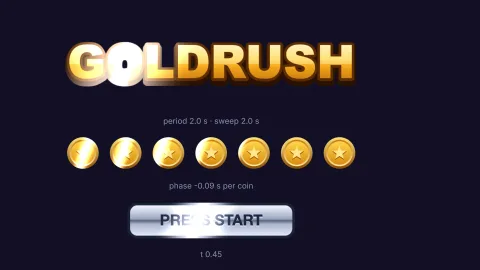
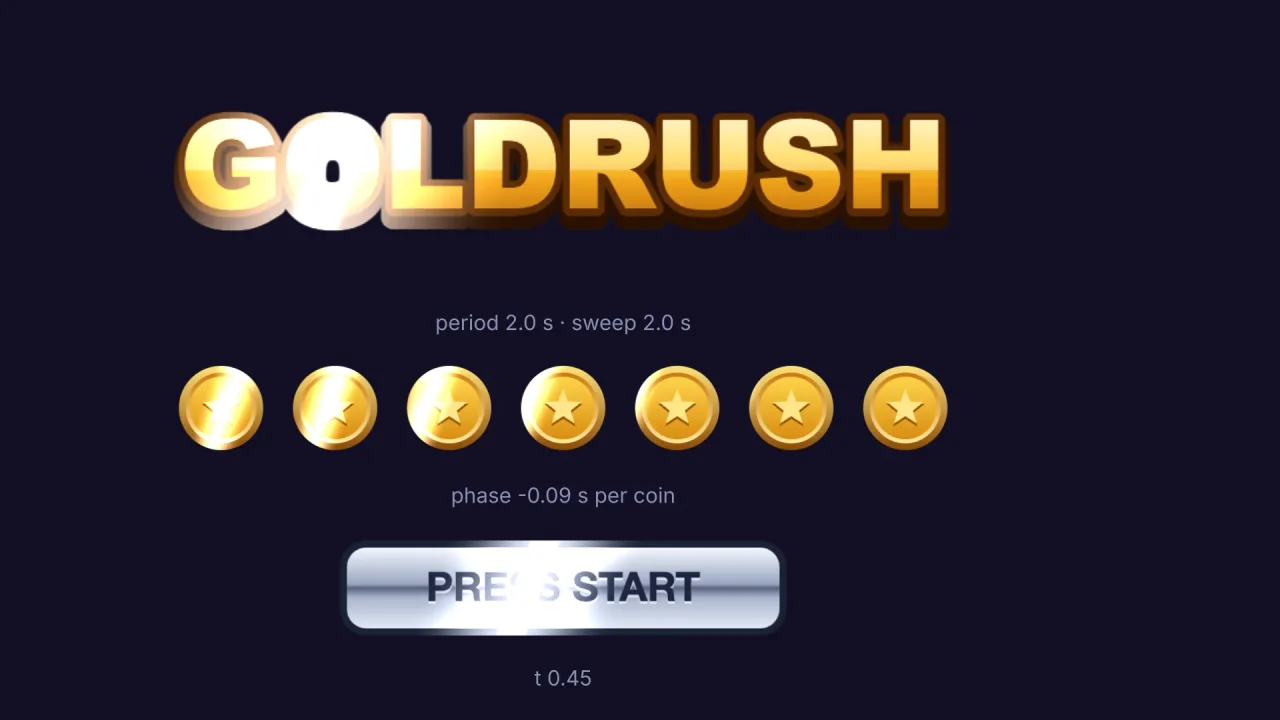
glow?: { color?: string; size?: number }— Soft additive halo around the silhouette (a blurred stamp, half resolution), world-space objects only.colordefault white;sizein world units, default 12.outline?: { color?: string; size?: number }— Solid rim around the silhouette.sizeworld units, default 2; colour default white.blur?: { size?: number }— Gaussian-ish blur of the sprite itself.sizeworld units, default 4.flash?: { color?: string; amount?: number; duration?: number }— Colour over the pixels — hit feedback.colordefault white,amount0..1, default 1. Withduration(seconds) it fades linearly on the sim clock and removes itself; assigning a new flash object restarts it.tint?: { color?: string; colors?: [string, string, string, string]; amount?: number }— Persistent colour overlay: onecolor, or a four-corner gradientcolors: [topLeft, topRight, bottomLeft, bottomRight].amountdefault 0.4.pixelate?: { size?: number }— Chunky-pixel downsample of this sprite only.sizeworld units per cell, default 4.wobble?: { size?: number }— Horizontal band ripple (hologram).sizeworld units, default 3.glitch?: { amount?: number }— Slice offsets plus RGB split.amountworld units, default 6.dissolve?: { t: number; seed?: number; color?: string }— Organic noise dissolve:t0 whole → 1 gone, with a burning edge incolor(default '#ff9a3d').reveal?: { /** Progress 0..1: 0 hidden, 1 shown. */ t: number; /** Run it the other way: 0 shown, 1 hidden. Default false. */ invert?: boolean; /** * 'circle' (the default): a soft circle growing from the centre. 'wipe': a straight soft edge crossing the sprite * at \angle`. 'rect': a box the sprite's shape opening from the centre. / shape?: RevealShape; /* Wipe only: the direction the edge travels, degrees on screen (0 = in from the left, 90 = from the top, 180 = from the right, 270 = from the bottom). Default 0. / angle?: number; /* Wipe and rect: the soft edge's width as a fraction of the sprite's diagonal, 0.001..1. Default 0.06; 0 is a hard (anti-aliased) edge. */ soft?: number; }— A clip that opens the sprite:t0 hidden → 1 shown, exactly, whatever the shape;invert` flips it (0 shown → 1 hidden, the edge moving the same way). The shape is a circle from the centre unless it says otherwise.shine?: { /** Band colour, added over the pixels. Default '#ffffff'. */ color?: string; /** Band width as a fraction of the sprite's diagonal. Default 0.18. */ width?: number; /** Direction the band travels, degrees (0 = left→right; the band itself is perpendicular). Default 20. */ angle?: number; /** Seconds between the starts of two sweeps. Default 4. */ period?: number; /** Seconds one sweep takes to cross. Default 0.8. */ sweep?: number; /** 0..2, how bright. Default 0.85. */ intensity?: number; /** Seconds added to the clock before timing, so two sprites don't shine together. Default 0. */ phase?: number; /** Manual position 0..1 (0 band before the sprite, 1 past it); when set, period/sweep/phase are ignored. */ t?: number; }— A bright band sweeping across the sprite, only where it is opaque (a logo's glint). It repeats: everyperiodseconds the band crosses insweepseconds. Sett(0..1) to drive the band yourself instead (a one-off sweep).
FxDef
interface FxDefOne effect game.fx draws: the bag key and a line saying what it does. effects-2d lists one for each of its keys
under the kernel registry's 'fx' kind, so a pack that draws through it (title-screen) can ask what is there.
name: string— The bag key: 'glow', 'outline', 'flash', 'tint', 'blur', 'pixelate', 'wobble', 'glitch', 'dissolve', 'reveal' or 'shine'.description?: string— One line for the planner's menu.
RevealShape
type RevealShape = 'circle' | 'wipe' | 'rect'The shapes reveal opens a sprite with.