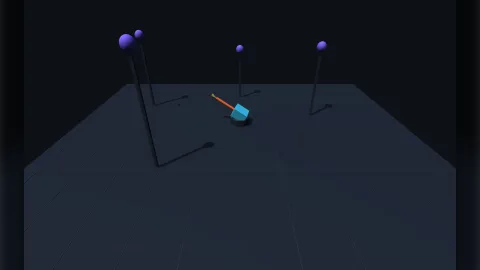

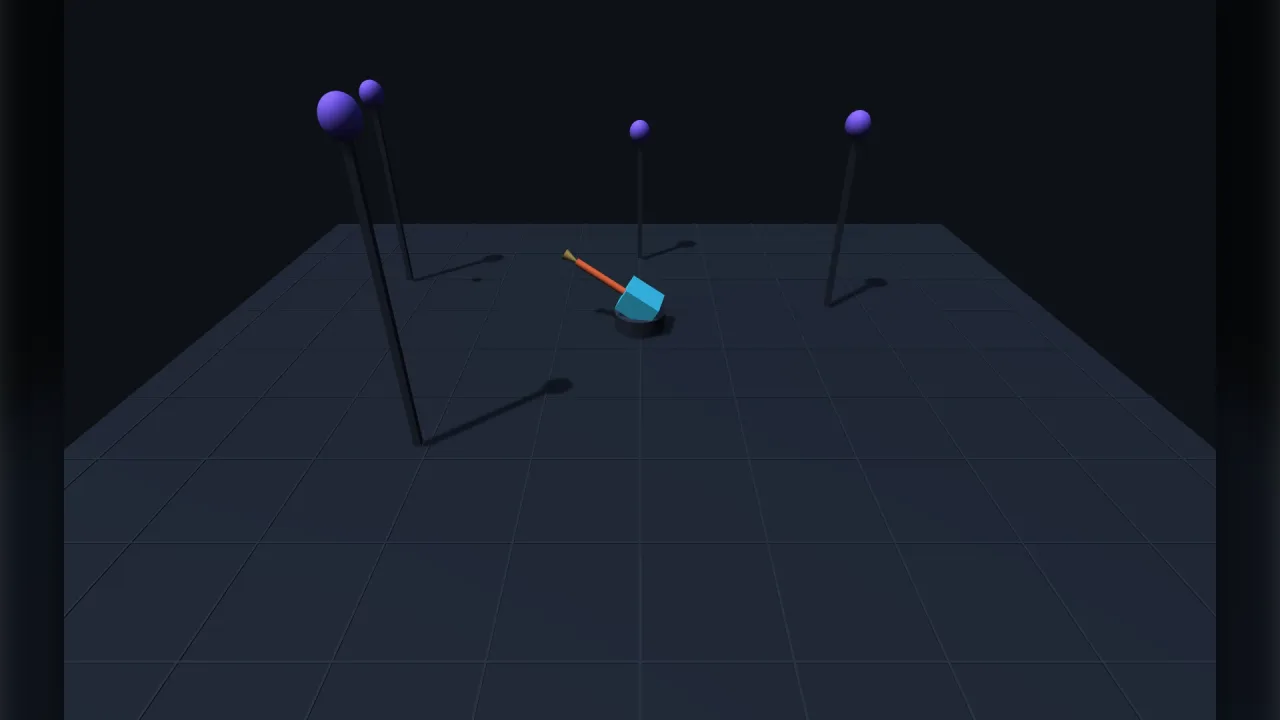
What it does
There are two kinds of pointer control in 3D. Relative controls, such as spinning a model or orbiting a camera, turn by how far the pointer moves. This pack is absolute: it finds where the pointer is as a point in the world and turns each aiming object to face it. That matters more than it sounds. A relative control turning a character reads correctly while the character faces away from the camera and backwards while it faces the camera, because "left" is measured on the screen. Absolute aiming never uses a direction on the screen, so the character walks towards the cursor from any facing.
A screen point is a ray, not a place, so the pack meets it with a surface you choose. 'self' uses the horizontal
plane through the object, so a raised gun aims level rather than at the floor. 'ground' uses the floor, for a
character walking to the spot under the cursor. 'view' puts the point a set range along the pointer's ray, the
only surface that can aim up as well as down, for a turret or a head following the player across the sky. If a
plane is missed, the object holds its facing rather than snapping to a nonsense heading.
Each step every aiming object turns towards the point. turnRate 0 snaps; above 0 it turns at that many radians a
second, always the short way round, slowing to land exactly on the target instead of juddering across it. up and
down limit elevation in plain terms, and a dead zone keeps an object from spinning when the point is right on top
of it.
Features
- Absolute aiming — face the point under the pointer from any facing, behind or in front.
- Three surfaces — level aim at the object's own height, aim at the floor, or a full hemisphere along the view.
- Turn rate — snap, or turn at a set speed by the shortest way and settle cleanly.
- Elevation limits —
upanddownin radians, clamping the target so a barrel stops at its limit. - Tilt — pitch towards the point for turrets and flyers, off for walkers that should stay upright.
- Model offset — a yaw offset for models not built facing forward along +z.
- A fixed target — set
game.aim.atto a world point, or back to null to follow the pointer. - Per-object options — each object added can have its own surface, rate and limits.
Good for
- Twin-stick shooters — the ship turns to face the cursor wherever it is on screen.
- Turret and tower defence games — barrels that track the pointer up into the sky with realistic elevation limits.
- Click-to-move games — a character that turns towards the spot under the cursor and stays upright.
- Characters that look at the player — a head with small elevation limits, tracking a point.
- Top-down 3D action — an aim direction that stays true however the camera is placed.
- Reticles and splash points —
game.aim.pointgives the world position under the cursor for other effects.
Make it yours
Every option, surface, range, turnRate, tilt, up, down, offset and deadZone, can be set for the whole
pack and overridden per object when it is added. A heavy tank turret might aim level with surface: 'self', a slow
turn rate and almost no elevation. An anti-aircraft gun uses 'view', a brisk turn rate, a generous upward limit and
tilt on. A walking hero uses 'ground' and stays upright. Aiming at something other than the pointer, a picked
object or a point on the terrain, is a matter of finding it yourself and setting game.aim.at.
A quick look
A turret aiming over the full hemisphere and a player walking towards the cursor:
game.aim.add(turret, { surface: 'view', up: 1.1, down: 0.35 });  // aims over the full hemisphere
game.aim.add(player, { surface: 'ground', turnRate: 8 });        // walks toward the cursor, stays upright
game.aim.at = { x: 0, y: 4, z: 0 };                              // …or at a fixed point
game.aim.at = null;                                              // back to the pointer
const spot = game.aim.point;                                     // where the cursor is in the world
Works with
world-3d— required; its picking and screen rays find a target on real geometry, and itslookAtturns an object to face a point once.attach-3d— a turret whose base turns flat while its barrel elevates is two objects, the barrel attached to the mount.turntable— the relative control, for an object the player grabs and spins.rig-orbitandrig-fps— relative controls for the camera.
Good to know
- The aim point is a plane hit or a fixed distance along the ray, never the geometry under the cursor; resolve that
yourself and set
game.aim.at. - It writes only yaw and pitch, never roll, so a banking aircraft is the game's own to do.
- One object is one facing: a turning base with an elevating barrel is two objects.
- Headless there is no pointer, so objects hold their facing.