
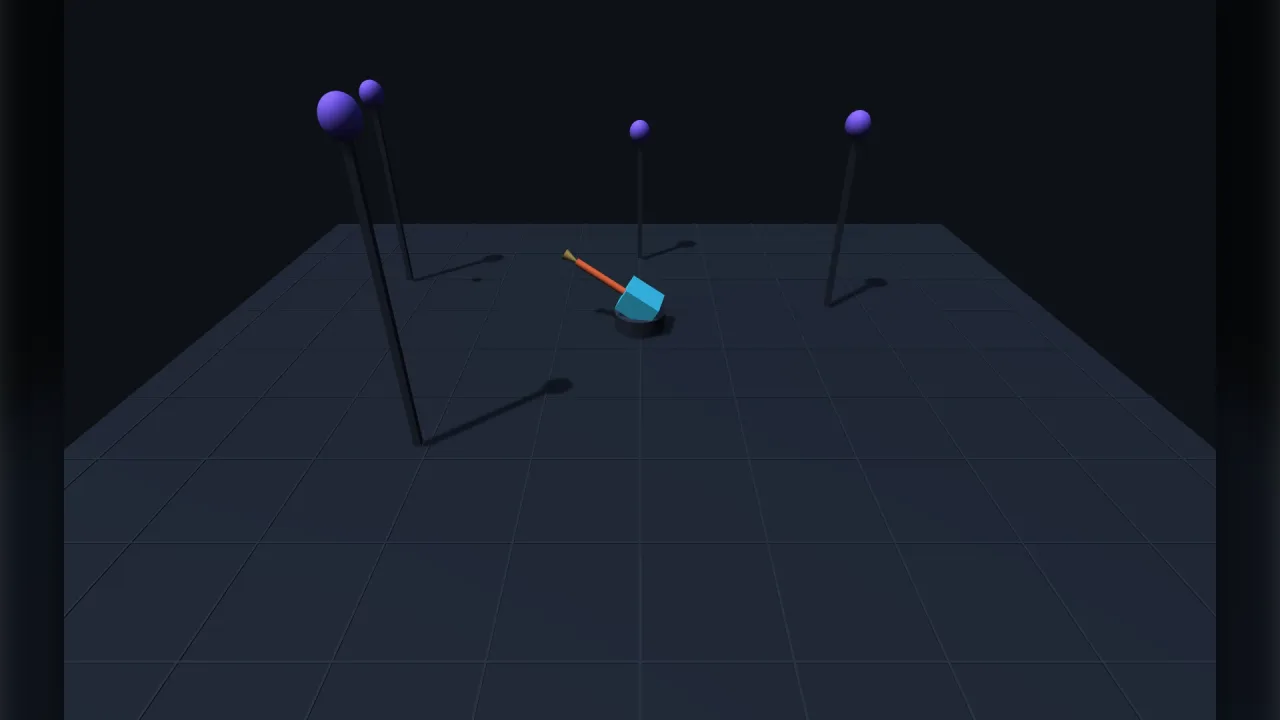
The pack
aim3d
function aim3d(opts: AimOptions = {}): Pack<{ aim: Aim3dApi }>The aim-3d pack: objects turn to face where the pointer meets the world. Requires a 3D world.
Headless, or any step where the pointer resolves to nothing, every object holds its facing.
Types
Aim3dApi
interface Aim3dApigame.aim.
add(h: Handle, opts?: AimOptions): void— Keephfacing the aim point every step. Calling it again re-options it.remove(h: Handle): void— Stop aimingh. It keeps the facing it has.has(h: Handle): boolean— Ishaiming?at: { x: number; y: number; z: number } | null— Aim at this world point instead of the pointer. Set it back to null to follow the pointer again — which is how a game shares one control between mouse and a gamepad-driven cursor or an AI target.readonly point: { x: number; y: number; z: number } | null— Where the pointer last resolved to, or null if it resolved to nothing. Read-only.enabled: boolean— Take the whole pack off and on.readonly count: number— How many objects are aiming.
AimOptions
interface AimOptionsHow one object aims.
surface?: AimSurface— The surface the pointer resolves onto.'self'(default) is the horizontal plane through the object, so it aims level at things at its own height;'ground'is y = 0, for a character walking to the spot under the cursor;'view'is a sphererangefrom the camera, which is the only one that can put the point ABOVE the object and so the only one that aims over the full hemisphere.range?: number— How far from the camera the'view'sphere sits, in world units. Default 20. Ignored otherwise.turnRate?: number— Radians per second the facing may change. Default 0 — snap straight to it. A real character turns: 6 to 10 is brisk, 2 to 3 is heavy. The turn always takes the SHORT way round.tilt?: boolean— Pitch toward the point as well as turning. Defaults to true for'view', where looking up is the whole point, and false for the flat surfaces, where it would only ever tip a walking character.up?: number— How far it may look UP, radians, as a positive angle. Default π/2 — the full hemisphere. A turret with a mount, or a head on a neck, wants a good deal less. Named for what a person means rather than for the sign: pitch is POSITIVE DOWN in this engine, soupclamps pitch at−upanddownclamps it at+down. Every rig here that tookminPitchandmaxPitchmade somebody work that out first.down?: number— How far it may look DOWN, radians, as a positive angle. Default π/2.offset?: number— Added to the computed yaw, radians. Default 0 — for a model built facing something other than +z.deadZone?: number— Hold the facing while the point is nearer than this, in world units. Default 0.05.
AimSurface
type AimSurface = 'self' | 'ground' | 'view'Which surface the pointer's ray is met with to give it a position — and so how much of the sphere the
object can aim over. 'self' and 'ground' are horizontal planes and aim FLAT; 'view' is a sphere
around the camera and aims over the full hemisphere, up and down included.