
The pack
turntable
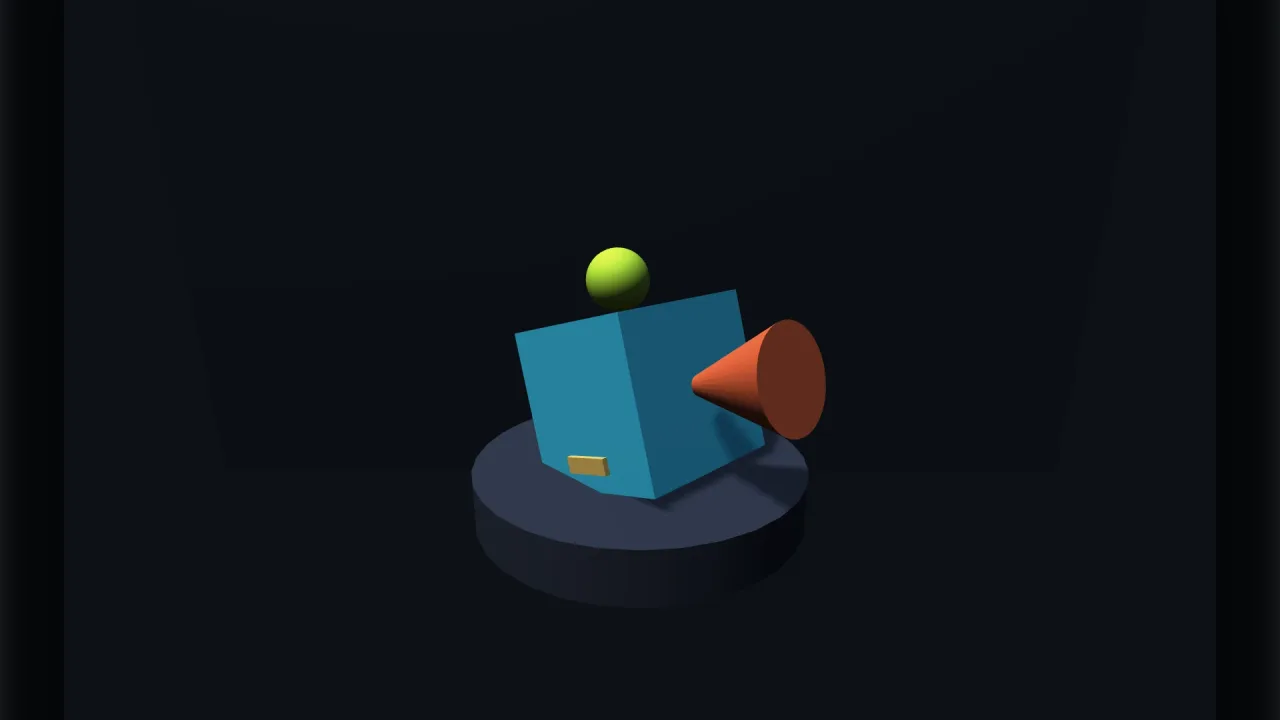
function turntable(opts: TurntableOptions = {}): Pack<{ turntable: TurntableApi }>The turntable pack: drag an object to spin it, flick it to keep it spinning, and let it settle. Requires a 3D world. Headless it does nothing — there is no pointer to read.
Types
TurntableApi
interface TurntableApigame.turntable.
target: Handle | null— What spins. Set it to null to park the control without removing it.yaw: number— Current turn, radians. Writing it moves the object at once.pitch: number— Current tilt, radians, clamped.readonly dragging: boolean— True while a hand is on it.readonly coasting: boolean— True while it is still coasting after a flick.enabled: boolean— Take the drag handling off and on.autoSpin: number— Idle spin, radians/second; 0 is off.reset(): void— Ease back to yaw 0, pitch 0.
TurntableOptions
interface TurntableOptionsHow a turntable behaves.
sensitivity?: number— Radians per pixel dragged. Default 0.01.inertia?: number— Seconds a flick takes to spin down; 0 stops it dead on release. Default 0.7.tilt?: boolean— Allow tilting as well as turning. Default true.minPitch?: number— Lowest tilt, radians. Default −1.2 — short of straight down, where a model reads as upside down.maxPitch?: number— Highest tilt. Default 1.2.autoSpin?: number— Idle spin, radians/second. Default 0 — off.autoDelay?: number— Seconds of no input before the idle spin resumes. Default 2.snap?: number— Snap to this many equally spaced facings on release; 0 is free. Default 0.snapTime?: number— Seconds a snap takes to settle. Default 0.25.enabled?: boolean— Start enabled. Default true.