
What it does
You load a picture, a frame from a TexturePacker atlas by name or a region of a plain image, and say where its
protected margins are: left, top, right and bottom, in the source image's own pixels. Then create makes a panel of
any size from it. In nine-slice mode the four corners keep their size while the edges and centre stretch; in
horizontal or vertical three-slice mode the end caps keep their shape while only the middle stretches, which suits
buttons, tabs and progress tracks.
A panel is a group of ordinary sprites, not a repainted texture. Changing its width, height, position, tint or opacity
with set moves and resizes those pieces with no texture upload and no new space in the atlas, so a panel can animate
its size every frame. Only the frames you select are loaded into the engine's atlas, identical sources share their
tiles, and every piece is owned by its scene and released together when the scene ends or the panel is disposed.
Features
- Nine-slice — protected corners at a
borderScaleyou choose, with stretching edges and centre, or an open frame with no centre. - Three-slice — horizontal or vertical, with end caps that scale with the bar's thickness.
- TexturePacker atlases —
loadAtlasreadstextures[],framesarrays or hashes, with image paths relative to the JSON, CDN URLs included. - Plain images —
loadtakes an image and an optional crop rectangle, with no atlas needed. - Resizing for free —
setchanges size, position, layer, depth, tint and opacity without touching textures. - Atlas resolution —
resolutionrasterises a large source smaller in the atlas, independent of its geometry.
Good for
- Menus and windows drawn in a game's own painted style, at any size.
- Buttons and tabs whose rounded or ornamented ends must stay whole as their labels change.
- Dialogue and speech frames with ornate corners, as the dialogue pack's illustrated frames use.
- Progress tracks and gauges built from painted art, with three-slice caps.
- Responsive layouts where panels resize with the screen.
Make it yours
A source sets its mode, its slice margins, whether a nine-slice frame has a centre (fill), its atlas
resolution, and an optional crop frame. A panel sets its centre position, width and height, borderScale, layer,
depth, alpha, tint, visibility and id. Two different uses: a set of game menus whose windows are blue nine-slice boxes
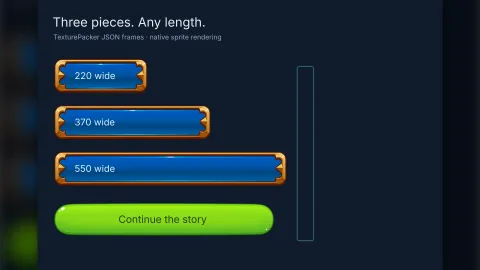
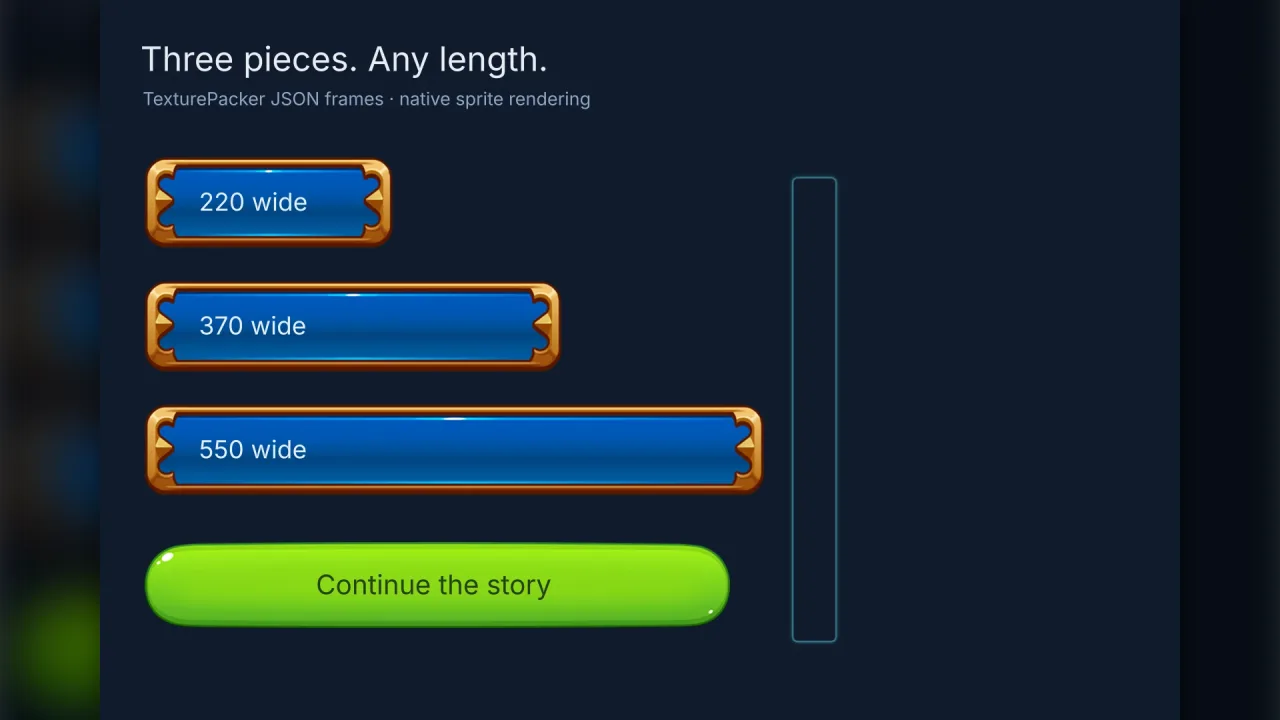
from one atlas, all at different sizes and growing smoothly when they open; and a row of horizontal three-slice
buttons whose ornate end caps stay whole while the middle widens to fit each label, with a vertical three-slice strip
beside them.
A quick look
A frame from an atlas with its margins in source pixels, made into a panel and resized:
const atlas = await game.nineSlice.loadAtlas('/assets/nine-slice.json');
const blue = await atlas.load('blue-box', { slices: [12, 35, 12, 12] });
const panel = game.nineSlice.create({ texture: blue, x: 240, y: 200, width: 320, height: 180, layer: 'hud' });
panel.set({ width: 480, height: 260 });
Works with
world-screen— the screen layers interface panels draw on.dialogue— uses this pack for its illustrated dialogue frames.ui— layout, widgets and themes for a full interface.bars— for meters and progress bars drawn by a shader rather than from art.
Good to know
- Slice margins are not read from the atlas JSON: name the frames there and give their margins in code.
- Rotated or trimmed atlas frames are refused; export them untrimmed.
- Below the size of its caps and margins, a panel compresses its protected margins, so avoid that range when the ornament's proportions matter.
- Headless runs register frames without pixels, so check the look in a browser.