
What it does
The pack registers three real scenes, title, gameOver and pause. game.scenes.go('title') is all a game needs,
and because they are ordinary scenes, everything scene-scoped (timers, objects, steps) is cleaned up as usual. The
title shows a heading, an optional subtitle, a prompt and the best score; the game over says GAME OVER or YOU WIN!
with the score and the best.
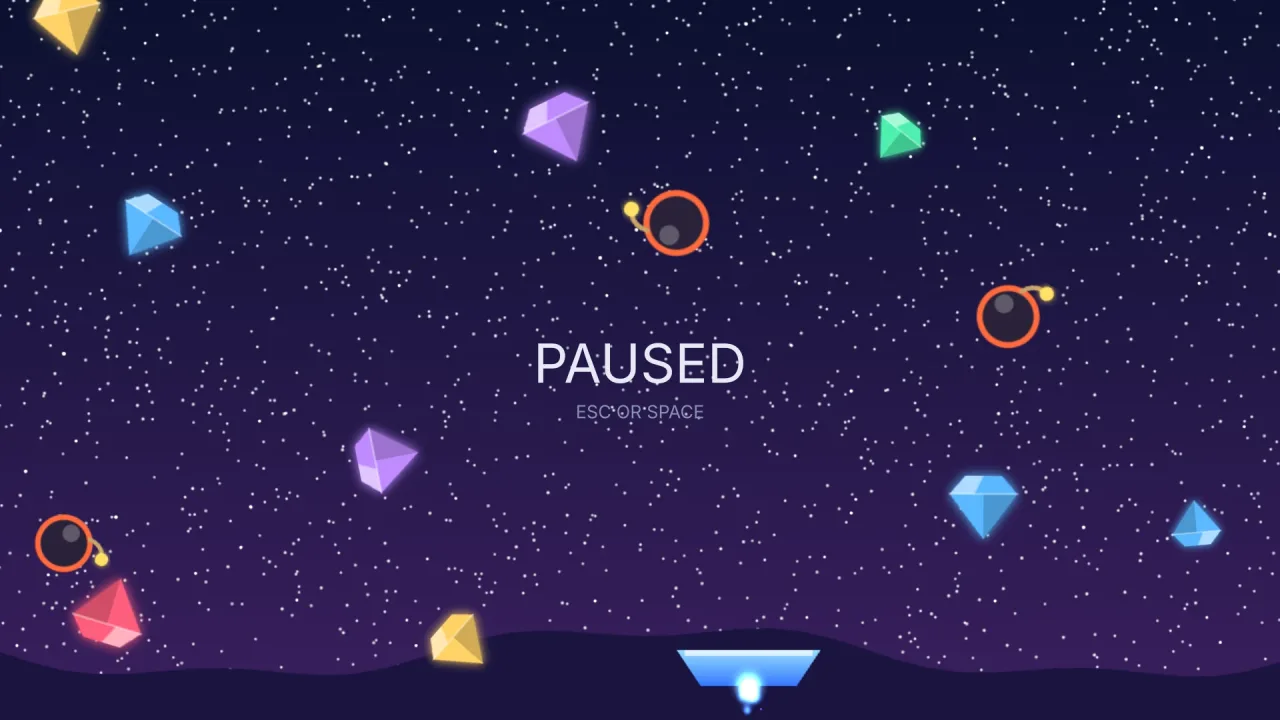
The pause is a push, not a go. The play scene is suspended beneath it: its objects stay on stage, frozen and out
of every query, and its timers are held. A go would throw the game away, and a hidden overlay would let it run on
underneath the menu.
It also takes care of the small bugs that every hand-written version has. The confirm key is read as an edge, so a
scene entered while a key is still down does not leave by that same key, and the player gets to read the game-over
screen. Starting a run zeroes the score. The best score is written through save when that pack is composed, and
lasts the session when it is not.
Features
- Three real scenes — a title, a game over and a pause menu, registered by name and owned like any other scene.
- Score and best —
game.flow.add,scoreandbest, with the best beaten automatically whenever the score passes it. - A frozen pause —
game.flow.pausepushes the pause scene over play and suspends it, and Escape toggles it. - Win or lose —
game.flow.end()for a loss andgame.flow.end(true)for a win, which the game over reports. - Fresh presses only — confirm keys fire on the press, not while held, and a tap works wherever a key does.
- Touch-aware prompts — the title says TAP TO START on a touch device and PRESS SPACE elsewhere.
Good for
- Game jam entries and prototypes, which need to be finishable from the first build without writing menus.
- Arcade-style score chasers, where the loop is title, play, game over and a best score to beat.
- Short casual games that need a pause key and a restart but nothing more.
- Games with their own title screen that still want flow's frozen pause and score keeping.
Make it yours
The heading, subtitle and prompt, the confirm keys and the pause key, the text and dim colours, the layer and the save
key are all options. scenes chooses which of the three to register, and names renames any of them, including the
play scene a start goes to.
Two quite different uses: a small game composes all three scenes with its own heading and subtitle and needs no menu
code at all; a game with its own animated title registers only gameOver and pause, or only pause, and keeps the
score, the best and the frozen pause.
A quick look
The manifest names the pack with its heading, and the game reports score and the end of a run:
// { "id": "flow", "options": { "heading": "DIG DEEP", "subtitle": "how far down can you get?" } }
game.scenes.register({ name: 'play', enter() { /* the game */ } });
game.scenes.go('title');

game.flow.add(10);          // score up
game.flow.end();            // died  → game over
game.flow.end(true);        // won   → YOU WIN!
Works with
typography— required; it draws the words on every screen.save— persists the best score between visits.ui— for real menus, options screens and buttons.title-screen— for an animated title of your own, with flow keeping the pause and game over.scoreboard— for lives, extra lives and a high-score table.
Good to know
- The screens are centred text in the bundled sans-serif font. They make a game finishable, not a finished look; a game that ships usually draws its own and keeps the scenes it does not replace.
- There are no menus, options screen or leaderboard;
uiis the widget set for those. - If your game already registers a scene with one of flow's names, composing it is an error that names the fix:
rename flow's scene with
names, or leave it out ofscenes.