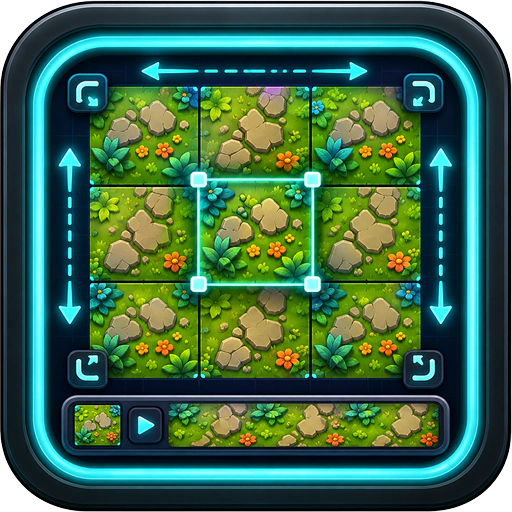
Generates tiling PBR texture sets — the kind of materials you'd otherwise spend half an hour hunting on a stock site, then another half hour making seamless yourself. Type a description, pick a style, and out comes a full set: albedo, normal, roughness, and friends. All tiled, all ready to drop into your game.
It's like having your own miniature Substance Designer that does the heavy lifting for you.
Features
- Text-to-texture. Describe what you want — "weathered stone wall," "rusty metal panel," "alien moss" — and the AI generates a seamless tile.
- Full PBR map set. Albedo (color), normal, roughness, and other channels as appropriate. Phaser can use them; so can any other engine.
- Truly seamless. No visible seams when you tile the texture — the whole point. The result looks right at any tile count.
- Live preview. See the texture tiled in a preview pane before saving. Tweak the prompt, regenerate, repeat.
- Save to VFS. The full texture set lands in
/assets(or wherever you point it) as a tidy bundle. - Multiple windows. Generate several sets in parallel — terrain, walls, props — without waiting on one to finish before starting the next.
What you walk away with
- A complete tiling material set you can use immediately as a wall, floor, terrain, prop surface, or whatever else benefits from a repeating texture.
- A massive time saving over hunting + cleaning up stock textures by hand.
- Materials that feel coherent because they came from the same prompt and style.
This tool earns its keep the first time you skip a half-day art detour and just keep building.
Heads up: generating textures uses credits — they pay for the AI compute upstream. The cost shows up before you commit, so no surprises.