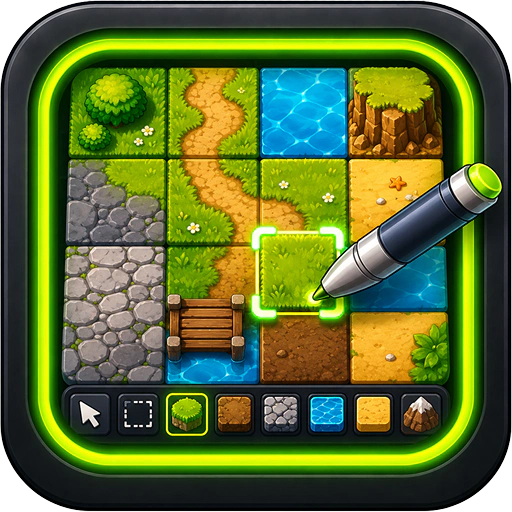
Build worlds, one tile at a time. The Tilemap Editor is a multi-layer 2D level designer with all the modern conveniences — stamp painting, fill, multi-tile selection, collision layers — and it exports straight into Phaser as a tilemap your game can load.
If you've ever spent an evening in Super Mario Maker or RPG Maker, this'll feel familiar. If you haven't: prepare to lose a few evenings.
Features
- Multi-layer editing. Background, terrain, decorations, collision — stack as many layers as you like and toggle visibility per layer.
- Tile palette. Load a tileset image, slice it to your tile size, and paint from a swatch grid.
- Painting tools. Single tile, rectangle, fill bucket, eraser, multi-tile selection for stamping patterns. Standard level-design moves.
- Grid + camera controls. Zoom in to pixel-prod a single tile, zoom out to see the whole level. Snap-to-grid is on by default.
- Phaser-ready export. The saved file is a typed bundle Phaser can load directly — no conversion step, no separate file format wrangling.
- Load existing maps. Re-open any tilemap you've saved (or one created in another tool with the same format) and pick up where you left off.
- Cross-tool drops. Drag a tileset PNG from File Explorer or Pixel Artist straight into the editor.
- Multiple windows. Edit several maps side by side — useful when you're designing connected rooms or levels that share a tileset.
What you walk away with
- A saved tilemap bundle in your VFS, ready to drop into any Phaser project.
- Levels that look hand-crafted because they are hand-crafted — just without the pain of editing tile indices in JSON by hand.
- A reusable level format your future self (and any collaborators) can keep building on.
Tilemaps are how games like Celeste, Stardew Valley, and basically every Metroidvania got built. You're in good company.