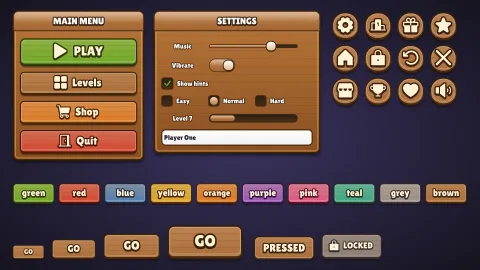

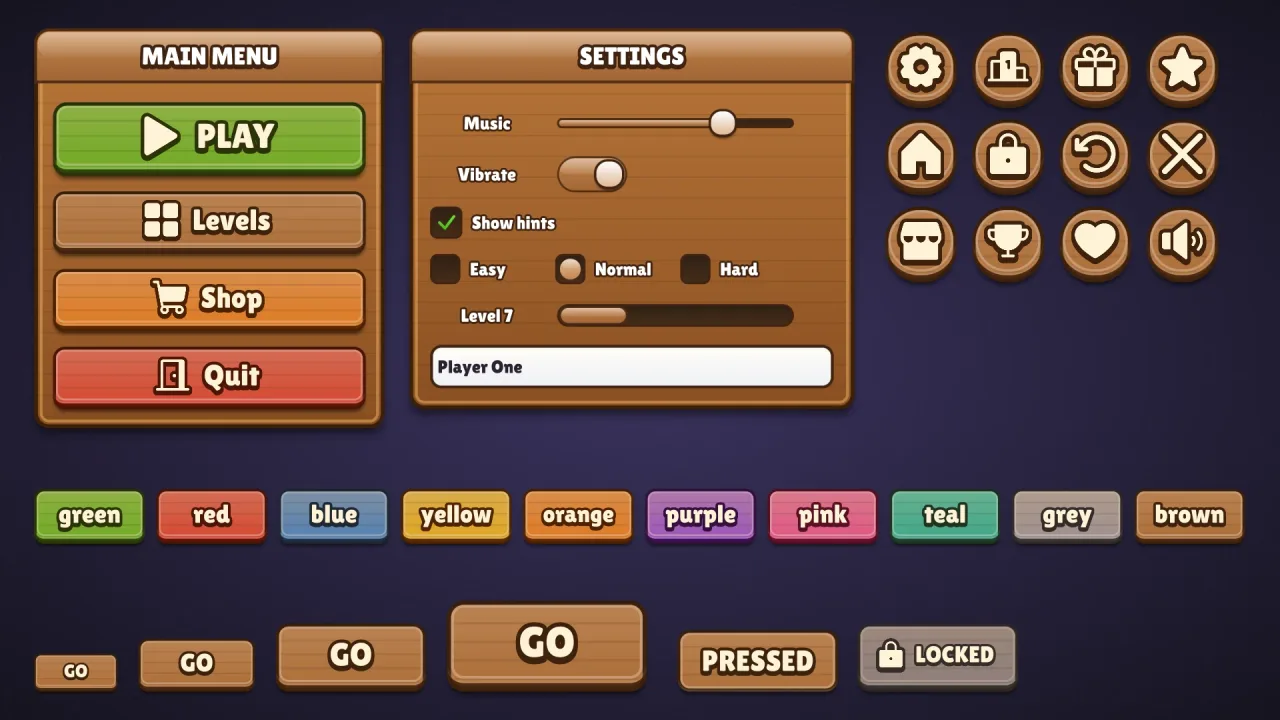
What it does
Set game.ui.theme = 'wood' and every widget the ui pack draws wears it: buttons in every colour, round icon
buttons, windows and title bars, sliders, toggles, progress bars, checkboxes, radios, text fields and lists. A button
is a plank, its colour mixed into the brown of the wood and its grain drawn as fine lines, with a dark rim, a lighter
inner frame, a soft bevel and a lip. Its caption is cream, stroked and extruded in a dark brown ink. Windows are oak
planks in a dark rim with a light inner line. It is style data, not images, and one button style fits every height.
Features
- Plank buttons — drawn grain, a dark rim, a light inner frame, a bevel and a 6 px lip at the 64 px design height.
- Stained colours — every named colour as tinted wood, plus
good,warn,badandflat. - Burnt-in captions — cream Lilita One with a dark stroke and drop.
- No texture needed — the grain is a procedural pattern, generated by the shader, not a picture.
- Plank windows — with a matching speech box for dialogues.
Good for
- Farm and village games, with signboard menus.
- Pirate and adventure games with plank buttons and signs.
- Medieval games, with plank menus and cream lettering.
- Lean builds that want wood without a texture generated at startup.
Make it yours
The options are color (brown by default), surface for panels, grooves and boxes (a warm brown), accent for title
bars, slider fills, knobs, dots and selected rows, radius (12, or 'pill'), depth (6), roles, extra colors and
designHeight; the material has no trim. Keep plain brown oak for a medieval tavern, or stain the buttons green with
yellow accents for a farm game's market stall.
A quick look
// manifest: … typography, ui, ui-skins, ui-skin-wood
game.ui.theme = 'wood';
game.ui.button({ text: 'PLAY', style: 'good', icon: 'play', onClick: start });   // sized to its caption and icon
game.ui.button({ h: 72, icon: 'settings', style: 'icon' });                     // the round icon button
game.skins.use({ material: 'wood', color: 'pink', name: 'pink-wood' });     // another colour, live
Works with
ui-skins— required; the generator andgame.skins, overuiandtypography.ui-skin-timber— painted wood with real grain fromui-texture-wood, and glossy accents.
Good to know
- The window body is always oak planks; the colour options stain the buttons and change the title bars, panels and accents.
- The options recolour and reshape the look but do not change it; for another, compose another skin.
- Lilita One comes from the CDN when the skin is first chosen, and covers Latin, Greek and Cyrillic.
- The caption stroke and extrusion redraw the text: fine on buttons, wasteful on a label rewritten every frame.
Changes
3.0.0-3 (2026-10-21)
- Fixed: the skin's font, Lilita One, loads a re-baked copy with fewer specks at sharp corners and where strokes cross, which showed in large titles and buttons.