
What it does
The pack paints one picture, ui-texture-wood, when it attaches. It cuts the tile into planks, each its own tone, with
a seam and a lit lip at the top of each board, a shadow along its bottom and an end joint where it butts against the
next. Long grain of uneven weight wavers along the boards, with fine grain and fibres between, and a few knots gather
the grain round a darker heart. The tile wraps both ways with no visible join, and it is grey around a mid tone, so
under the ui pack's default 'overlay' mode a blue fill is blue-stained timber and a brown one is oak. A ui style
names it with texture: 'wood', and a sprite can use the picture directly.
Features
- Planks and seams — boards with lit lips, shadows and end joints, or run together with no seam.
- Grain and knots — heavy and fine grain, fibres, and knots that bend the grain round them.
- Tiling and grey — repeats both ways with no join, and takes any stain from the style.
- Generated, not downloaded — painted once at startup;
woodTexture()gives the same RGBA bytes for tools and tests.
Good for
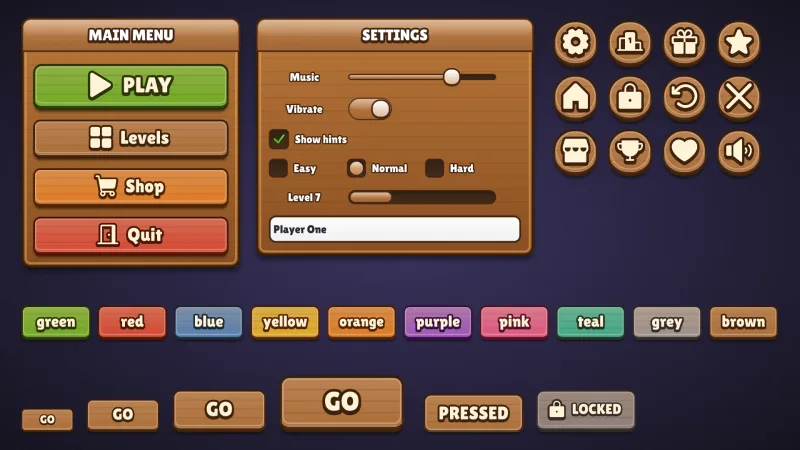
- Wooden panels, signs and buttons in farm and village games.
- Pirate, medieval and adventure games, for wooden menus and signs.
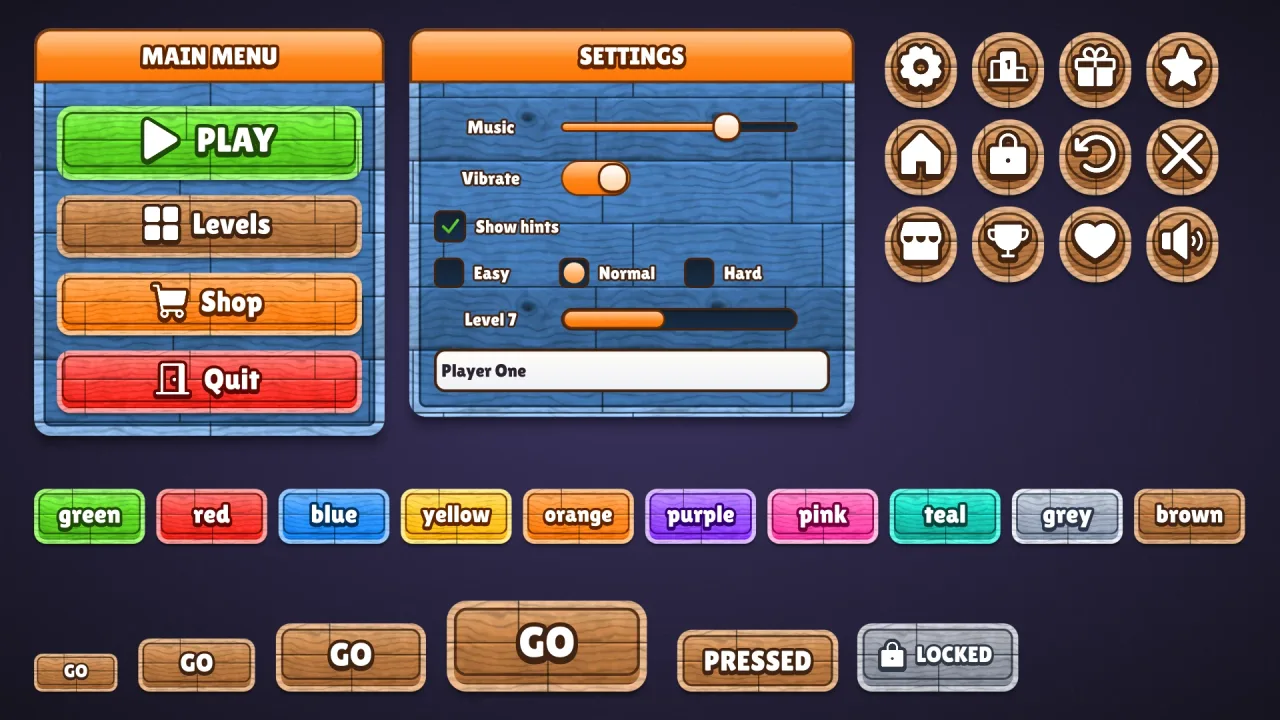
- A casual UI kit's cartoon blue wood, under a blue fill.
- Sprites and backgrounds that need planks.
Make it yours
The options are name (the picture is ui-texture-<name>), size (the tile's side, 256 px), planks (across one
tile, 3), grain (0 to 1, 0.7), knots (per tile, 2), seam (px, 3; 0 runs the planks together) and seed, which
changes the boards but not their kind. A style then sets textureScale, textureStrength, textureAngle,
textureMode and textureOn. Three seamed planks under brown make an oak sign; one board (planks: 1, seam: 0,
knots: 0) with light grain, turned with textureAngle, makes a smooth painted panel.
A quick look
// manifest: … ui, ui-texture-wood
game.ui.panel({ w: 320, h: 200, style: { fill: '#3d8fe0', texture: 'wood', textureScale: 160, border: 4, borderColor: '#1d4f8f', textureOn: 'all' } });
game.spawn({ texture: 'ui-texture-wood', width: 128, height: 128 });   // or as a sprite
Works with
ui— reads it through a style's texture field.ui-skin-timber— a whole painted-wood skin over this grain, which requires it.ui-skin-wood— wooden buttons with a drawn grain, when no texture is wanted.ui-texture-paperandui-texture-stone— the other generated textures.
Good to know
- One texture per pack; for a second cut in the same game, paint
woodTexture()'s bytes under another name yourself. - It is generated on the main thread: a few tens of milliseconds at 256 px, four times that at 512.
- It is grey only, so under
textureMode: 'image'it shows as grey. - The atlas has no mipmaps, so keep
textureScalenear the texture's size or it shimmers in motion. Headless, the picture stays blank.