
What it does
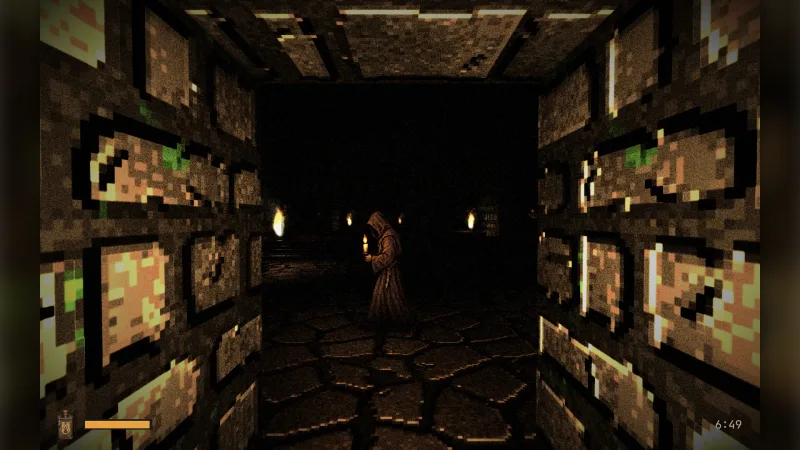
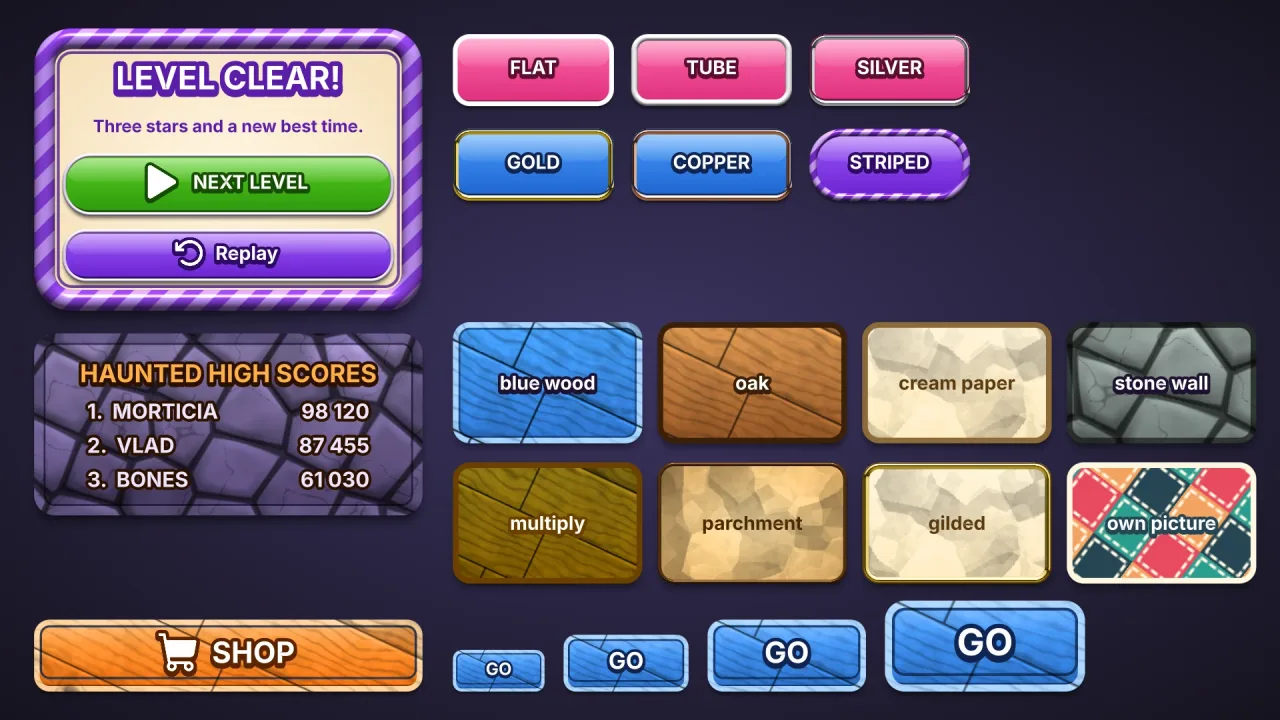
The pack paints one picture, ui-texture-stone, when it attaches. It lays out irregular slabs, one per cell, each in
its own tone and worn rough, with a bevel that lights its upper edge and shades its lower one, cracks that grow with the
weathering, and dark mortar sunk between them. The tile wraps both ways with no visible join, and it is grey around a
mid tone, so under the ui pack's default 'overlay' mode the fill colour tints it. A ui style names it with
texture: 'stone', and a sprite can use the picture directly. A game carries it only when it composes the pack.
Features
- Slabs in mortar — irregular stones, each its own tone, with sunken joints between.
- Bevels and cracks — lit upper edges, shaded lower ones, and cracks where it is worn.
- Tiling and grey — repeats both ways with no join, and takes any colour from the style.
- Generated, not downloaded — painted once at startup;
stoneTexture()gives the same RGBA bytes for tools and tests.
Good for
- Halloween and graveyard skins, with tombstone signs and haunted menus.
- Crypts and dungeons in RPGs and dungeon crawlers.
- Castles, for stone menus and signs.
- Sprites and backgrounds that need a stone wall.
Make it yours
The options are name (the picture is ui-texture-<name>), size (the tile's side, 256 px), stones (slabs across
one tile, 4), mortar (the joint's width, 4 px), weathering (0 to 1, 0.5) and seed, which changes the slabs but
not their kind. A style then sets textureScale, textureStrength, textureAngle, textureMode and textureOn. With
stones: 2 and little weathering under warm grey it is a castle's big, clean slabs; with stones: 8 and heavy
weathering under green-grey it is a crumbling crypt.
A quick look
// manifest: … ui, ui-texture-stone
game.ui.panel({ w: 320, h: 200, style: { fill: '#6f7a72', texture: 'stone', textureScale: 200, border: 4, borderColor: '#2a302c' } });
game.spawn({ texture: 'ui-texture-stone', width: 128, height: 128 });   // or as a sprite
Works with
ui— reads it through a style's texture field.ui-texture-woodandui-texture-paper— the other generated textures, for planks and paper.
Good to know
- One texture per pack; for a second cut in the same game, paint
stoneTexture()'s bytes under another name yourself. - It is generated on the main thread: a few tens of milliseconds at 256 px, four times that at 512.
- It is grey only, so under
textureMode: 'image'it shows as grey. - The atlas has no mipmaps, so keep
textureScalenear the texture's size or it shimmers in motion. Headless, the picture stays blank.