
What it does
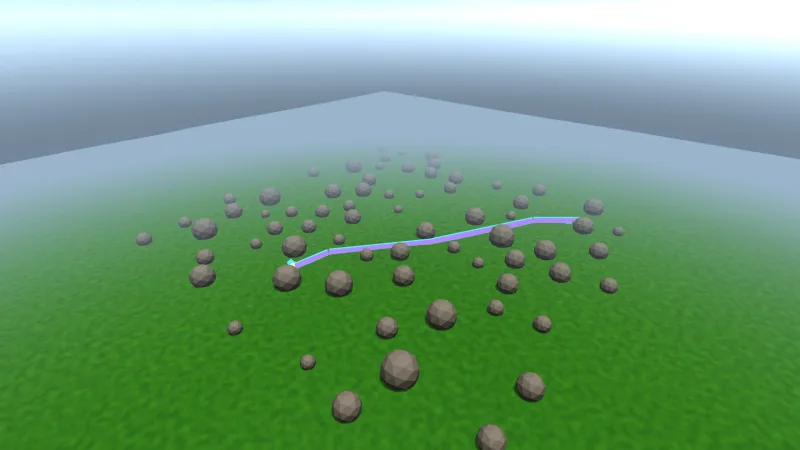
game.beams.add gives a lighting-3d spot light a visible shaft. From then on the shaft reads the light's position,
aim, cone, reach and colour every frame, so you aim, move or recolour the light and the beam follows, and it dies with
the light. Any look field you set on the beam becomes its own, so a shaft can be shorter than the light reaches. For a
shaft that follows nothing, game.beams.at places one with its own position, yaw and pitch, and sweeping it is a
matter of changing its dir each frame.
A beam is a plain cone built in the vertex stage from a few numbers, with no mesh and no draw of its own: every beam in the world goes out in one instanced draw. It is additive, brightest down the core where both walls of the cone add up, soft at the silhouette and fading along its length. It reads the scene's depth and fades out a set distance before a solid, so where a searchlight meets the ground or a headlight meets a wall, the shaft melts into it instead of cutting through.
Features
- Shafts that follow lights — position, aim, cone, reach and colour read from a spot light every frame, until you set a field of the beam's own.
- Shafts placed by hand —
atwith a position, yaw and pitch in the same angles as a light's, live to change. - A live look —
length,cone,colorandintensityon every beam, readable and settable at any time. - Dissolves into solids — fades
softworld units before the opaque scene, depth-tested so nearer solids hide it. - One instanced draw — no mesh and no per-beam draw, however many beams there are.
- Global controls —
strengthover every beam's intensity,softandenabled, live or as pack options.
Good for
- Lighthouses and searchlights sweeping fog or a prison yard at night.
- Torches and flashlights in caves, cellars and horror games, where the beam shows where the player looks.
- Night driving, with headlight cones in rain and mist.
- Stage and concert lighting, with coloured shafts swinging over a crowd.
- Dark scenes that must stay readable, where seeing the shaft tells the player where a guard or a turret is looking.
Make it yours
Each beam's length, cone, color and intensity can be set when it is made or changed later, and a following
beam can take some fields from its light and set others itself. The pack's options set soft, how far ahead of a
solid shafts begin to dissolve, strength, a multiplier over every beam, and enabled.
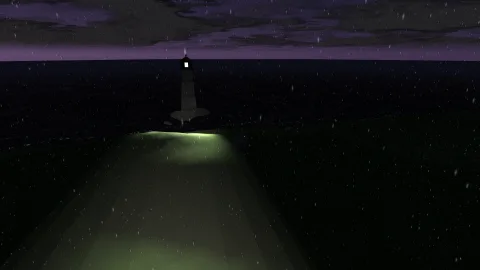
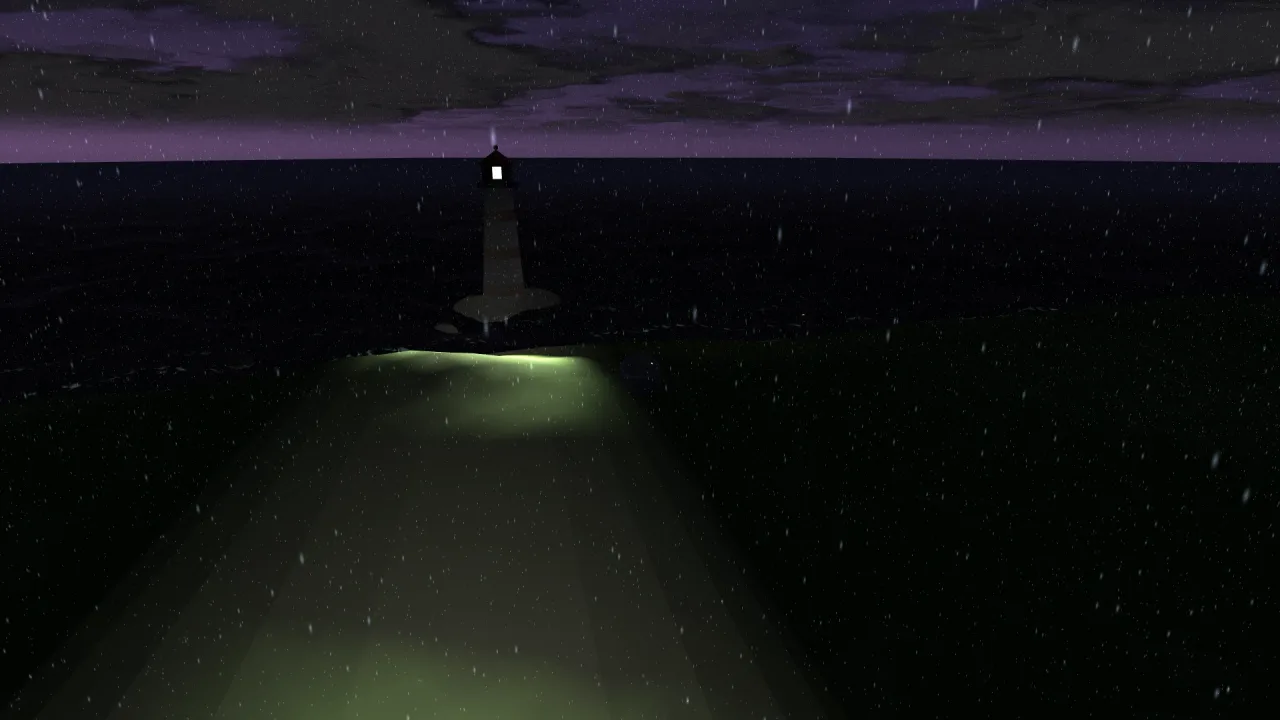
Two different uses: a ring of guards' torches whose shafts follow their spot lights as they patrol a dark courtyard, each a short warm cone that dies when its guard does; and a lighthouse with one long, narrow, pale beam placed high on the cliff and swept round by turning its yaw a little every frame.
A quick look
A shaft that follows a spot light, and a lighthouse beam placed by hand and swept:
const lamp = game.lights.add({ x: 0, y: 9, z: 0, radius: 24, cone: 18, color: '#ffe7b0', pitch: 70 });
const shaft = game.beams.add(lamp, { intensity: 0.6 });
const beam = game.beams.at({ x: 0, y: 30, z: 0, dir: 0, pitch: 0.15, length: 120, cone: 0.06, intensity: 0.5 });
game.step('lighthouse', dt => { beam.dir += 0.8 * dt; });
Works with
render-3d— required: the shafts draw into its colour target and read its depth.lighting-3d— the spot lights a beam follows; a beam placed by hand does not need it.god-rays-3d— for sunlight broken by geometry, such as shafts through a window or between trees.
Good to know
- A beam is a plain cone with no scattering along its length, no shadows and no fog: a beam through a grate is a solid cone.
- It ignores the light's own intensity and flicker, so animate
beam.intensityto match a flickering torch. - It dissolves only against opaque depth, so a beam behind glass or water does not fade against it.
- Light cones in
lighting-3dare given in degrees, while every beam's cone is in radians. - 3D only, on a WebGPU or WebGL2 backend.