
Phaser AE

Graveyard stone texture

Free packv3.0.0-12DLook

Weathered slabs in sunken mortar, bevelled, rough and cracked, as a tiling texture for `ui` panels and buttons or any sprite. It is painted in grey when the game starts, so the style's colour makes it a crypt wall, a tombstone or a castle, and nothing is downloaded.

This is a Free pack. Every phaser.io account can use it in their games.

Released October 18, 2026 · updated October 19, 2026

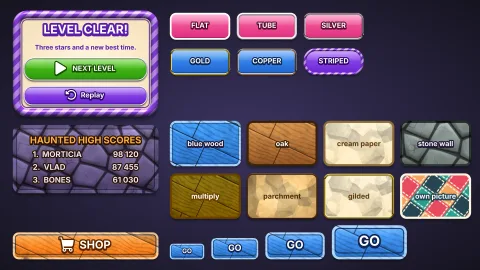
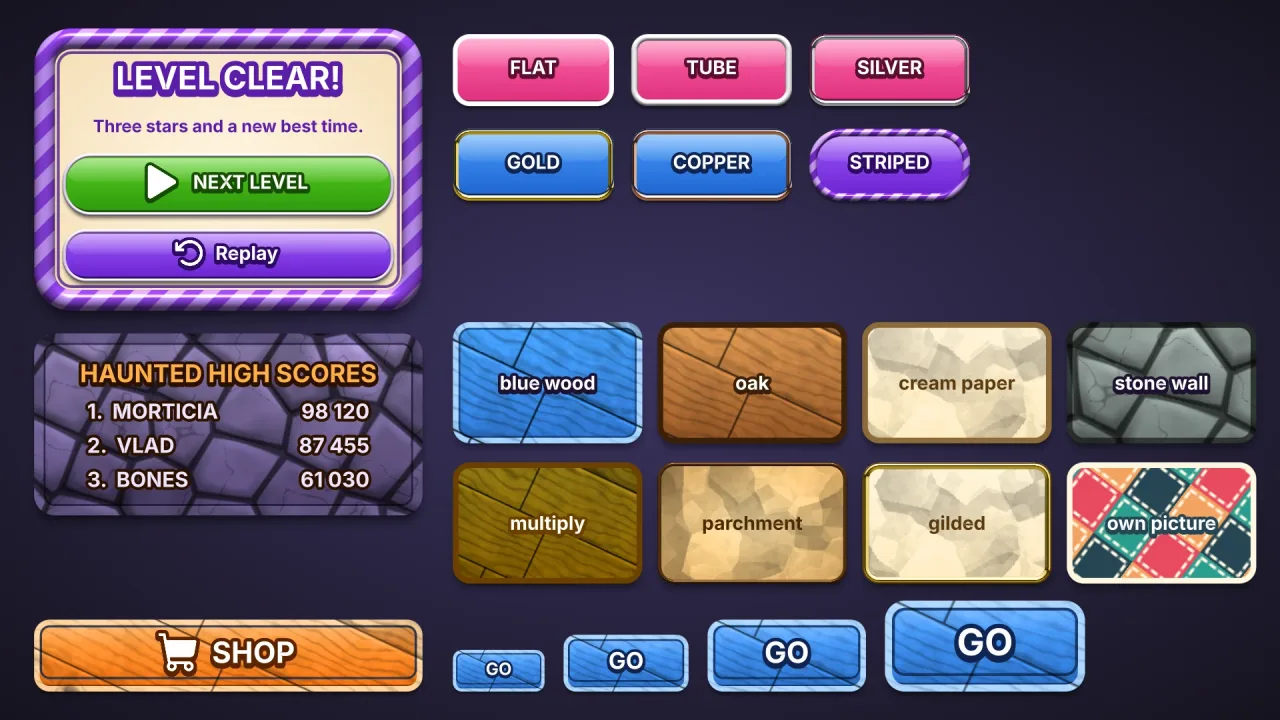
Graveyard stone texture: a screenshot of its demo
A note about these graphics

Expansion packs don't come with graphics. This screenshot is one way of drawing what the pack does, made for its demo: none of the sprites, tiles or backgrounds in it are in the pack.

That's by design. A pack is a game's logic, mechanics and effects, and it works with whatever art you give it. Some packs draw effects, backdrops or 3D scenes of their own, but none carries a game's sprites.

So the look is yours. Make the art on phaser.io, bring your own, or let your agent draw it in code: the same pack can look like anything.

The pack

uiTextureStone

function uiTextureStone(options: UiTextureStoneOptions = {}): Pack<{}>

Pack ui-texture-stone: paints the graveyard-stone texture once, as the picture ui-texture-stone (or ui-texture-<name>), for a ui style's texture: 'stone' — or any sprite's. Needs no other pack.

Helpers

stoneTexture

function stoneTexture(options: UiTextureStoneOptions = {}): { size: number; data: Uint8ClampedArray<ArrayBuffer> }

The stone as RGBA bytes, size × size, grey around a mid tone so a style's colour tints it, tiling seamlessly both ways. Pure and deterministic: the same options give the same pixels.

Types

UiTextureStoneOptions

interface UiTextureStoneOptions

How the stone is laid. Every field optional.

  • name?: string — The picture is ui-texture-<name>, and a style says texture: '<name>'. Default 'stone'.
  • size?: number — The tile's side, px. Default 256.
  • stones?: number — Slabs across one tile. Default 4.
  • mortar?: number — The mortar between them, px. Default 4.
  • weathering?: number — How cracked and worn, 0..1. Default 0.5.
  • seed?: number — Changes the slabs without changing their kind. Default 1.