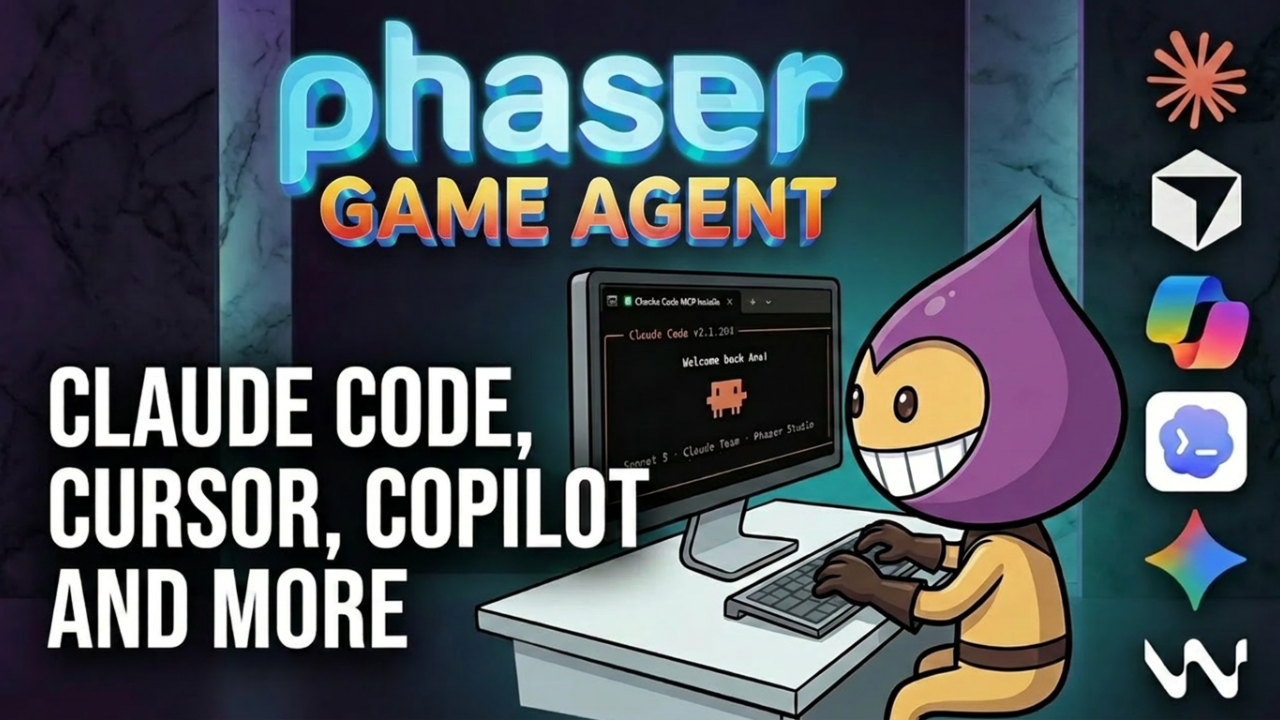

The Phaser Game Agent has a new way to build games. Instead of using the web interface, you can now wire it up to the AI coding tool you already use and build complete Phaser games, with code, art and sound, directly from your agent. The setup takes one command.
Which AI Coding Tools Work with the Phaser Game Agent
The Phaser Game Agent MCP server is compatible with:
- Claude Code
- Cursor
- Copilot
- Codex
- Gemini CLI
- Windsurf
How to Set Up the Phaser Game Agent MCP Server
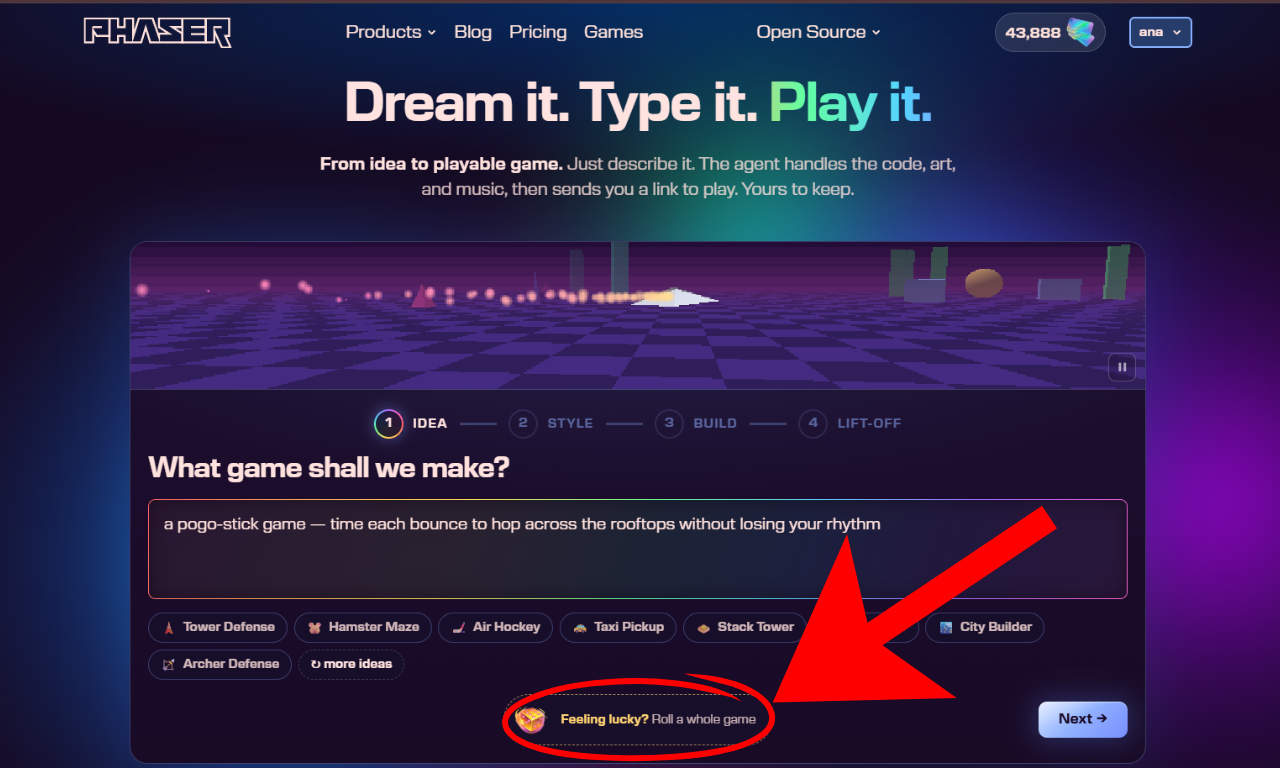
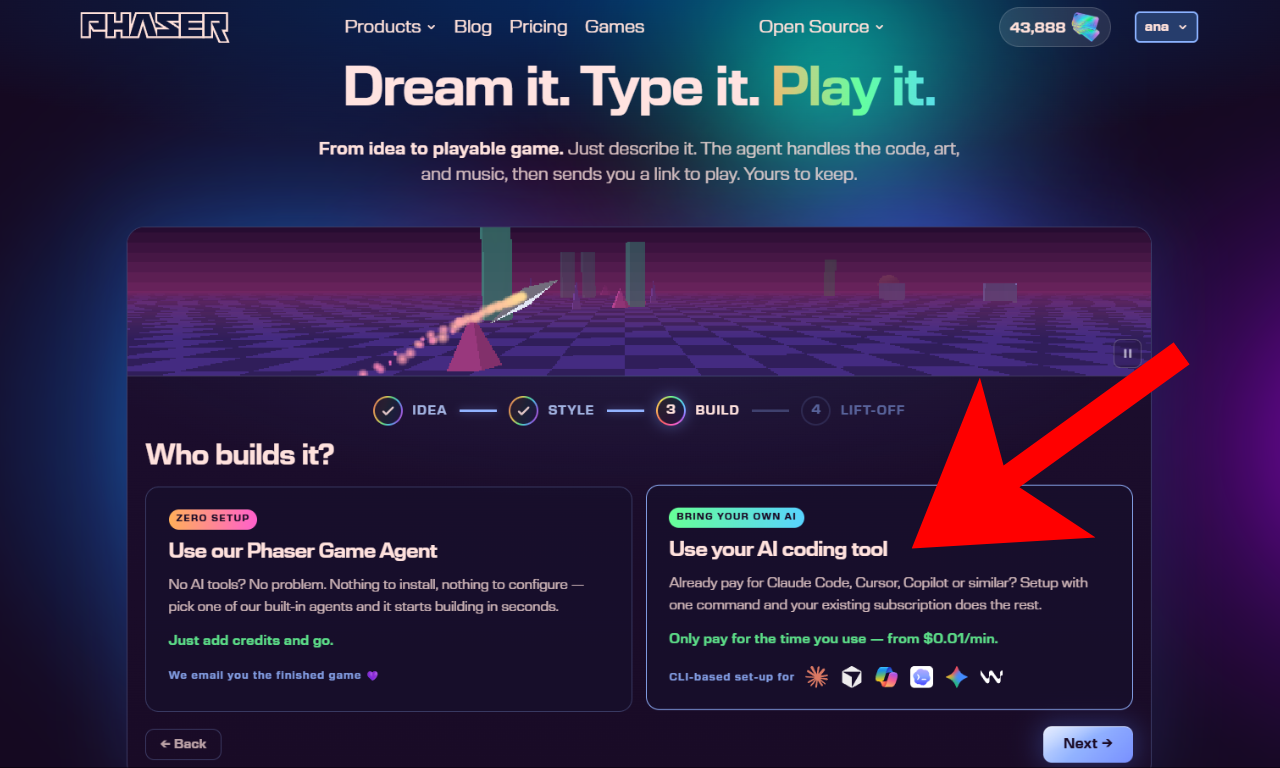
1. Go to phaser.io and click Feeling lucky? on the home screen. On the next screen, select Use your AI coding tool and click Next.
2. Copy the setup prompt and paste it into your agent. It installs the CLI globally (requires Node.js), detects your installed coding-agent CLIs, signs you in via the browser, and writes the MCP config automatically.
Once it's done, tell your agent to restart.
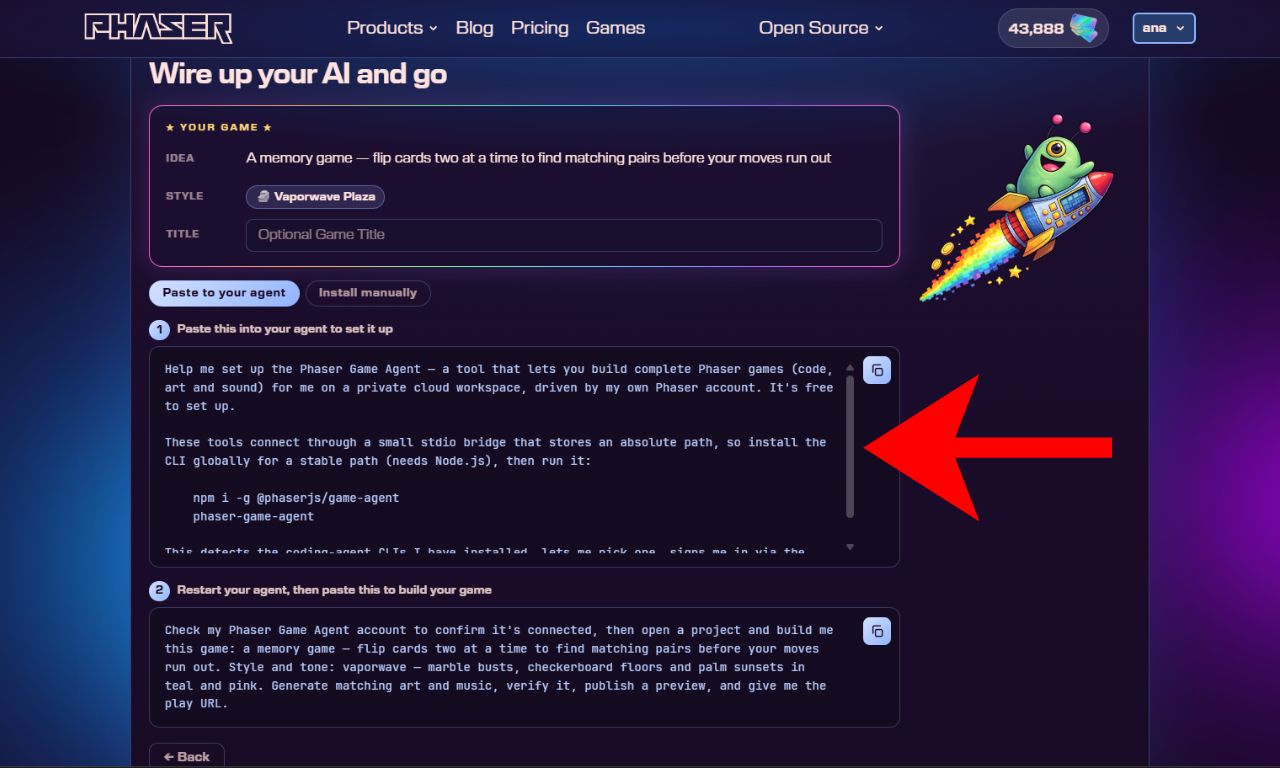
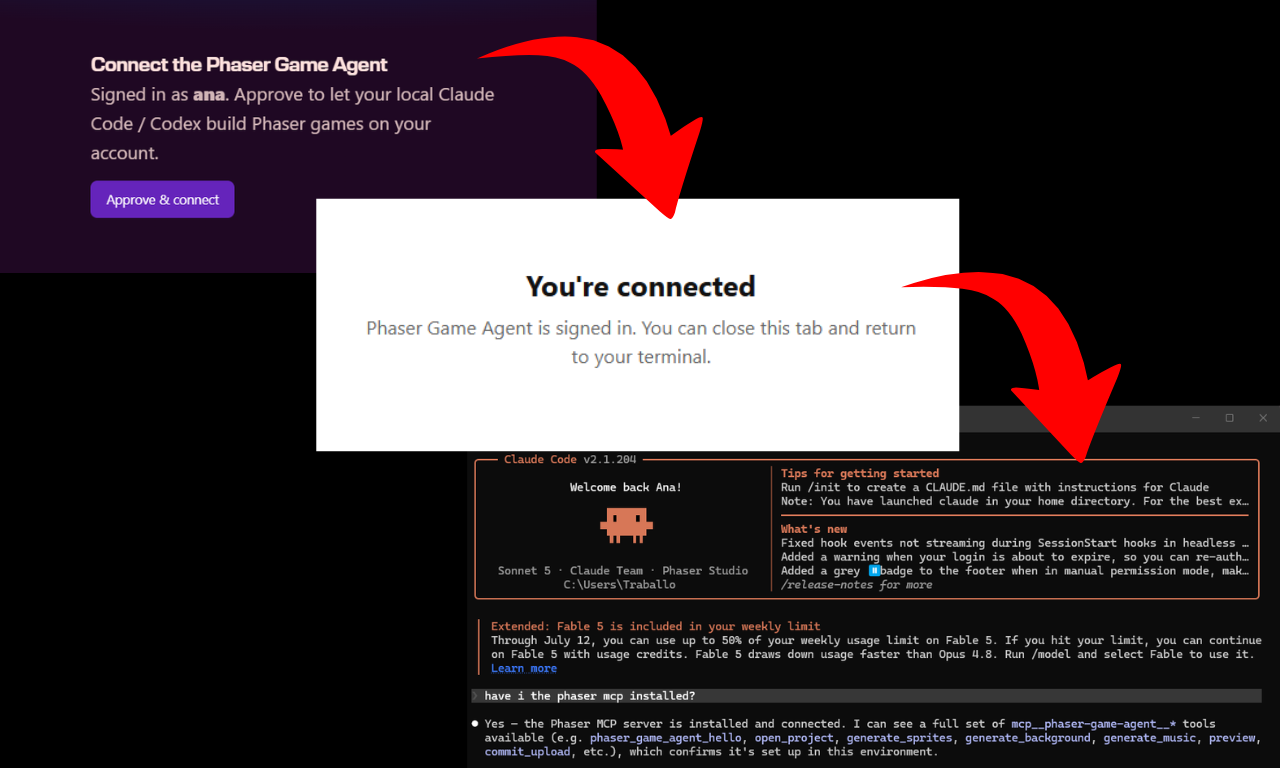
3. After restarting, paste the second prompt to build your game. Your agent will confirm the connection, open a project, generate code, art and music, publish a preview, and give you the play URL.
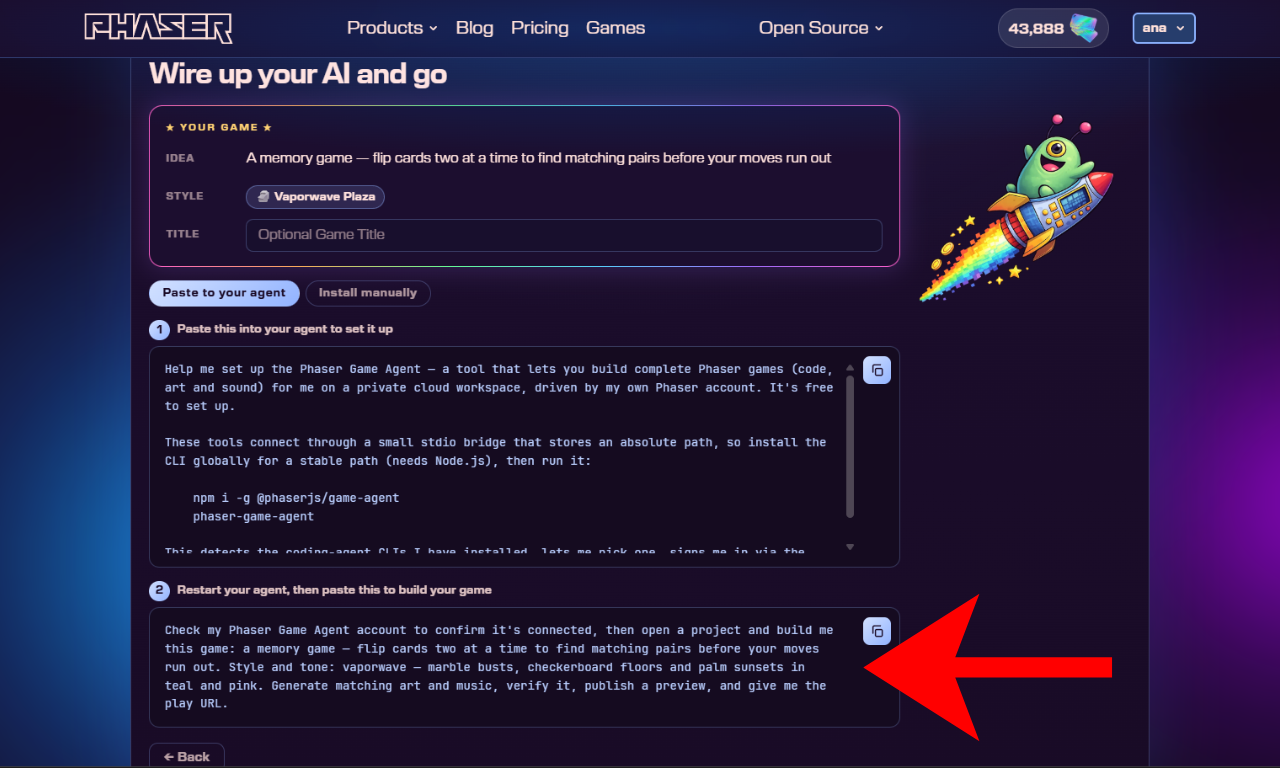
The setup is free. You only pay for build time, from $0.01 per minute, charged to your Phaser account.
What the Phaser Game Agent Builds for You
Once connected, your agent can build a complete Phaser game from a single description. You tell it what you want to play. It generates the code, creates matching art and music, verifies the result, publishes a preview, and sends you the play URL. You don't need to write code, create assets, or set up a local environment.
Games are built on a private cloud workspace tied to your Phaser account. Every game you build belongs to you, with a shareable link you can send to anyone. And when you're ready to take it further, you can export it for Web, Windows, macOS, or Linux and host or distribute it wherever you like.
Get Started with the Phaser Game Agent
Free to set up. Works with the AI coding tool you already pay for.