BENNE: A Point-and-Click Adventure Engine Built on Phaser 4 and TypeScript
A VS Code extension, a script language that reads like a screenplay, and crisp pixel-perfect scaling out of the box.
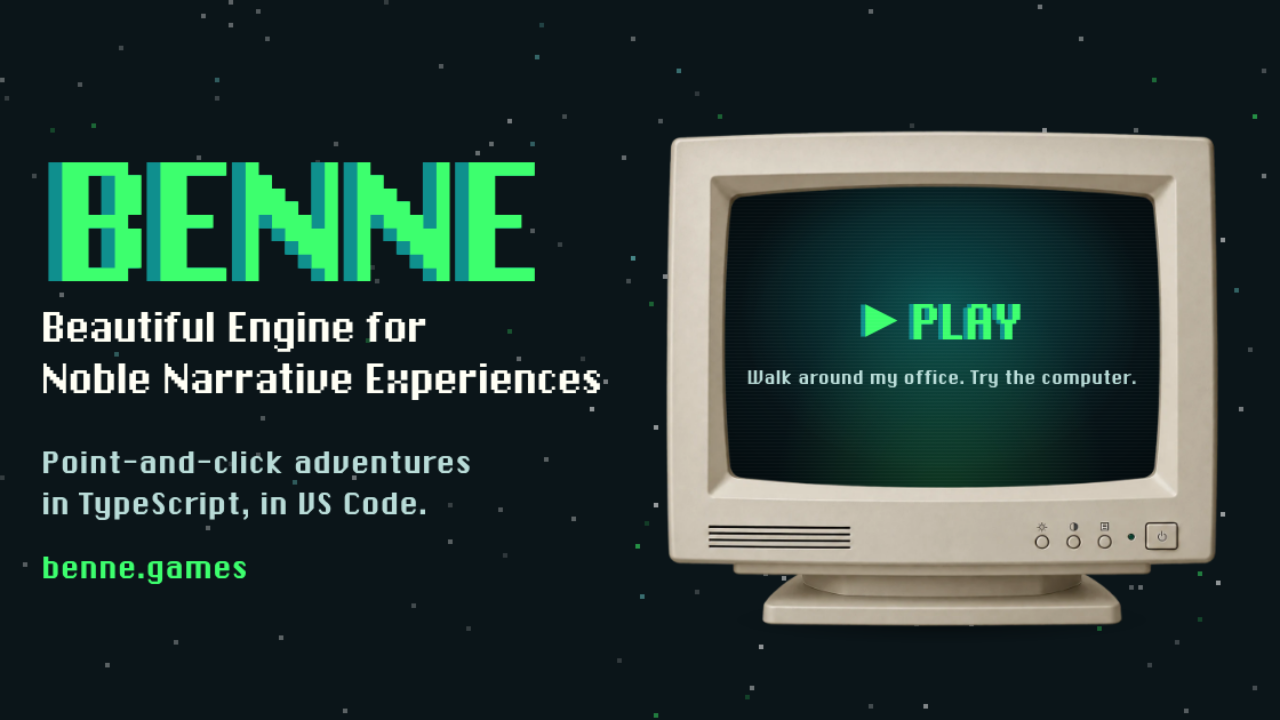
BENNE is a modern, web-based engine for point-and-click adventure games by Bennethon, built on Phaser 4 with a TypeScript core and a Vite-powered workflow. It runs in any modern browser, and it is aimed at developers who love the feel of classic adventures but want modern tooling and a clear architecture.
You may already have met it indirectly: Hank Steele and the AI Apocalypse, the retro adventure Bennethon made in 14 days for a game jam, was the first game built with BENNE. You can also try a playable demo on the BENNE homepage.
What Is BENNE? A Point-and-Click Adventure Engine for the Web
BENNE gives developers a complete framework for rooms, characters, inventory, dialogs, and custom interfaces, so they can focus on story, puzzles, and atmosphere instead of reinventing input systems, rendering pipelines or save and load logic. Moving between rooms is handled by the engine, including the screen fades, the cleanup of the previous room and the enter and leave hooks.
The interaction model is the classic one: a verb plus a target, with an optional inventory item for "use this on that". The engine also covers dialog trees with state tracking, characters that follow each other, perspective scaling and tinting by region, cutscenes and screen fades, and persistent saves that restore the world exactly as it was.
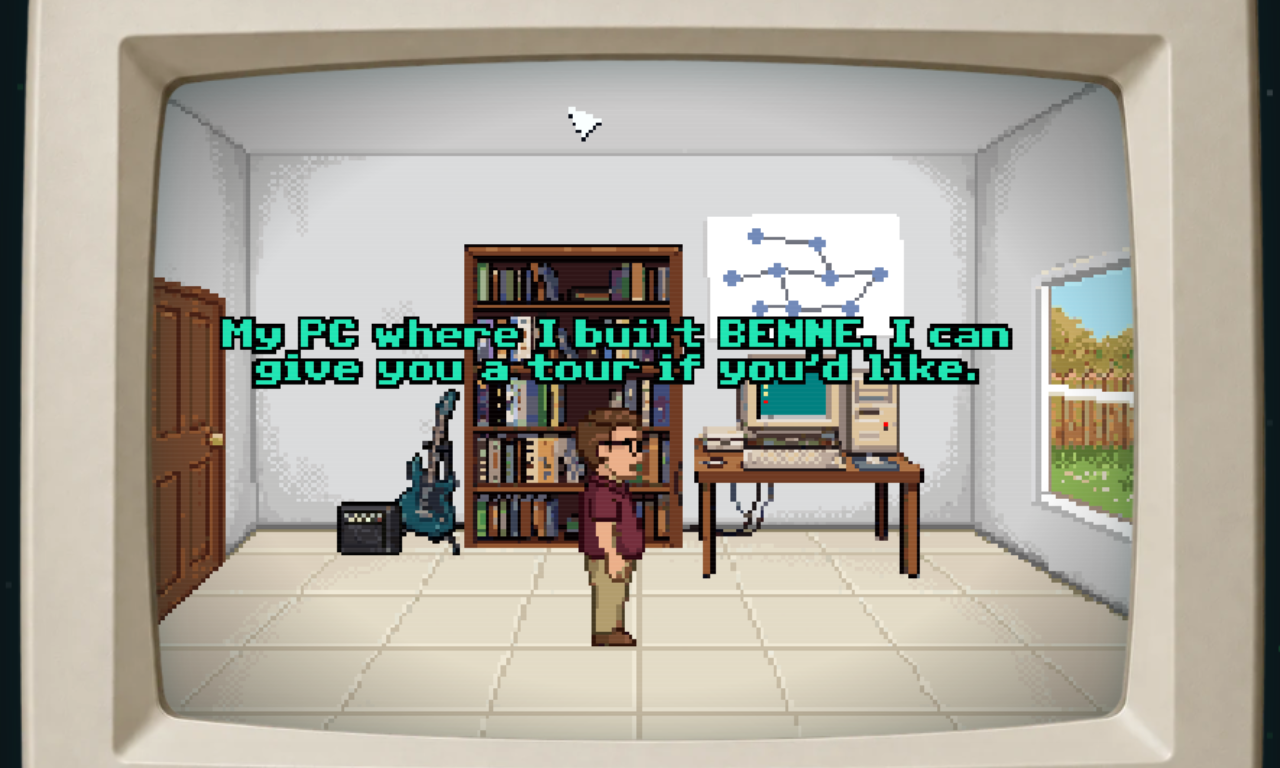
An Opinionated Engine for Crisp Retro Adventures
BENNE makes deliberate choices to keep the result consistently crisp:
- Aseprite art pipeline: characters, props, cursors, and interface elements are authored as Aseprite sprite sheets with tagged animations, and other import workflows are on the roadmap
- Bitmap fonts only: for perfect pixel alignment and an authentic retro feel
- Low internal resolutions: games are designed around classic sizes, from 320x240 up to 640x480, with crisp integer or near-integer scaling
- Polygon-based world geometry: walkable areas, hotspots, regions, and colliders are polygons instead of tile maps
- Editor-first authoring: deep VS Code integration is part of the intended workflow
BenneScript and the VS Code Editor
Game logic is written in BenneScript, which is TypeScript where each line waits for the one above it. Walking, speaking, waiting, animations and fades finish before the next line starts, so a scene reads from top to bottom like a screenplay, with no await or callbacks. Dialogue is written as Hank: "Hello!", and every room, prop, item, and sound is a typed, autocompleted name generated from your content.
BENNE ships as a single product: the BENNE Editor extension for Visual Studio Code, which bundles the engine, the editor tooling, the live previews and a set of starter templates. You get live room previews, polygon editing, inspectors for characters, interfaces and inventory, and a "Play from this room" option to test a puzzle without replaying the game from the start. New games can start from a nine-verb template, a two-click template or a blank project.
Flexible Verbs, Interfaces and Publishing
Within those boundaries, BENNE is deliberately open. You can define any verb set you want, from a nine-verb bar to a two-button scheme or something nobody has tried yet, and a JSON-driven interface system supports buttons, sliders, checkboxes, list boxes, text inputs and custom controls. Because the whole engine is written in TypeScript, you can extend or replace subsystems and add custom shaders or post-processing effects.
Sound is covered too: music, sound effects, voiced dialogue and video cutscenes are all named and autocompleted. When you are ready to ship, there is one command for an itch.io browser build and another for a Windows desktop build.
BENNE is MIT licensed. You will need Visual Studio Code 1.106 or newer and a current Node.js LTS release, and Aseprite is recommended for the art. The documentation, including a guide to BenneScript, is at benne.games.
Explore BENNE
Read the introduction to see how the engine works, or jump straight into BenneScript to learn how scenes are written. The homepage also has a playable demo.