Sprite Fusion Is Building a Pixel Art Generator for Game Developers
Hugo Duprez is training his own pixel art model, now generating professional sprites and animations. Still work in progress.
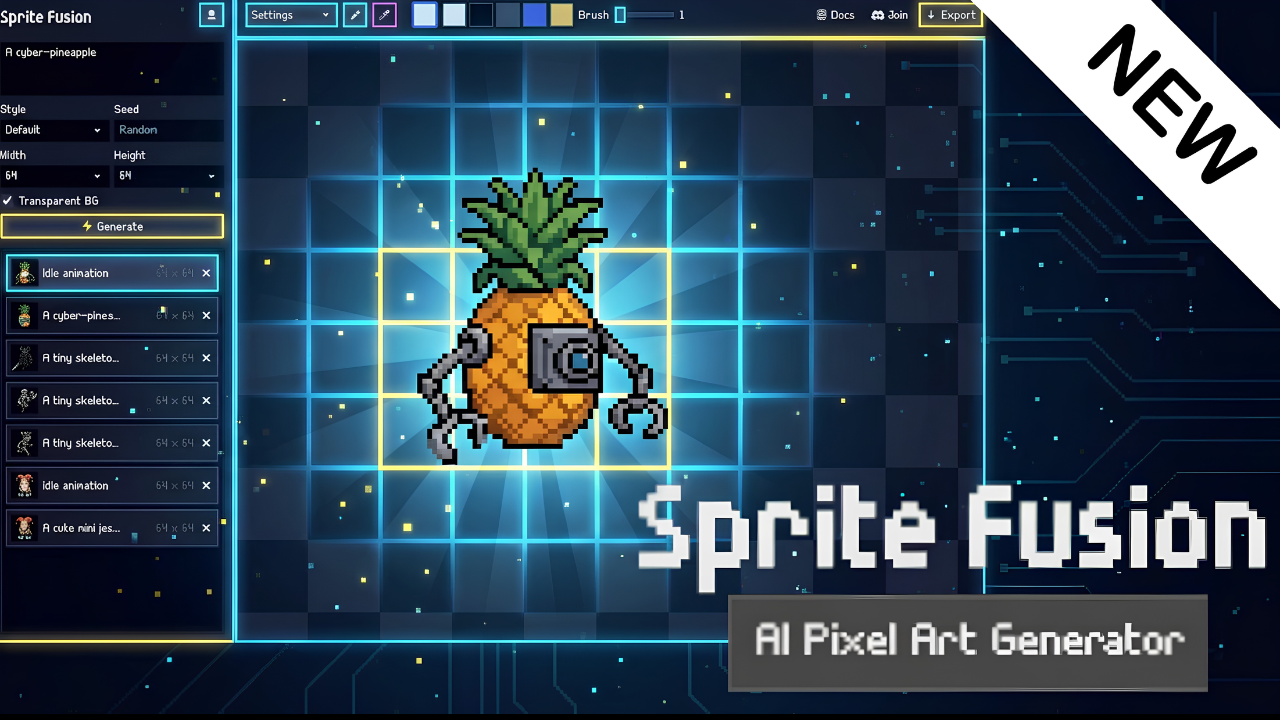
Hugo Duprez is the maker of Sprite Fusion, a free browser-based tilemap editor that exports directly to Phaser as a Tiled-compatible map.json and a packed spritesheet.png. His new focus is something different: training an in-house pixel art model built specifically for game developers, designed to generate professional-grade assets with high guidance and precise output sizes.
The model is still a work in progress, but it is already capable of generating sprites at 16x16, 32x32, and 64x64, as well as short animations including idle, run, and attack cycles. Hugo shared the news in the Phaser Discord and is actively looking for feedback.
What the Pixel Art Model Can Generate
The model is built around the needs of game developers, not general image generation. The goal is high guidance and professional results: sprites that actually look like game-ready assets, with clean pixel grids, consistent palettes and animation-ready frames.
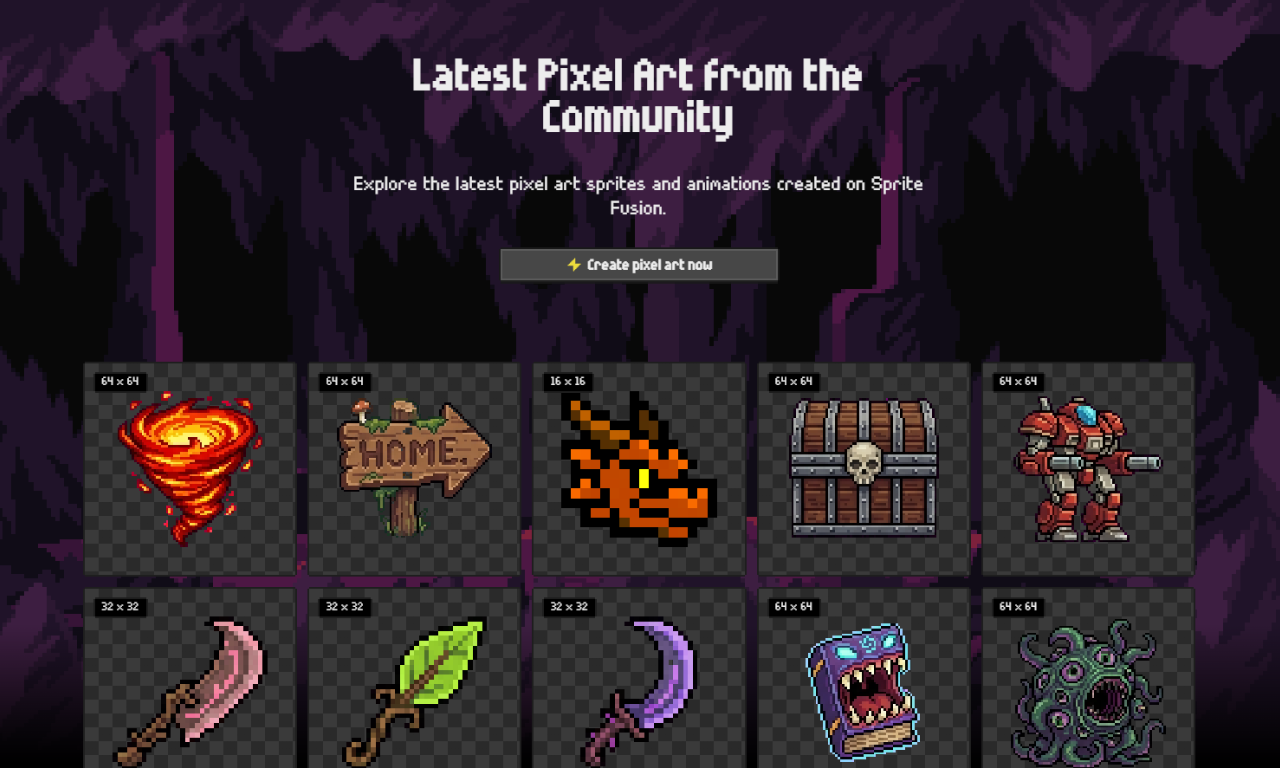
Current capabilities include still sprites at three sizes (16x16, 32x32, 64x64) and animated sprites with short loops. You can browse recent generations at spritefusion.com/pixel-art-gallery.
What Makes Sprite Fusion Different from a Generic AI Image Generator
This is not a photo-to-pixel-art converter or a regular image generator with a pixel filter applied. Sprite Fusion uses a model built specifically for pixel art, which means it understands the visual grammar of the format: clean outlines, grid-aligned forms, controlled palettes, dithering patterns, and the details that make assets look hand-crafted rather than upscaled. The output respects the selected resolution exactly, whether 16x16, 32x32, or 64x64, and is designed to be used directly in a game rather than cleaned up afterwards.
Animate Your Own Pixel Art
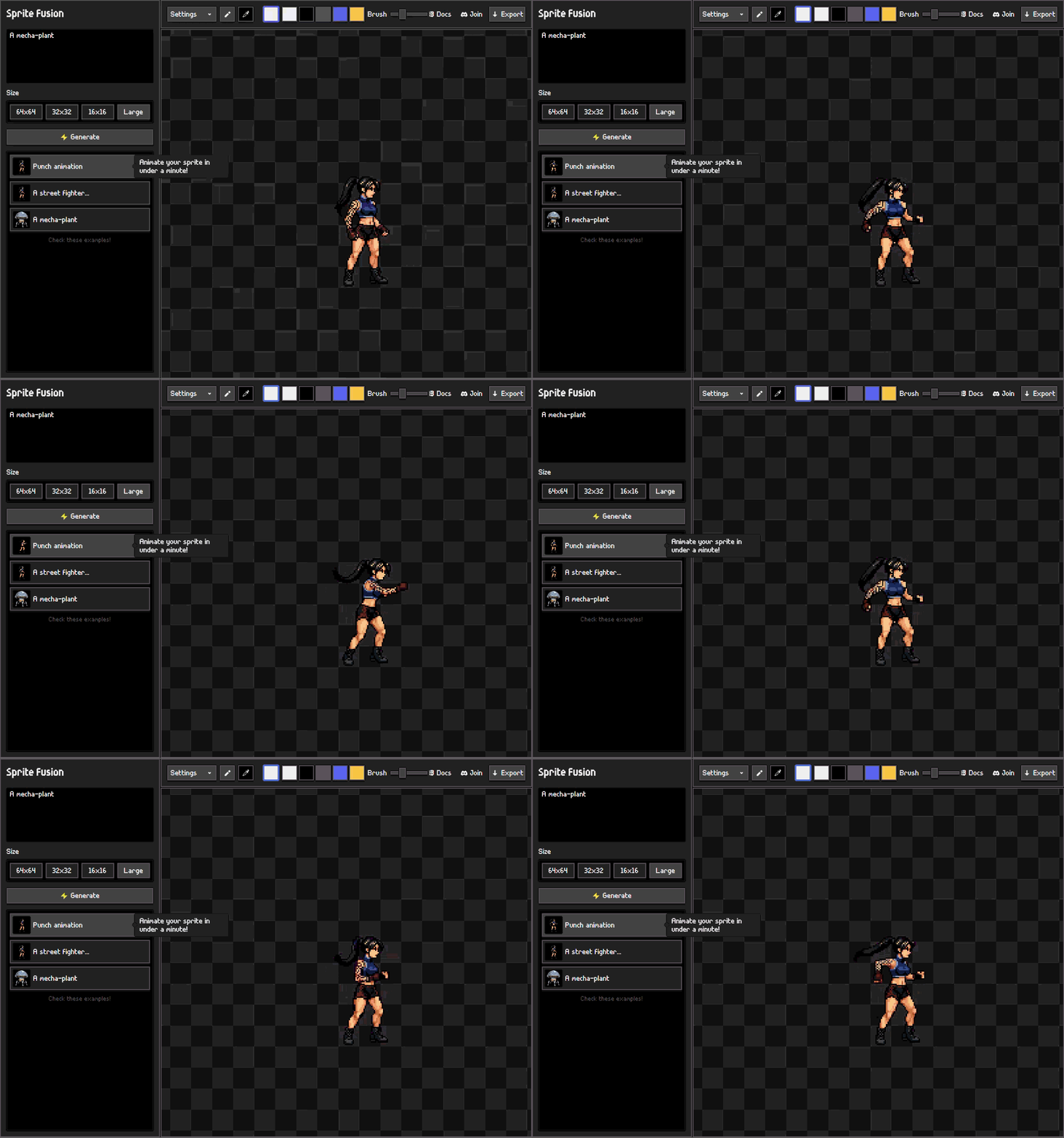
You do not have to start from a prompt. If you already have a sprite, from an asset pack, from another tool, or drawn by hand, you can import it into Sprite Fusion and animate it with a prompt. Describe the motion you want and the model handles the rest. The same workflow works for assets generated inside Sprite Fusion.
Built-In Pixel Art Editor
Every generated asset loads directly into a pixel art editor inside the browser. You can repaint individual pixels, erase details, adjust colours, and export without switching tools or moving files. If the generation is 90% right, you fix the other 10% right there.
Pricing
Sprite Fusion runs on a credit system. Three plans are available:
- Starter — $9/month, 450 credits. Best for prototyping.
- Creator — $19/month, 1,050 credits. Best for small games.
- Pro — $49/month, 3,000 credits. Best for larger projects.
All plans include the pixel art editor, cloud sync, PNG and animation exports, and commercial use rights. Credits do not roll over between months.
The pixel art generator uses credits: 15 credits per generation (12 images, or 2 with the Large option), and 15 credits to animate a still image.
See What It Can Do
Browse recent generations and try the pixel art generator in the button below.