Spine Animation in Phaser 4: From Layered PSD to Rigged Character
Riggy rigs a layered PSD with AI and exports plain Spine 4.2 files. A new tutorial shows how to play the result with the official Spine plugin.
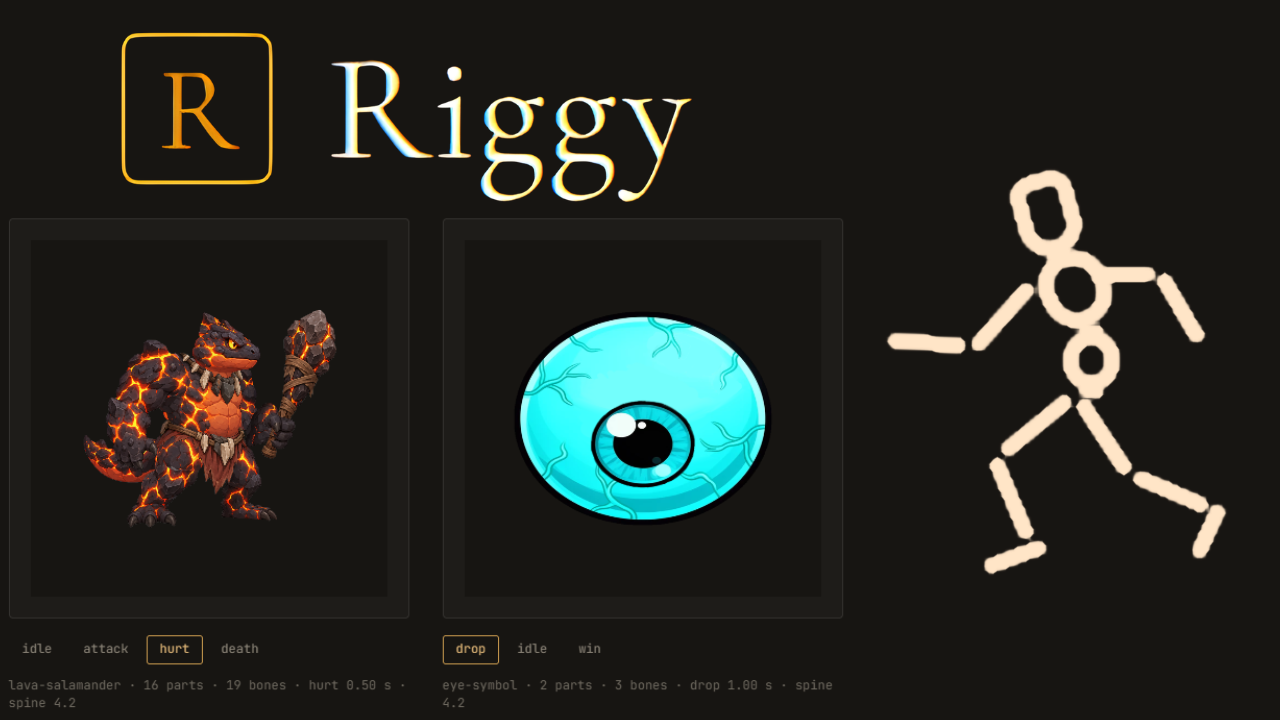
Riggy is an independent tool made by Andrei that works from a layered PSD: you drop in the art, describe what should move, and an AI model rigs a Spine 4.2 skeleton with animations. The export is plain skeleton.json, an atlas, and a texture page, so it loads straight into the official Spine plugin for Phaser. Andrei has written a tutorial that walks through the whole path, from layered art to a character that plays in a Phaser 4 game.
How Riggy Turns a Layered PSD into a Spine Skeleton
The tutorial's example is a cat at a laptop, drawn as a layered PSD with 15 parts: body, head, eyes and pupils, headphones, the arm in two pieces, laptop screen and keyboard, laces and tail. Every part lives on its own layer, which is all a skeleton needs, because bones move layers rather than redraw them.
A layered PSD is not the only way in. Riggy also takes a flat PNG or JPG, which it cuts into parts while painting in whatever each part hides, or a folder of PNGs. PSD masks, clipping groups, and folder opacity are read the way Photoshop composites them.
The rig was made by describing the motion in chat, for example, asking the cat to nod its head to music at 90 BPM as if listening. The result is a skeleton with 18 bones and four animations: an idle loop, plus hack, glitch, and bigwin one-shots that return to idle. The same files can come from rigging by hand in the Spine editor, and the Phaser side of the tutorial does not care where the skeleton came from.

Spine Animation in Phaser 4: What the Tutorial Covers
The tutorial uses Phaser 4.2.1 with the official spine-phaser-v4 plugin (version 4.2.120), and every code block is taken verbatim from the demo's main.js. Along the way, it covers:
- Exporting Spine 4.2 JSON and which of the exported files Phaser actually needs
- Adding Phaser and the plugin, from a CDN or from npm, and registering it as a scene plugin
- Loading the skeleton with spineJson and spineAtlas, then placing and scaling it in the scene
- Playing animations with a default mix so switching between them crossfades instead of snapping
- One-shots that return to the loop, so an animation like hack plays once and hands control back to idle
- Troubleshooting the usual errors, such as a region not found in the atlas, or an animation or skin name that does not match
The finished demo is a single HTML page and a short script, and you can click it to switch between the four animations.
What Riggy Can and Cannot Do
Here is what to expect from Riggy. On the plus side, it:
- Places and parents the bones, keeping the art where it was on the canvas
- Keys idle and loop motion, such as sway, bounce and secondary motion with lag
- Turns a flat part into a mesh so it can rotate in pseudo-3D, up to 45 degrees
- Edits as well as builds: rename, delete, re-parent, recolour, re-time and duplicate
- Treats every turn as a version, so you can roll back in one click
- Explains where it put the bones and why, in the model's own words
On the other side, you bring your own character image: Riggy can separate it into parts, paint hidden areas and animate it, but it does not generate the initial character from a text prompt. There are no particles, no lighting effects and no curve editor. It rigs and it loops, and a hero symbol still wants a real animator.
A Spine Atlas Tip for Any Phaser Developer
One finding is useful whichever tool made your skeleton. Esoteric's plugin reads the first line of the .atlas file as the page image name, so an atlas that starts with an empty line, the old 3.x style, makes it look for a folder instead of the image and fail with Failed to process file: image. Andrei ran into it while writing the tutorial and fixed Riggy's exporter, so the tip applies to any Spine export.
The other thing to check is that the runtime version matches the export. A Spine 4.2 export needs a 4.2 build of the plugin, and the plugin's latest tag already points to Spine 4.3, so the tutorial pins a 4.2 version. The new Mesh2D-based renderer we covered in our release article ships in the plugin's 4.3 line, while this tutorial pins a 4.2 version to match its Spine 4.2 export.

Spine Licensing and Riggy Pricing
The Phaser plugin is part of the Spine Runtimes, and shipping a game with them requires a Spine license from Esoteric Software, whoever made the skeleton. Riggy does not include that license, so you need your own Spine Editor license from Esoteric Software. Riggy is an independent tool and is not affiliated with Esoteric Software or Phaser.
For transparency, Riggy is paid per turn: on the examples shown, a rig costs between $0.26 and $0.56. The Spine JSON validator and the bezier converter on the Riggy site are free to use. There is no subscription or seat fee: the balance is topped up in USDT or USDC, the price of each turn is shown in the chat, and new accounts start with $1.00 and two example projects.
Read the Full Spine Tutorial
The step-by-step walkthrough, with a clickable demo and the files included. A 27-second video demo of Riggy is also available on YouTube.