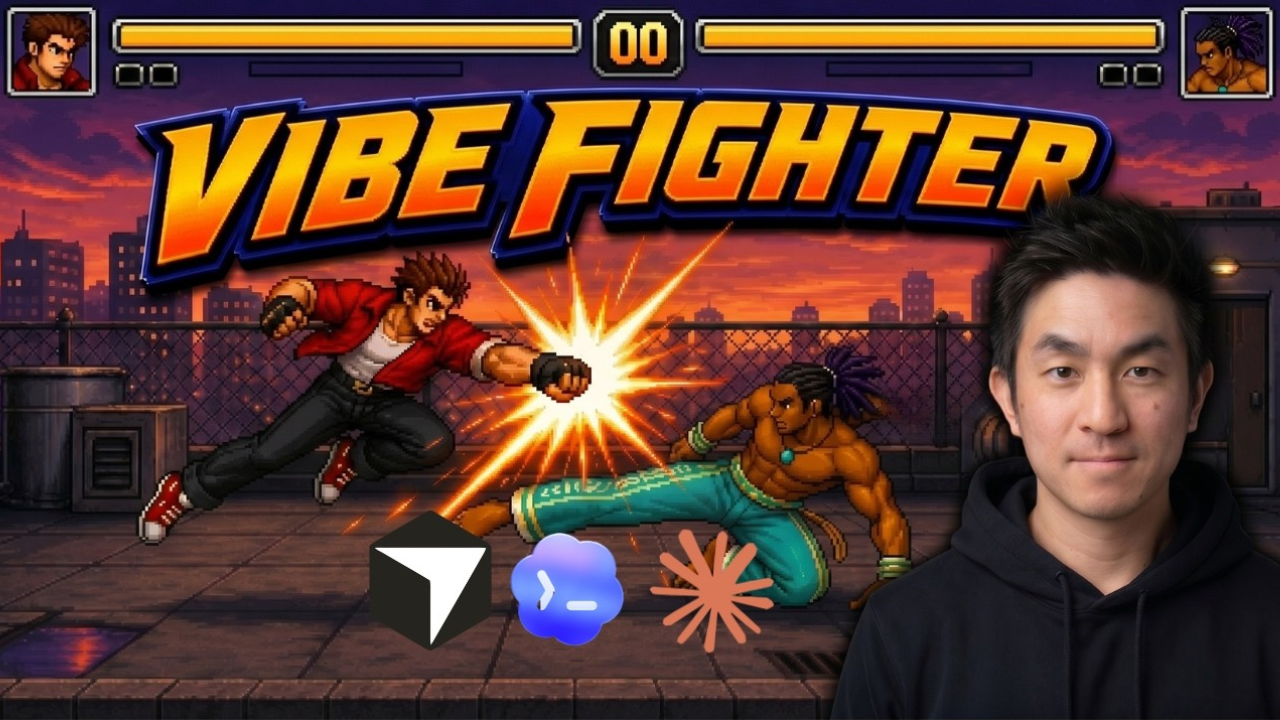
Chong-U is back with another Phaser vibe coding tutorial. If you missed his previous one on building a 2D beat em up from scratch, it's worth a look. This time the challenge is a fully playable Street Fighter clone built entirely with Phaser and AI tools.
The stack is Cursor for the main coding workflow, Codex and Claude Opus 4.8 for code generation, and GPT Images 2.0 for asset generation. Everything you see in the game — characters, backgrounds, UI, animations — was generated by AI and assembled through natural language prompts.
What You Will Build: A Phaser Fighting Game with Full Combat Mechanics
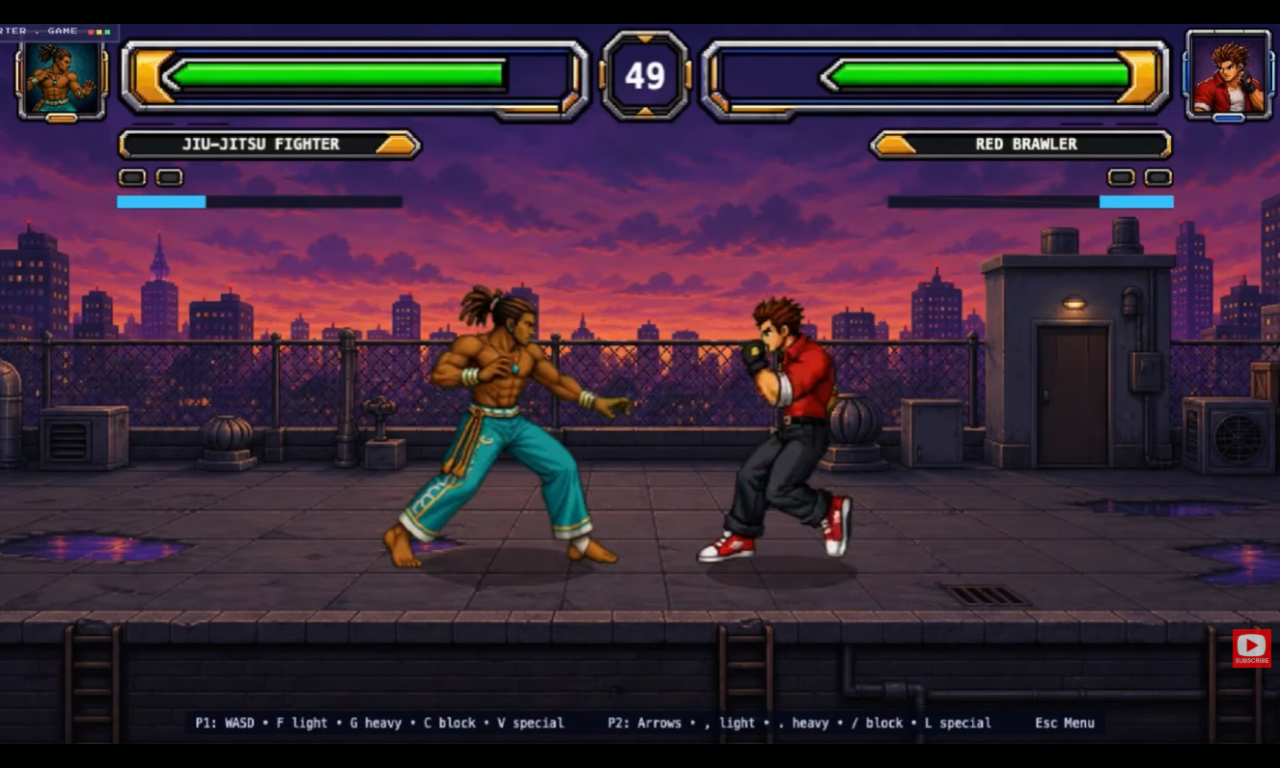
The finished game is a two-character fighting game set on a rooftop with a city backdrop. It includes light and heavy attacks, blocking that reduces incoming damage, an energy bar that fills during combat, and character-specific special moves that trigger combo hits. There's a round system, health bars that change color and blink on low health, a character selection screen, and a one-vs-AI mode for solo play.
What This Vibe Coding Tutorial Covers
- Concept art generation — four background mockups generated and voted on by the community
- Character extraction from reference images for animation consistency
- Spriterific workflow — Chong-U's own tool for generating game-ready sprite sheets from AI video
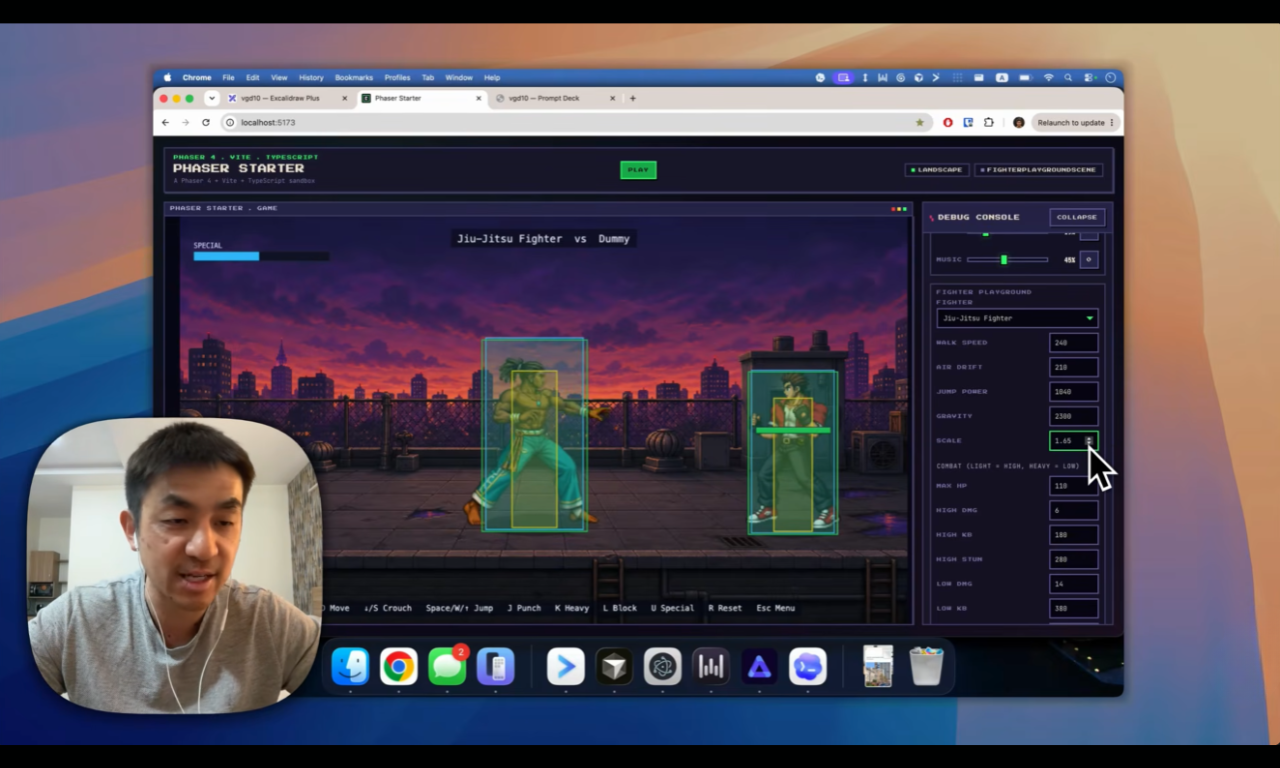
- Character gym — a debug environment for visualizing and tweaking hitboxes and animations
- Attack bounds and guard bounds — frame-accurate hitbox activation for fair combat
- Playground — configurable parameters saved to JSON for fast game feel tuning
- Core combat loop — health, rounds, timer and game over conditions
- UI atlas generation — health bars with dynamic color and portrait frames
- Special move system — energy-based specials with multi-hit combos and lightbox effect
- AI opponent — a basic CPU fighter for solo play
The project files are available for free through Chong-U's insiders club. The full source code and a written step-by-step version of the tutorial are available at vibegamedev.com.
Phaser Skills and the Vibe Coding Workflow
As in his previous tutorials, Chong-U loads Phaser skills files into the project to give the AI accurate, up-to-date knowledge of the Phaser API. This keeps prompts short and reduces the need for corrections. The workflow follows the same iterative approach: concept first, asset generation second, integration third — with a gym and playground at each stage to validate the results before moving on.
One of the most useful ideas in this tutorial is the distinction between a character gym and a playground. The gym is for debugging animations and hitboxes in isolation. The playground is for testing how the character feels in actual gameplay, with all parameters saved to a JSON config file so changes persist. It's a workflow that applies to any game genre, not just fighting games.
Watch the Full Tutorial
The full tutorial is free on YouTube. Project files and additional resources are available for free on the creator's website.