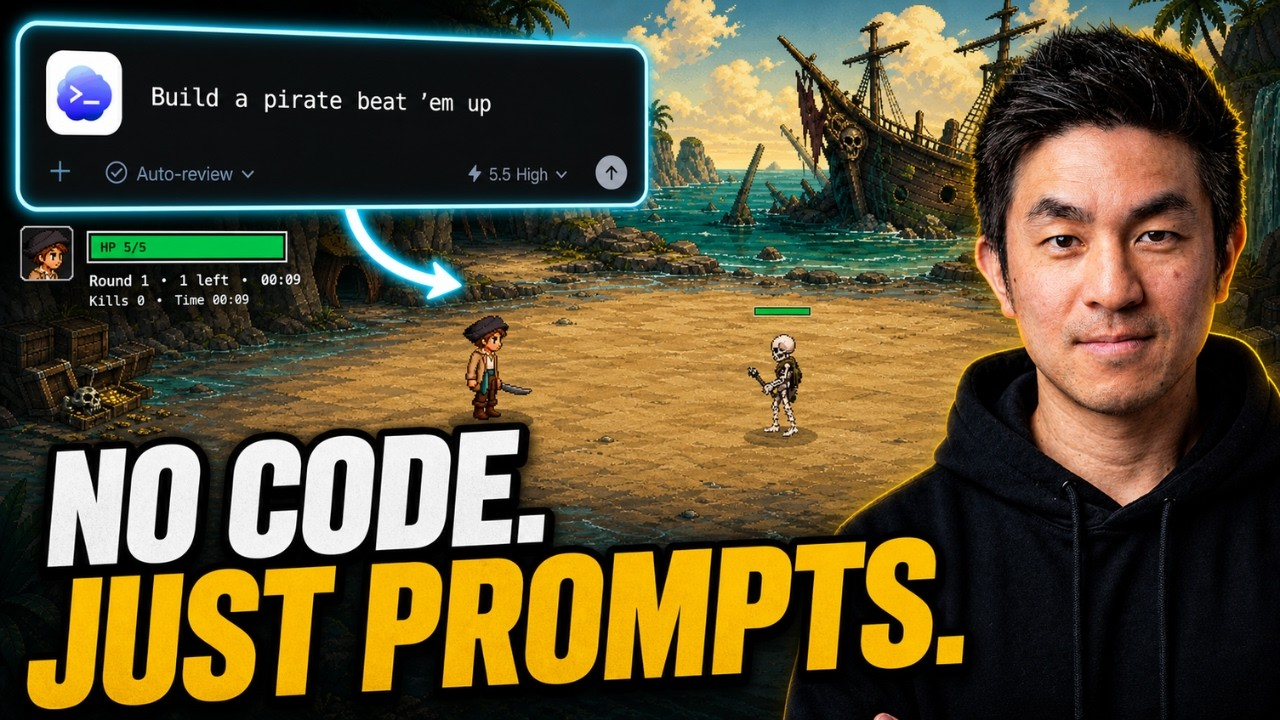
Vibe coding meets Phaser in this full tutorial by Chong-U. Starting from a boilerplate project with just a blue square moving around a black screen, the tutorial takes you step by step through building a complete, polished beat em up game using Codex to write all the code via natural language prompts. The Phaser skills files included in the project give Codex deep knowledge of the engine, so prompts stay short and results stay accurate.
What You Will Build: A Phaser Beat Em Up with Waves and Polish
By the end of the tutorial, you will have a fully playable endless survival beat em up built with Phaser. A pirate character fights continuous waves of skeleton enemies that get progressively harder. The game has a complete loop: health, damage, death, game over, restart, and wave progression using Fibonacci increments.
What This Vibe Coding Tutorial Covers
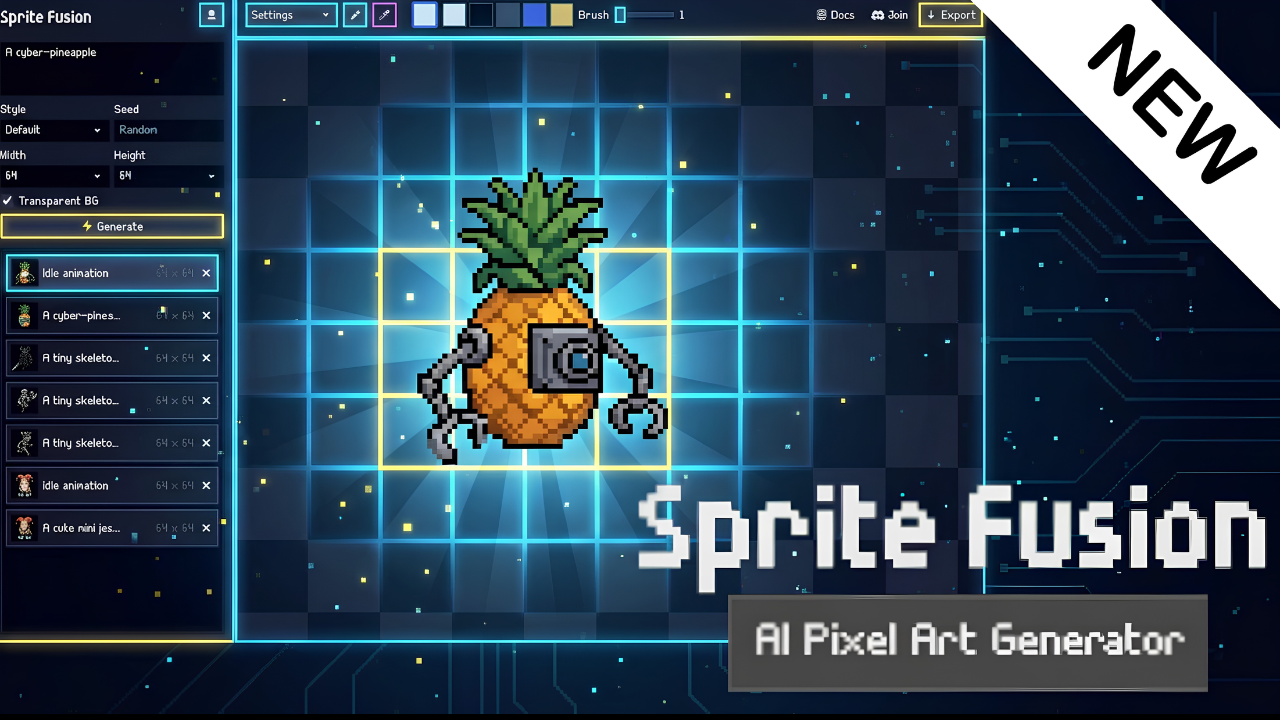
- AI-generated backgrounds using image generation, styled to match the sprite art
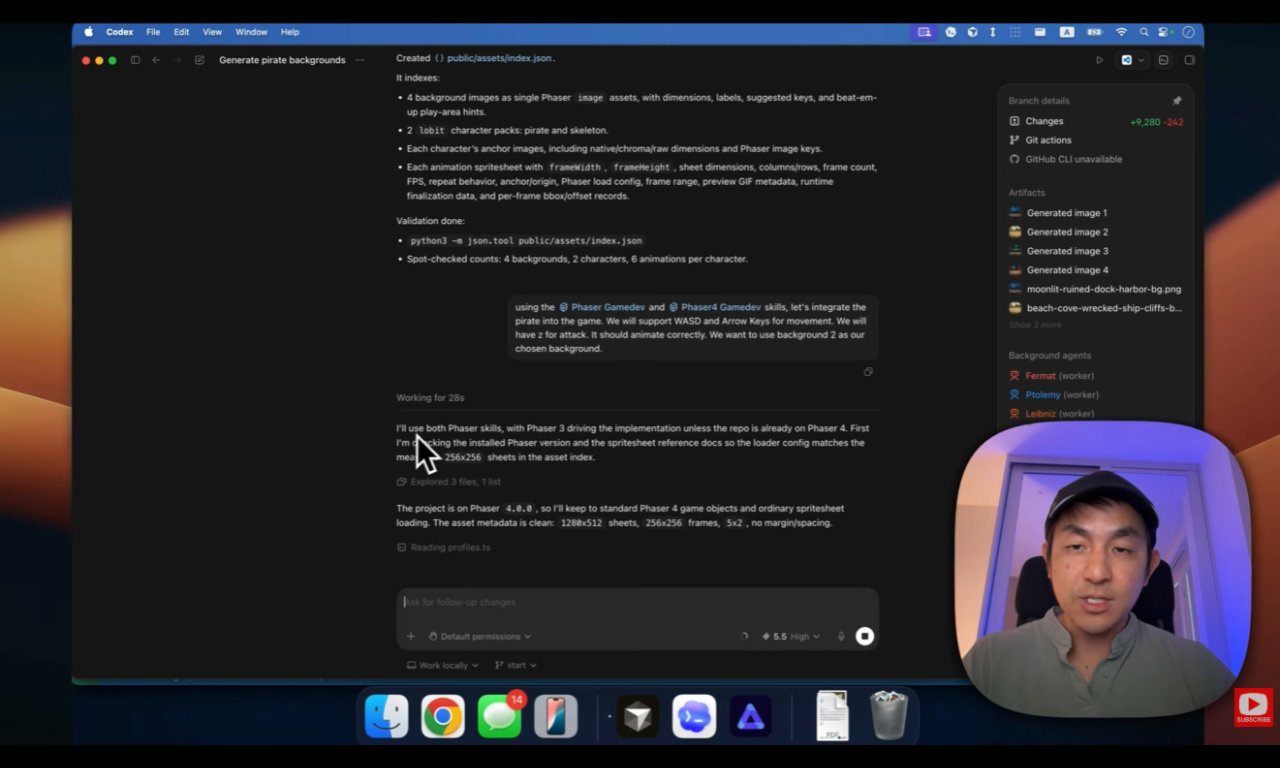
- Asset index for efficient AI lookups of all sprites, frames and animations
- Player movement and animation with WASD, arrow keys and attack
- Enemy AI with chase behaviour, knockback and attack pause
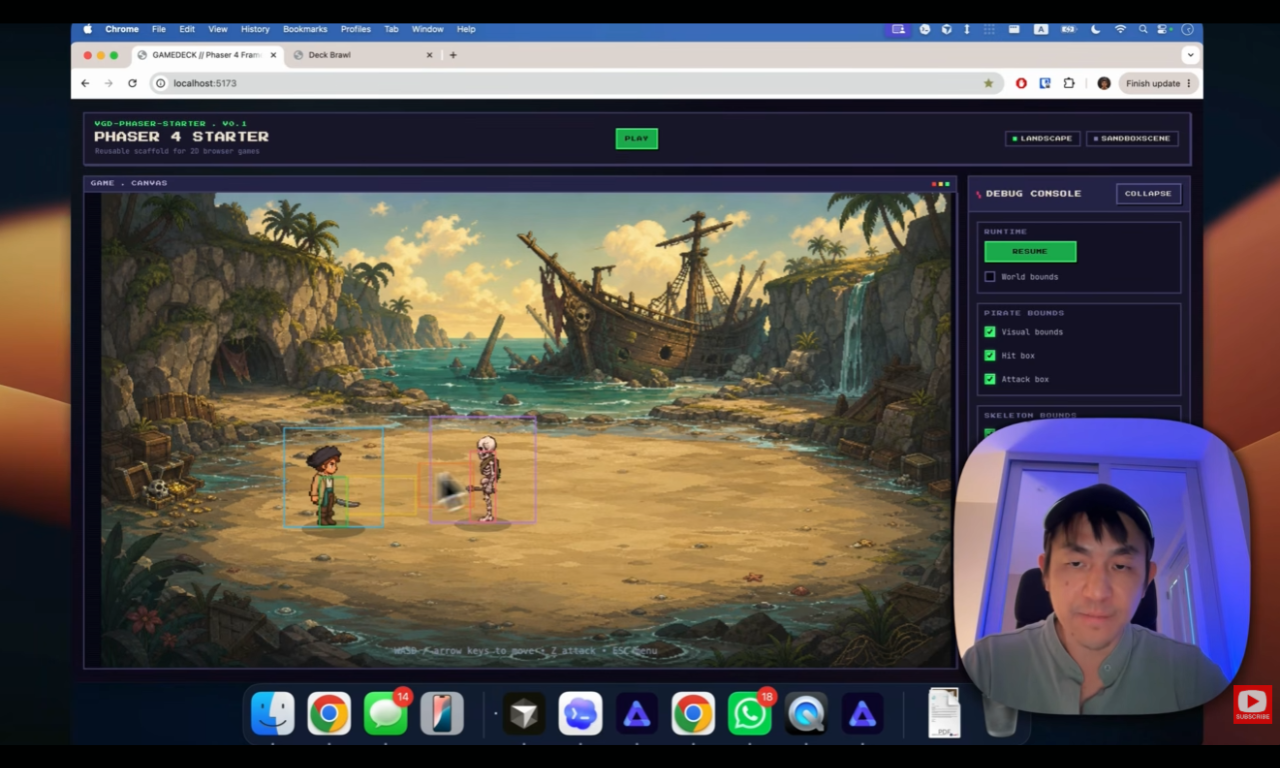
- Hitbox and attack box debugging with visual debug overlays
- Health system with colour-coded bars and blinking on low health
- Wave progression with Fibonacci-based enemy scaling
- Sound effects and music generated with AI and integrated into the game
- Polish including screen shake, freeze frames, particle effects and white flash on hit
The project files are available for free through Chong-U's insiders club. The full written tutorial and source code are available at vibegamedev.com.
Phaser Skills for AI-Powered Game Development
One of the most useful ideas in this tutorial is the use of Phaser skills files: structured knowledge files placed in the project that give Codex deep context about the Phaser API and Phaser 4's new features. Rather than prompting from general knowledge, Codex works from accurate, up-to-date Phaser-specific instructions. The result is shorter prompts and fewer corrections.
If you're curious about building your own games with Phaser and AI assistance, this tutorial is one of the most complete end-to-end examples available.
Watch the Full Tutorial
The full tutorial is free on YouTube. Project files and additional resources are available for free on the creator's website.