
If you have been thinking about getting into 2D web game development, this video by JSLegendDev is a great place to start. In just 5 minutes, The Phaser Game Framework in 5 Minutes covers the core concepts of the Phaser framework, from setting up your first project to handling physics and animations, all explained in a clear and beginner-friendly way.
What This Phaser Beginner Tutorial Covers
The video walks through all the essential building blocks of a Phaser project:
-
Scenes are the foundation of any Phaser game. You will learn how to create them, switch between them, and use the create and update methods that drive your game logic.
-
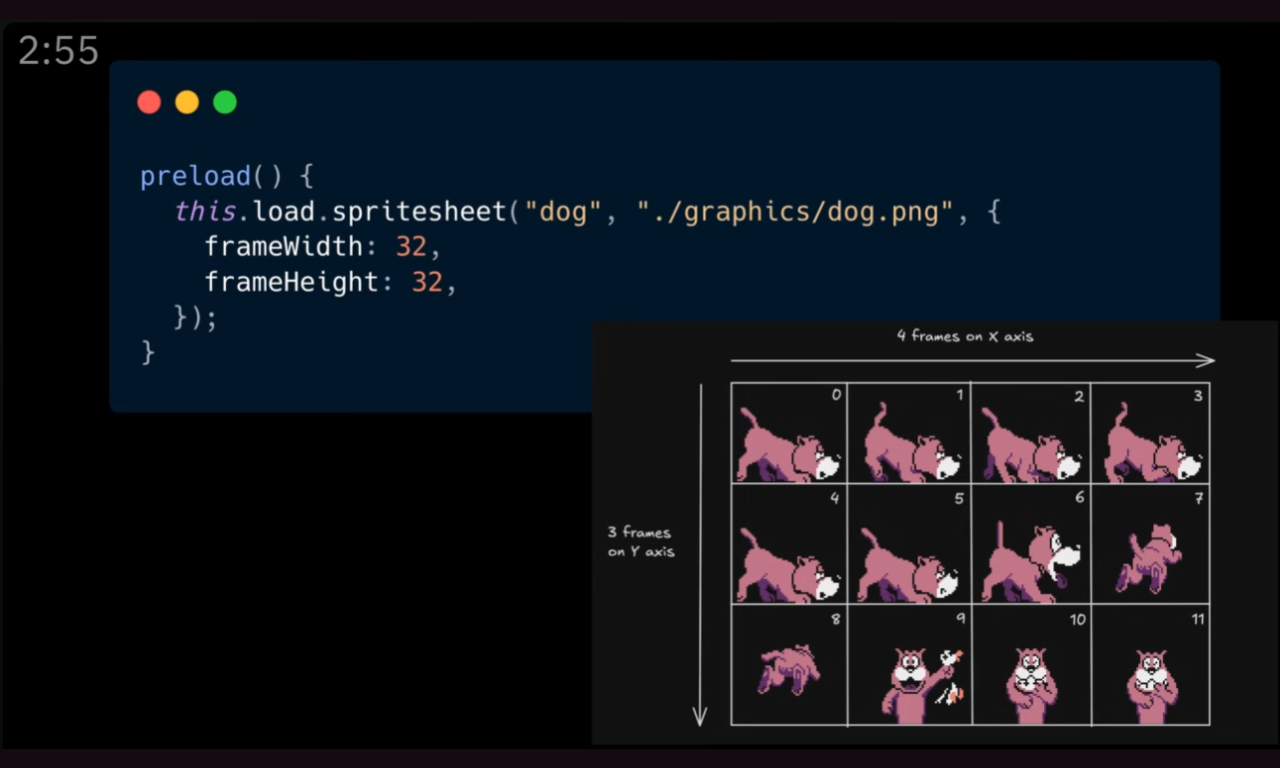
Sprites and assets are loaded in the preload method and rendered using the game object factory. The tutorial also covers how to extend
Phaser.GameObjects.Spritefor custom behavior. -
Animations are built from sprite sheets, with Phaser's animation manager handling frame slicing and playback.
-
Input is handled via event listeners for both keyboard and mouse or touch interactions.
-
Arcade Physics is Phaser's built-in physics system, well suited for most 2D games. The tutorial covers adding physics bodies, creating static platforms, and setting up collision handlers.
Who Is This For?
This Phaser tutorial is aimed at developers who are new to the framework and want a quick, structured overview before diving deeper. Whether you are coming from another game engine or starting from scratch, the video gives you a solid foundation to build on.