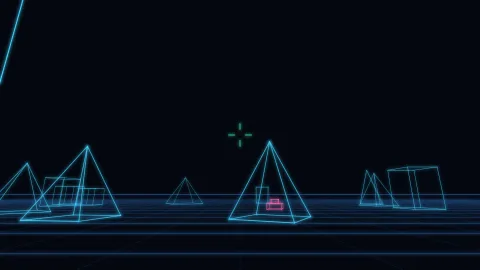

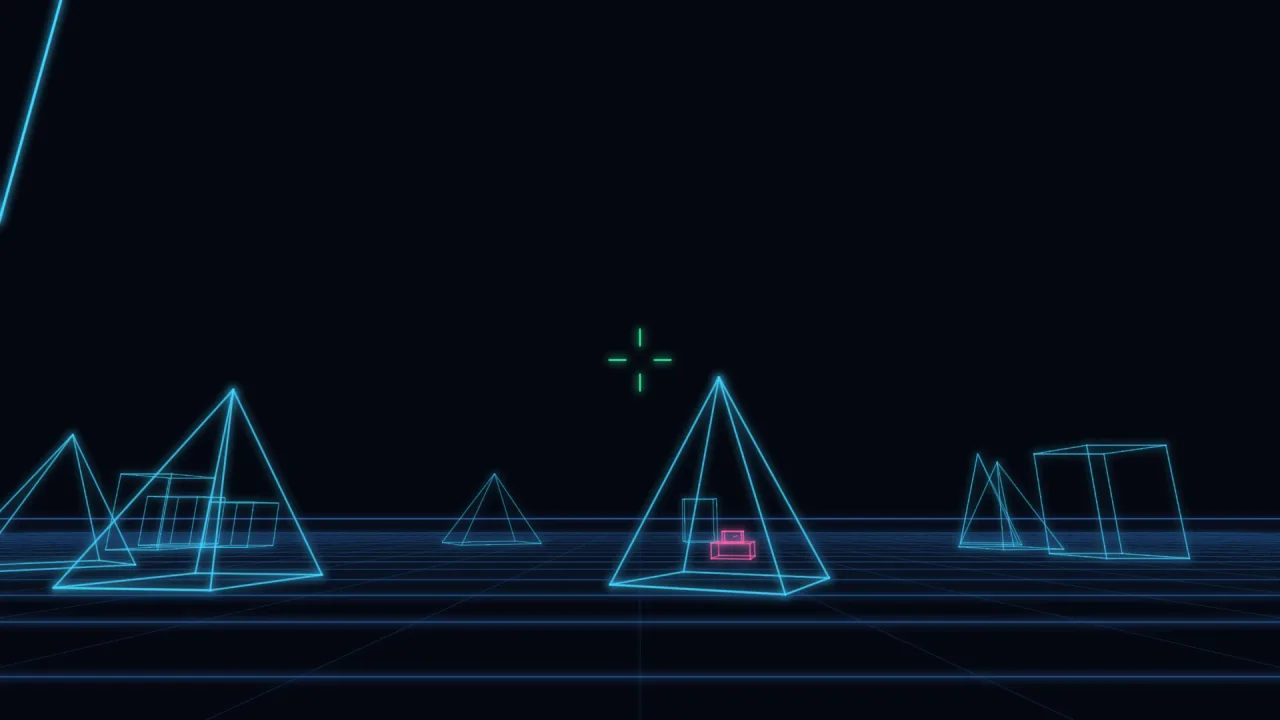
What it does
A model is shared points and the index pairs of the edges between them. A camera is a position, a yaw, a pitch and a
vertical field of view. project puts the model through the camera and returns 2D segments, each with its distance in
front of the camera at both ends, so a line can taper or fade with depth. projectPoint does the same for one point,
to pin a label or a reticle over something in the world, and horizon gives the line where a flat plane at infinity
lands.
The part that needs care is the near plane. An edge with one end behind the camera cannot simply be projected: the perspective divide flips its sign and the line whips across the screen to the wrong side. Here such an edge is cut at the near plane, so it runs off the edge of the screen as you fly past a building, and an edge wholly behind the camera is dropped.
Building a scene takes a few calls. wireBox makes a box of eight points and twelve edges, wireGrid a ground grid,
placeModel a moved and turned copy of a model, placeModelOnGround the same with its lowest point on the ground,
and wireBounds the box round a model, for culling. Because it is pure maths, the whole camera model runs headless
and can be tested.
Features
- Projection —
projectreturns a model's edges as 2D segments with the depth at both ends, in the view's units. - Near-plane clipping — edges crossing the near plane are cut rather than dropped or flipped, and the near distance is yours to set.
- Points and labels —
projectPointplaces one 3D point on screen, or returnsnullat or behind the near plane. - A horizon —
horizongives the ground line, which moves with pitch only. - Depth scale —
focalLengthgives pixels per world unit at one unit of depth, for line widths and sizes that shrink with distance. - Model builders —
wireBox,wireGrid,placeModel,placeModelOnGroundandwireBounds. - Plain data — models are points and index pairs, cameras and views are plain objects, and an edge naming a missing point is skipped.
Good for
- First-person tank games — a battlefield of wireframe shapes on a ground grid, in the style of Battlezone.
- Space combat and trading games — ships and stations as wireframes seen from the cockpit, in the style of Elite.
- On-rails space shooters — a flight past towers and down a trench of lines that clip as you pass them.
- Targeting overlays — a reticle or a label pinned to a 3D position in any 2D game.
Make it yours
The camera is yours every frame: a position, yaw and pitch in radians and a fov (1.05 by default, about 60
degrees). The view is the rectangle to project into and its near distance (1 by default), raised for a very large
world and lowered for a cockpit hood close to the eye. Models are whatever points and edges you author or build.
Two different uses: a tank game whose camera sits 2.2 units up on the tank, projecting a ground grid, a few boxes and
the enemies each frame, each line's width set from focalLength over its depth so distant shapes draw thinner; and a
2D game that only uses projectPoint to hang a TARGET label over an enemy. The axes are the pack's own, x right, y
up and z forward, so coordinates from world-3d need x and pitch negated at the boundary.
A quick look
A ground grid and a box on it, projected and drawn with lines that thin with depth:
const W = game.vecWire;
const view = { w: game.screen.width, h: game.screen.height };
const cam = { x: tank.x, y: 2.2, z: tank.z, yaw: tank.heading, pitch: 0, fov: 1.05 };
const f = W.focalLength(view, cam.fov);
for (const model of [W.wireGrid(40, 25), W.placeModelOnGround(W.wireBox(12, 30, 9), 90, 140)])
    for (const e of W.project(model, cam, view))
        game.vector.seg(e.a.x, e.a.y, e.b.x, e.b.y, { color: '#41ff7a', width: Math.max(0.6, 0.3 * f / ((e.za + e.zb) / 2)) });
Works with
vector-2d— draws the projected segments.wire-cockpitandrail-route— first-person on-rails space-combat rules and the camera routes they fly, built on this pack.vector-font— labels and readouts drawn in the same beam.vector-3d— the alternative for a real 3D scene with depth, hidden lines and solids.
Good to know
- No hidden-line removal: every edge draws, front and back, which is the look. For edges hidden by solids, use
vector-3dagainst a real depth buffer. - No roll: the camera has yaw and pitch, and a banking view is a rotation of the projected points about the view centre, which the game applies itself.
- Edges are clipped against the near plane only, not the sides of the view or a far plane, so cull distant models
yourself with
wireBounds. - Lines stay straight lines: there are no curves and no perspective-correct dashes.