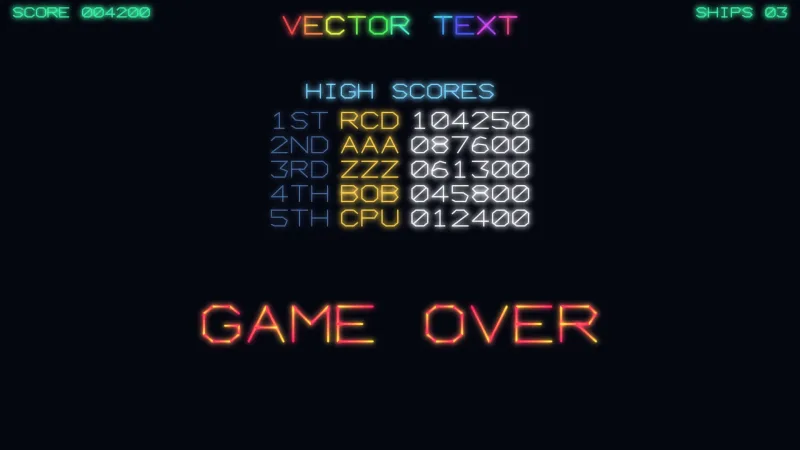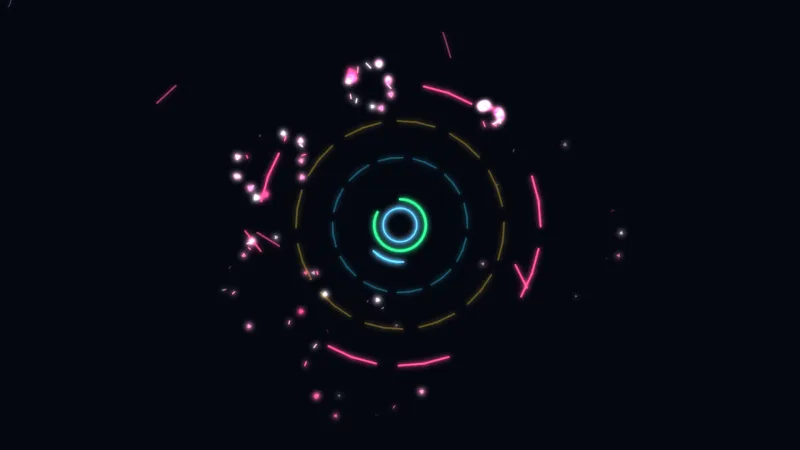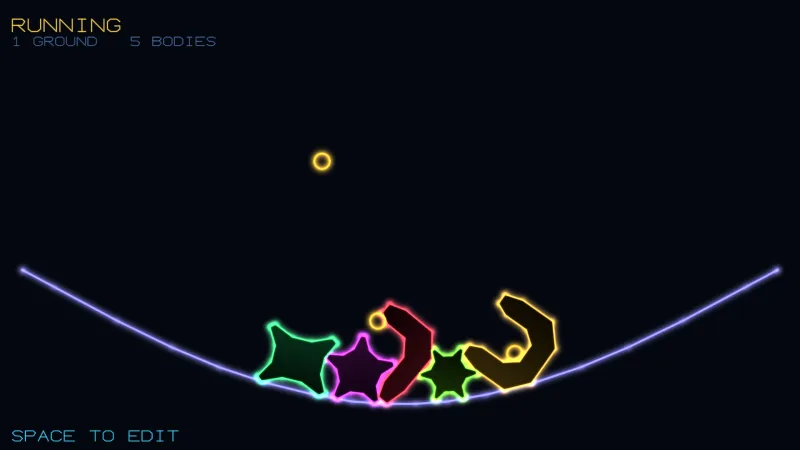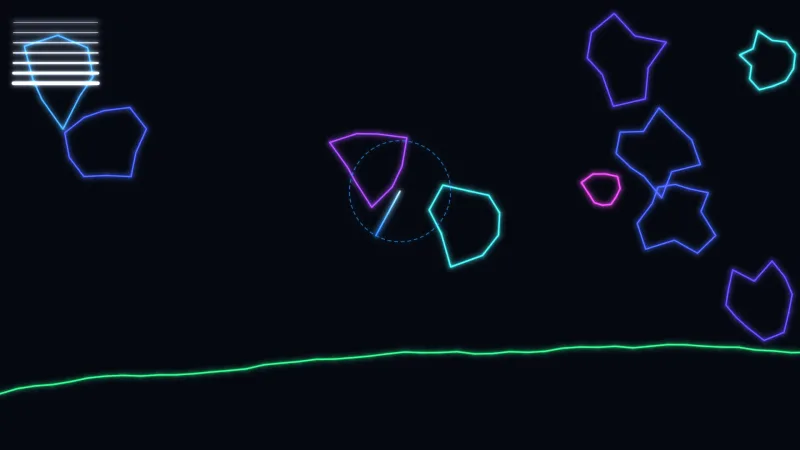

What it does
The file is the vector layer's own shape call written down, field for field, so it cannot describe anything the renderer cannot draw. A shape is a list of parts in draw order. Each part is an outline, either a list of points or a named primitive built by the renderer's own factories, with its own stroke, glow, dash, ramp, fill and place within the shape; anything a part does not set falls back to the shape's style. Because the art is data, a tool can open it, change it and save it again.
A shape also says how big it is meant to be in the world, its gameSize. That matters because a stroke's width is in
world units and does not scale with the shape, so the file carries the weight its lines were designed at and addArt
draws them at that weight without being told a size.
Parts can move on their own: spin, pulse, blink and a colour cycle round the outline, all as data. Nothing moves
until the game calls animateArt with its clock. The reader is lenient and capped: unknown fields are dropped, numbers
written as strings are read, a part with nothing drawable is skipped rather than failing the set, and no file holds
more than 256 shapes, 64 parts a shape or 512 points a part.
Features
- Named shapes in one file — sprites keyed by name, each with a style, fill, pivot, facing, role and tags.
- Eleven primitives —
circle,ellipse,rect,roundedRect,polygon,star,triangle,capsule,cross,chevronandarc, built exactly as code would build them. - Styling per part — colour, a second colour per segment, a ramp along the whole outline or
'rainbow', alpha, width, glow, dash, beam dwell and depth. - Fills — a flat colour, a list of stops, or a ramp at an angle or radial, per part or for the whole shape.
- Motion as data —
spin,pulse,blink,cycleand aphaseso a row of lights can chase, run byanimateArtfrom the game's clock. - Sizes in world units — each shape's
gameSizekeeps line weights as designed;sizeorscaledraws it at any other size. - Placement helpers —
artBoundsfor a shape's box and collision radius,artScalefor a size in the world, andartRotationto point it along a heading whichever way it was drawn facing. - Lenient reading —
parseVectorArtdrops what it cannot use and lists what it dropped. - Round trips —
serializeVectorArtwrites the canonical file back, numbers rounded and defaults left out, for an editor to save.
Good for
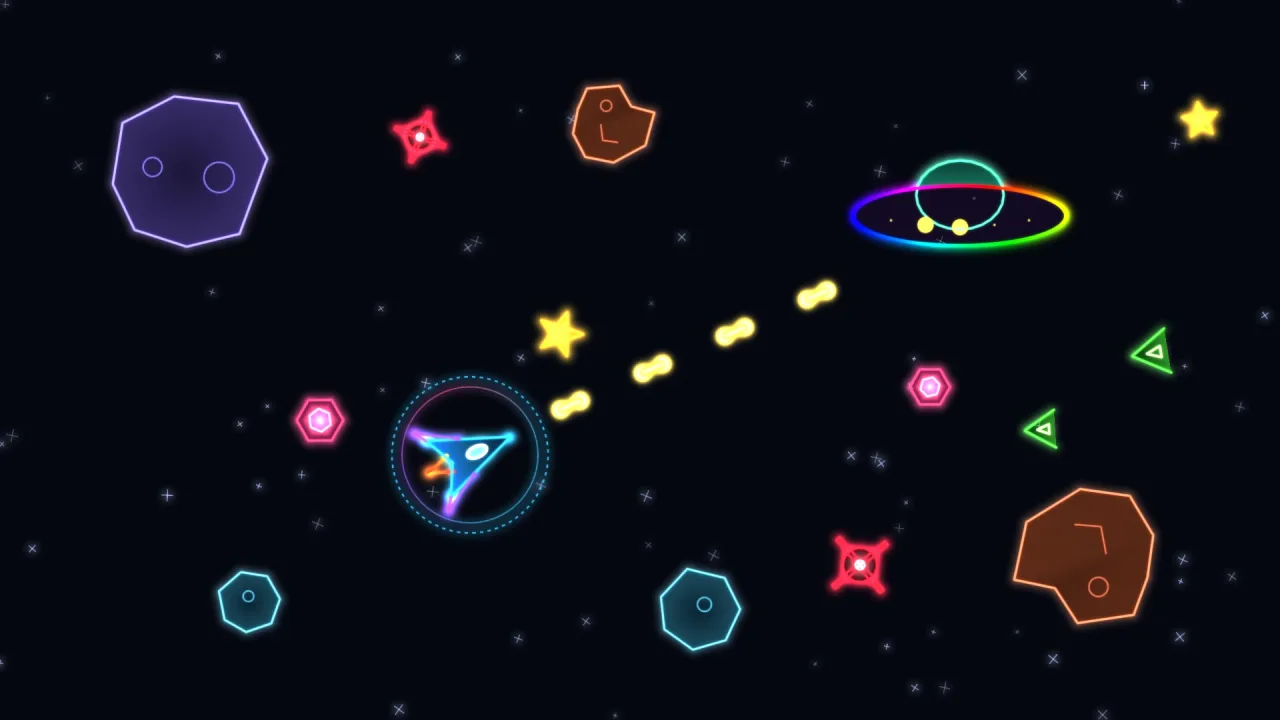
- Vector arcade shooters — the ship, rocks, saucers and shots of a game in the style of Asteroids, as one file.
- Line-art games with many sprites — enemies, pickups and bosses that would be tedious as point arrays in code.
- Games with an art pipeline — sprites drawn in a tool or generated by a model, then loaded by the game.
- Art and level editors — read, change and write the same file a game loads.
Make it yours
The look lives in the file: colours, widths, glows, dashes, fills, ramps and motion, per shape and per part. Where and
how big is the game's call: addArt takes x and y, a rot or a heading, a size in world units or a scale,
screen wrap ghosts, and multipliers for glow and alpha.
Two quite different uses: an arcade game that loads one file of a dozen sprites at start, places each ship and rock
with addArt, turns them along their headings with artRotation and takes their collision radii from artBounds;
and an art tool that reads a file with parseVectorArt, shows the warnings, lets the artist move points and recolour
parts, and saves it back with serializeVectorArt.
A quick look
Load a file, add the ship, and keep it pointed along its heading with its motion running:
const art = await game.vectorArt.load('art/vectors.json');
const ship = addArt(game.vector, art, 'ship', { x: 400, y: 300, size: 40 });
const shipArt = artShape(art, 'ship');
game.step('ship', dt => { t += dt; ship.rot = artRotation(shipArt, heading); animateArt(ship, shipArt, t); });
Works with
vector-2d— required: the line renderer the shapes go on; its own shape factories suit outlines generated at run time, such as a terrain or a random asteroid.core-vector— includes this pack with the rest of the vector kit, so most vector games have it already.vector-hit— point-in-outline and distance tests against the shapes.vector-hull— convex pieces from a drawn outline, when it has to become a physics collider.
Good to know
- A file is read once: editing the returned object does not change shapes already on the layer; add them again, or restyle them.
animateArtmatches motions to parts by index, so give it the shapeaddArtmade from the same art.- A colour cycle re-packs the layer each time it steps. A handful cost nothing worth measuring; a field of hundreds should cycle on a timer of their own.