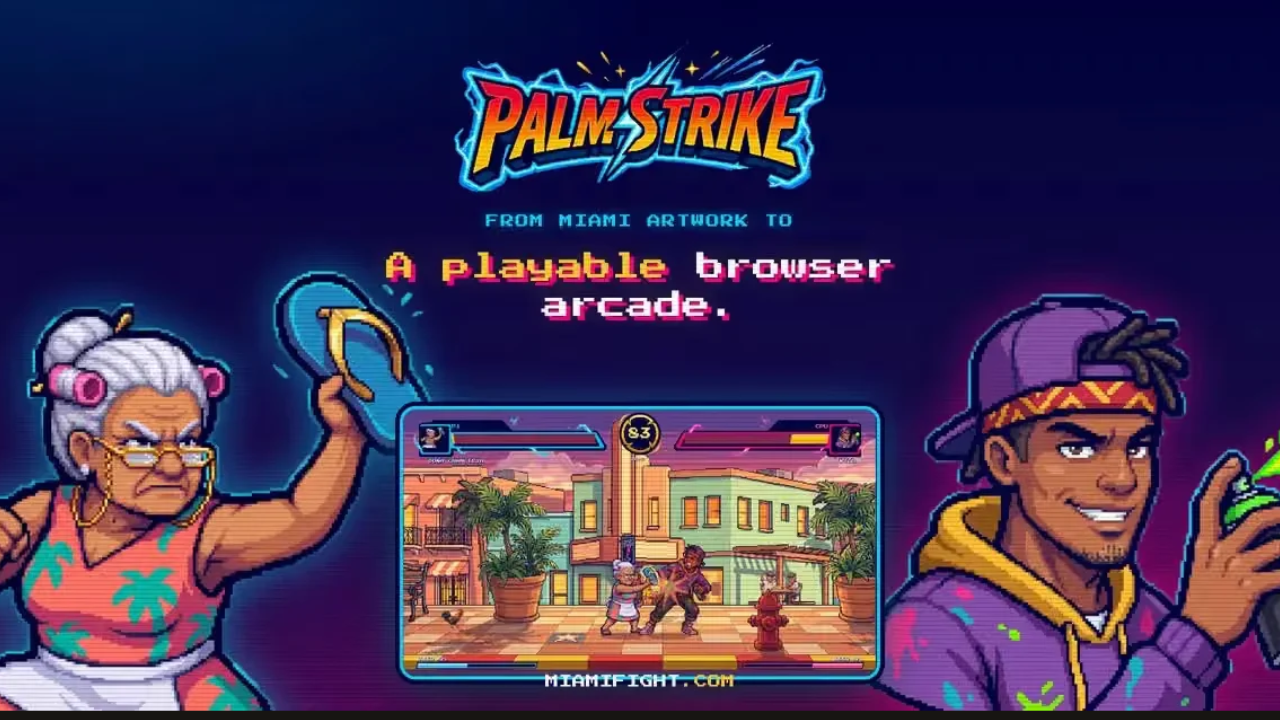
Palm Strike: Miami Fight is a pixel-art arcade fighting game that brings Miami personality to the browser. The showdown takes place on Calle Ocho in Little Havana, it is a game from Purple Horizons, and it runs with no download required. It is a free prototype with two playable fighters and one stage.
Doña Chancleta vs Kilo: Two Fighters, One Block
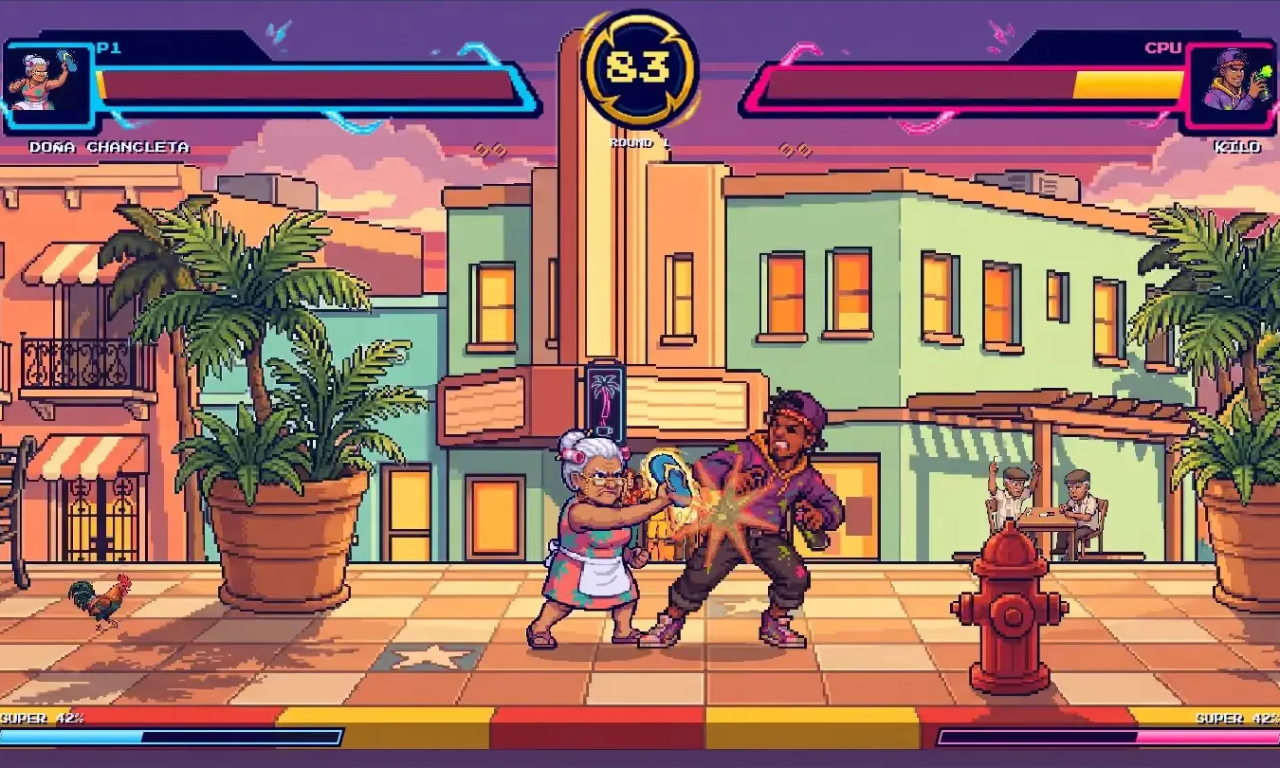
There are two fighters to choose from. Doña Chancleta is the original enforcer, a Cuban grandmother armed with a flying flip-flop. Kilo is the Wynwood wildcard, armed with a spray can. Land light and heavy attacks, block your rival, jump over projectiles and build meter for a super. The first fighter to win two rounds takes the match.
A roster of eight fighters has been designed, and two are playable today. The six waiting on the bench are El Cafetero, Brisa, Reina Salsa, Capitán Gator, Patina and Don Yate.
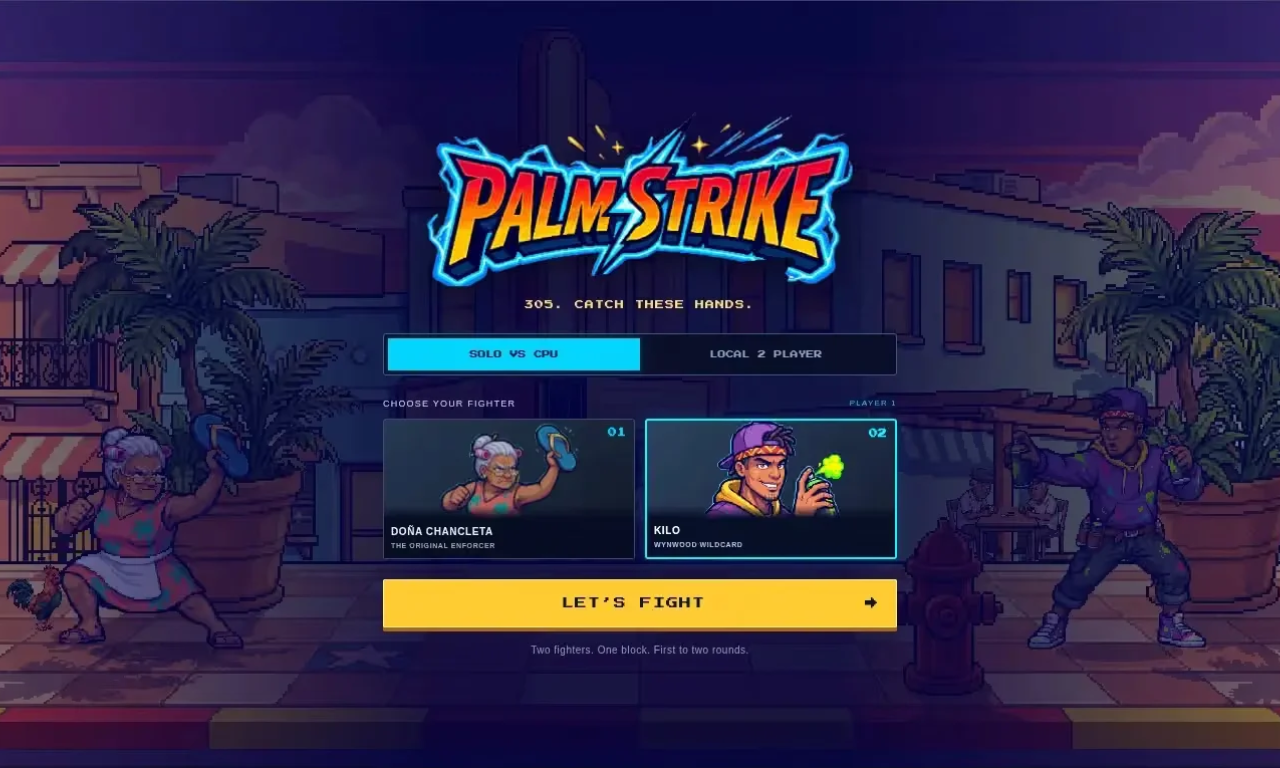
How to Play Palm Strike Miami Fight: Solo, Local Versus and Controls
You can fight the CPU or choose local two-player mode and share one keyboard, since versus play takes place on the same device. Touch controls are available on touch devices.
- Player 1: WASD to move, jump and crouch, J, K and L for light, heavy and special attacks, and I for the super when the meter is full
- Player 2: the arrow keys to move, jump and crouch, 1, 2 and 3 for light, heavy and special attacks, and 0 for the super
- Blocking: hold away from your opponent, and use down plus away to block in place
- Pause and restart: Escape pauses and R restarts
The game also offers a few street smarts: time your jump to clear projectiles, and save your meter for a super.
Under the hood, the game runs a fixed 60 simulation steps per second with buffered inputs, and it has automated tests, which is what keeps the fights feeling fair.
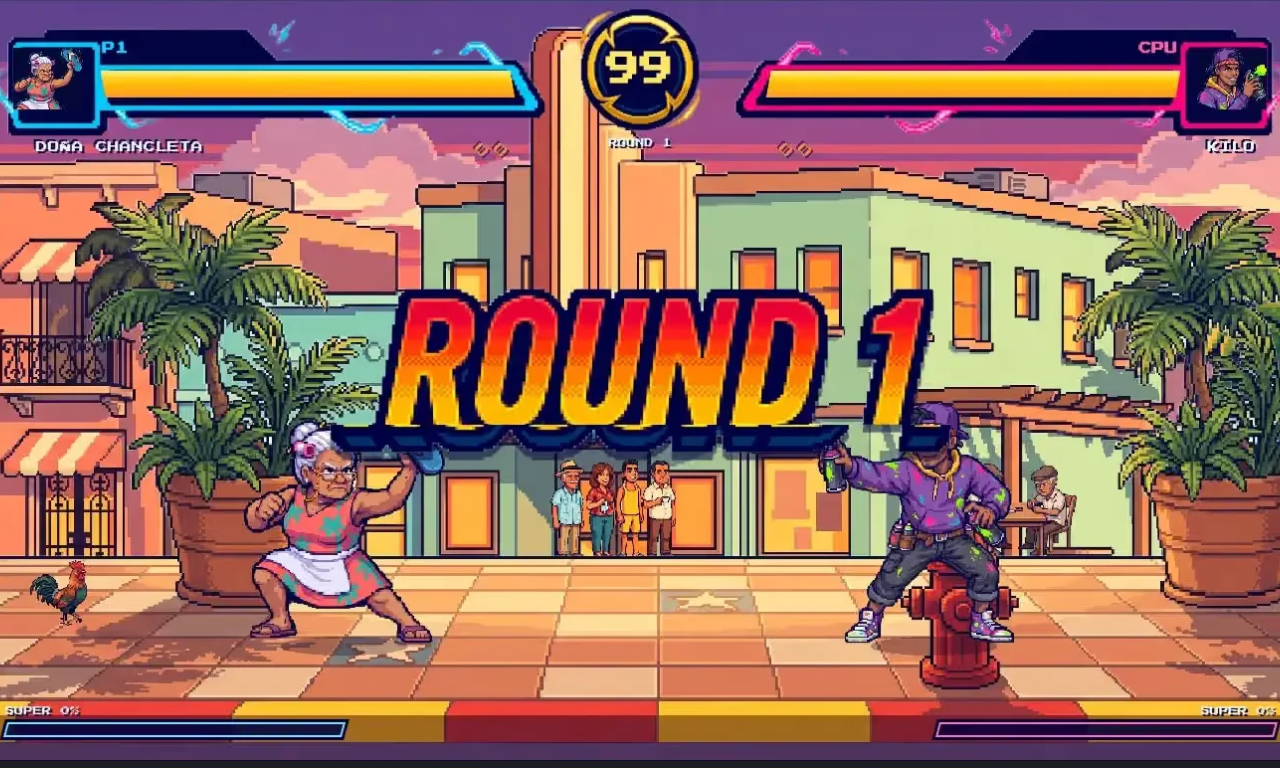
Little Havana at Sunset: Stage, Music and Sound
The stage is Little Havana at sunset on Calle Ocho, with three parallax layers and six looping animations: the crowd, the domino players, a rooster, café steam, a neon sign and a palm tree. Stand still for a second and the block keeps moving around you.
The sound gets the same attention, with eight Cuban and arcade music tracks, 32 sound effects, 27 voice lines including an announcer, and crowd ambience.
"Make yourself at home. Then throw a chancleta." The game's help screen puts it best.
Inspect the 3D Arcade Cabinet
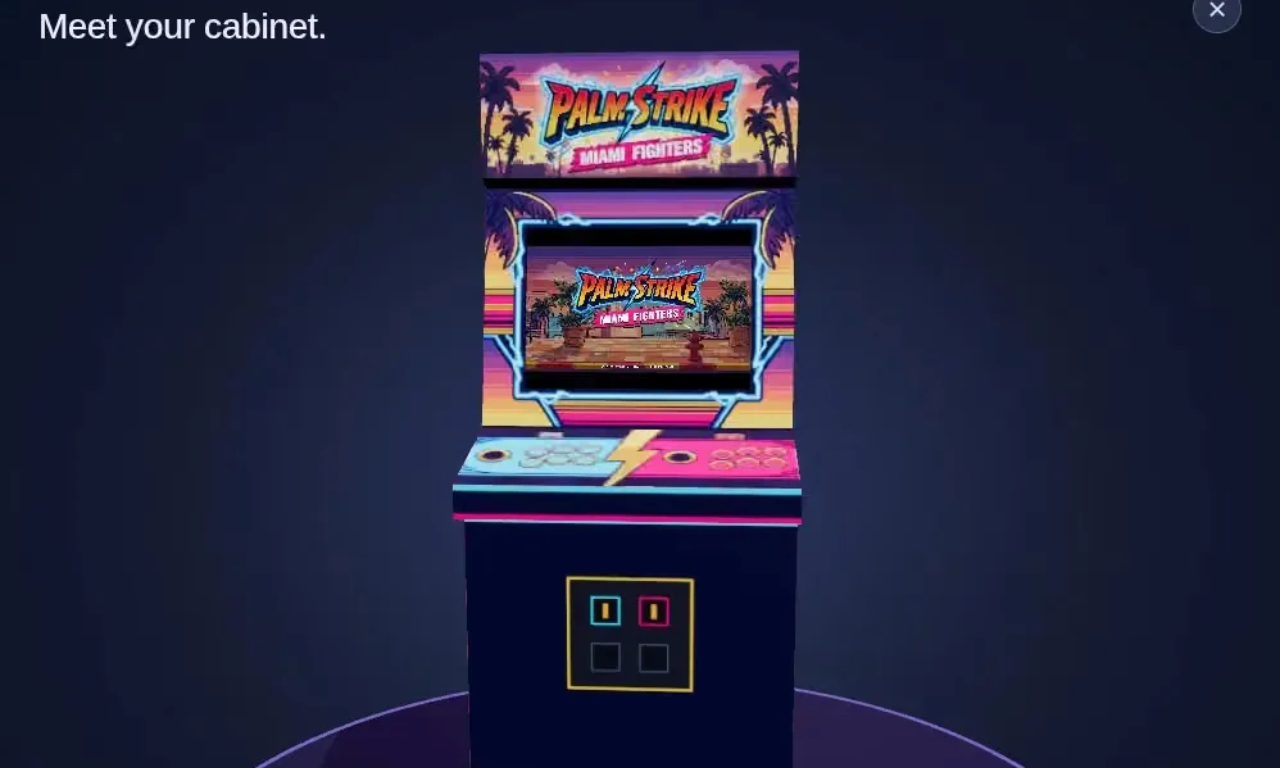
Palm Strike: Miami Fight also comes with a 3D cabinet viewer, built with Three.js, where you can inspect the textured Palm Strike machine and see a preview of the game on its screen. Drag to rotate, scroll or pinch to zoom, and close the viewer to return to your paused match.
How Palm Strike Miami Fight Was Built: Phaser 3.90, AI-Generated Art and Human QA
Palm Strike: Miami Fight runs on Phaser 3.90 on WebGL, written in TypeScript and bundled with Vite, with Three.js powering the cabinet viewer. Purple Horizons, co-founded by Gianni D'Alerta, went from starting the project to a playable game in about four hours.
The team is upfront about how the art was made: the characters and the Miami concept are original, but the art was generated with AI under human direction and then edited through a lot of QA, and the sprites were not hand-painted. The project took 208 generations at a cost of $18.80, and the code was written with AI assistance too.
Palm Strike: Miami Fight is a prototype from Purple Horizons, playable at miamifight.com. Next up are more characters from the roster, full animation sets and online multiplayer, and the team is asking players which fighter they want next.
Play Palm Strike Miami Fight in Your Browser
Free, no download required. Fight the CPU, or share one keyboard with a friend.