
We spent over a decade building a game framework. Now we're building the tools we always wished existed alongside it.
The tools we wanted when we started
When we first created Phaser, we had one goal: make it easier to build games for the web. Over the years, hundreds of thousands of developers picked it up and ran with it — building everything from quick prototypes to commercial releases, teaching game dev in classrooms, and shipping titles that reached millions of players and sales.
During all of that time, we kept running into the same friction. Not with the framework itself, but with everything around it. Setting up a dev environment. Hunting for a decent pixel art editor that didn't need a separate install. Packing texture atlases with command-line tools. Wiring up tilemap exports. Juggling half a dozen disconnected apps just to go from "idea" to "playable thing."
We kept thinking: what if all of this lived in one place? What if the tools talked to each other, shared the same files, and just worked — without the developer having to play systems integrator?
That's what the Phaser Desktop is.
One workspace, every tool you need
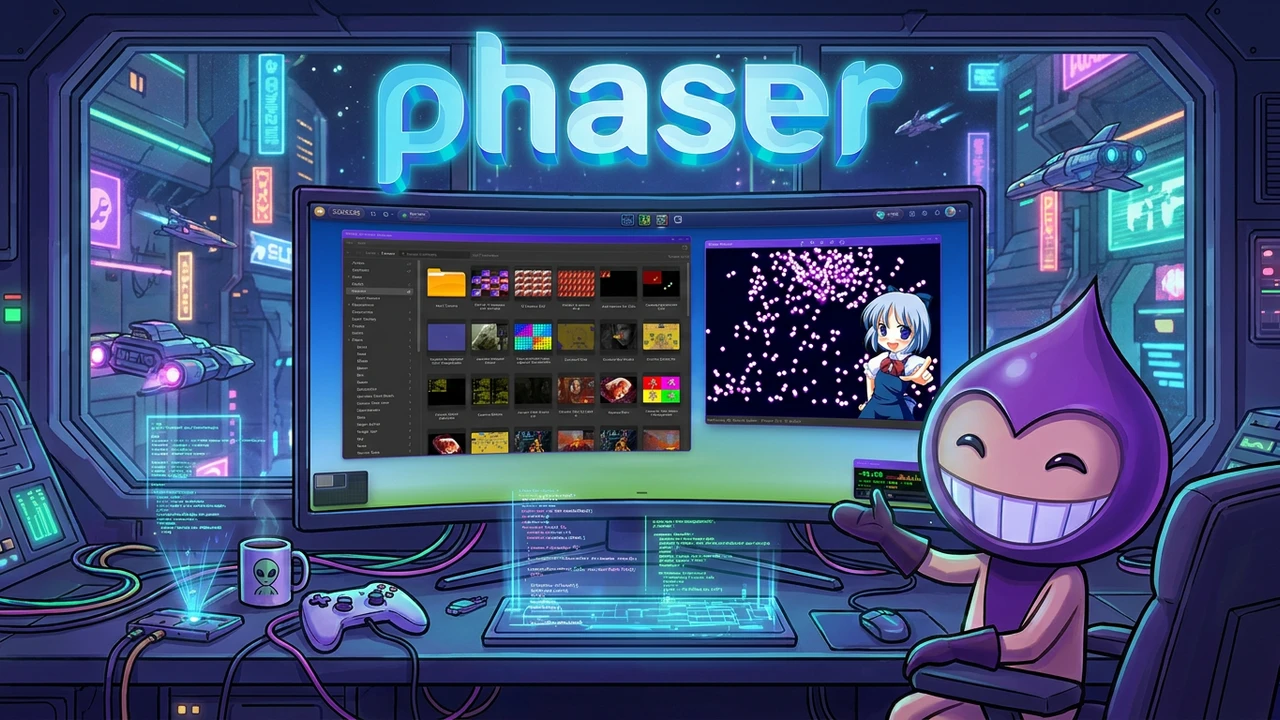
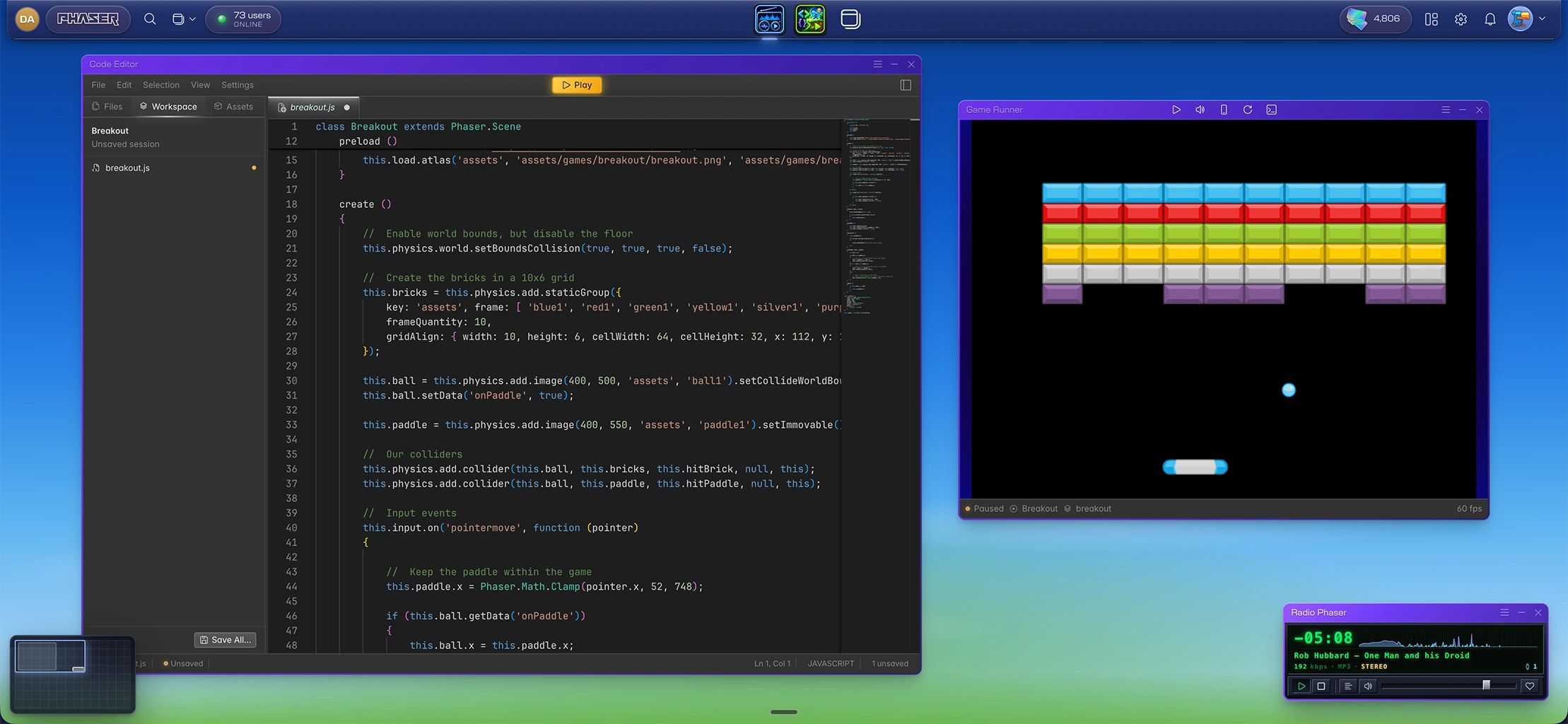
The Phaser Desktop is a complete game-making workstation that runs in your browser. It looks and behaves like a real desktop environment — windows you can open, drag, resize, minimize, and snap. But every tool on it was designed specifically for making games with Phaser.
Here's what's already on the Desktop:
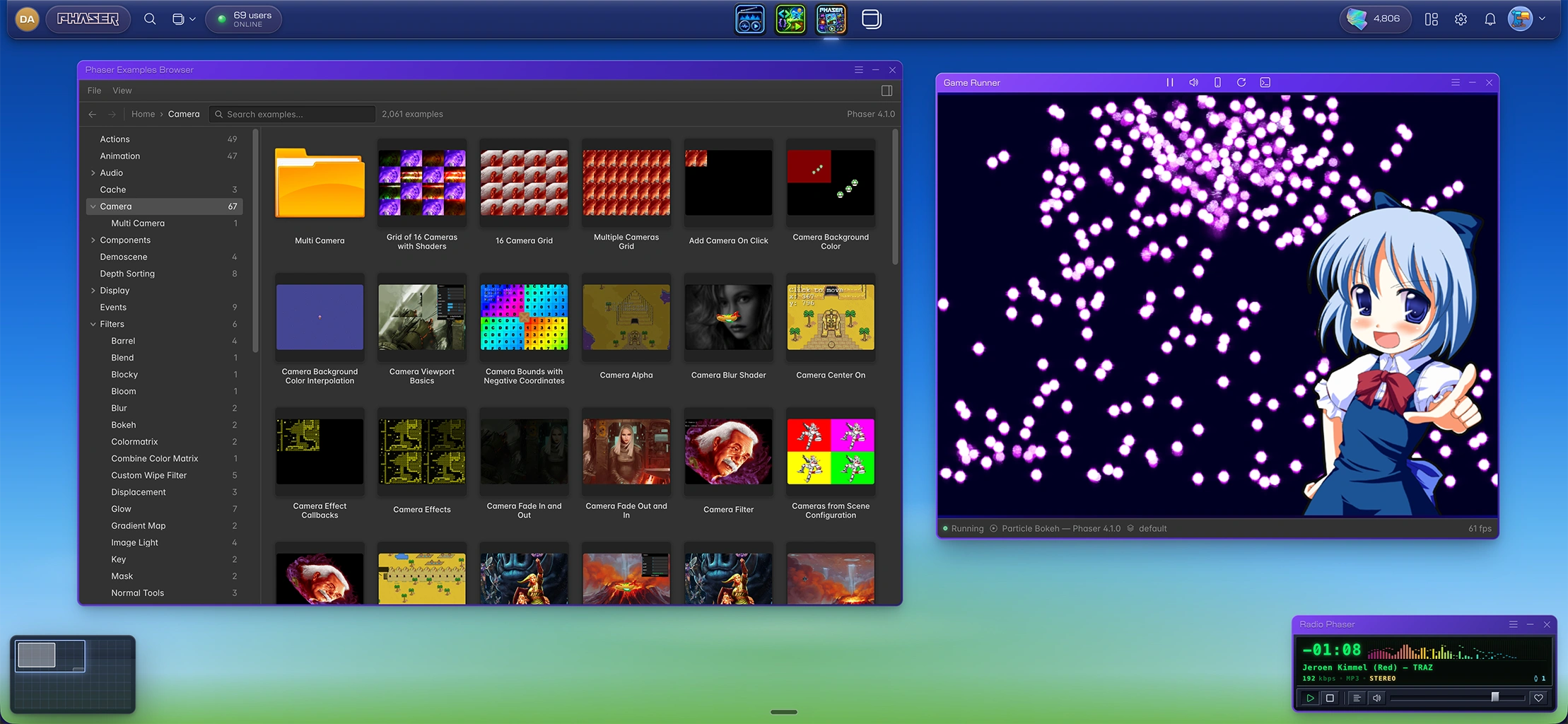
For coding — a full Monaco-powered Code Editor with Phaser API typings baked in, an Examples Browser with thousands of working Phaser demos you can add straight into your project, the complete Phaser API docs, a File Explorer, JSON Editor, Markdown Editor, Notes, and a Project Hub that acts as mission control for everything you're building. Including publishing your finished game, or just showing off a work-in-progress release.
For creating assets — a Pixel Artist for painting sprites, a Tilemap Editor that outputs Phaser-ready JSON, a Texture Atlas Creator for packing sprites into atlases, a Seamless Texture Generator, tools for extracting sprites from sheets, removing backgrounds, editing images, building colour palettes, and an Arcade Physics Editor that lets you set up physics bodies visually.
For sound — a Music Generator that composes original tracks from a style and mood, and an SFX Generator for sound effects and ambience, all saved in formats ready to drop into your game at a click of the "Add to Game" button.
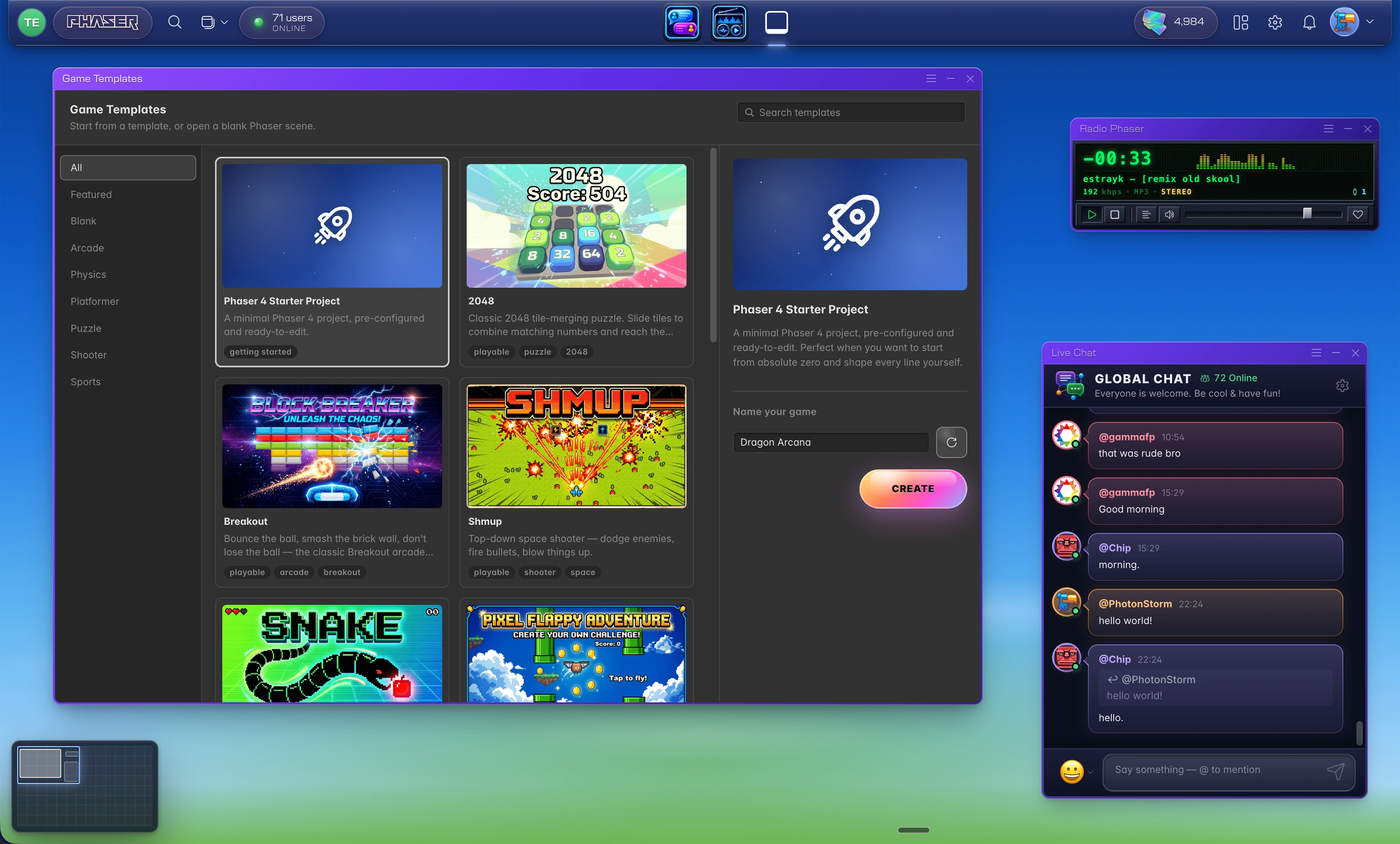
Everything writes to the same workspace. Paint a sprite in Pixel Artist and it appears in your File Explorer immediately. Drag it into the Texture Atlas Creator, pack it, and load the atlas in your Code Editor — no export steps, no file juggling. One shared workspace, every tool aware of every other tool. For fun — need a comedic break? Open up the daily xkcd comic. Tune in and listen to Radio Phaser, or talk to us in the Live Chat. We have more games planned for the future, too. Because those who play together, stay together.
Not just AI tools
Yes, there are AI-powered tools on the Desktop. The Image Generator, Music Generator, SFX Generator, and Seamless Texture Generator all use generative models to help you produce assets quickly. They're useful, and we'll keep improving them.
But that's only part of the picture. The Pixel Artist is a proper pixel-art canvas with twelve drawing tools, resizable brushes, and fixed palette support. The Tilemap Editor is a hands-on level designer with multi-layer painting. The Texture Atlas Creator is a packing tool, not a generator. The Physics Editor is visual, not generative.
We believe in giving you both options. Sometimes you want to describe what you need and let the machine take a first pass. Sometimes you want to sit down and hand-craft every pixel. The Desktop supports both, and the two approaches work well together — generate a rough sprite, then clean it up in Pixel Artist and Tidy Pixel Art. That kind of workflow is exactly what we had in mind.
We're just getting started
What you see on the Desktop today is the foundation. We have a long list of tools we want to build next, and they go well beyond the basics.
We're thinking about tools for specific genres — a dialogue tree editor for narrative games, an item and inventory designer for RPGs, a wave editor for tower defence games. Tools that help with the fiddly, game-specific work that eats up hours and rarely has a good off-the-shelf solution.
We're thinking about more coding tools — smarter autocomplete, integrated debugging, project templates that give you a running start on common game types.
We're thinking about collaboration, about better publishing workflows, about things we haven't even announced yet. And of course opening these tools open via MCP for AI Agent support.
The point is: the Desktop isn't a finished product we're handing over. It's a platform we're actively building out, and we intend to keep adding to it for a long time.
Tell us what to build
Here's where you come in. We have our own roadmap, but some of the best ideas we've ever acted on came from the community. The Phaser framework itself is a testament to that. If there's a tool you've always wanted — something that would save you time, remove a pain point, or just make the process of building games more enjoyable — we want to hear about it.
Jump into the Live Chat on the Desktop, find us on Discord, or drop us an email. Tell us what's missing, what's annoying, what would make you smile. We're listening, and we're building.
Come make something
The Phaser Desktop is free to use. Create an account, open it up, and start poking around. You don't need to learn every tool on day one — most people start with the Code Editor or Pixel Artist and explore from there.
We've spent years building a framework. Now we're building the workshop around it and will evolve them both together. We'd love to see you in there making games with us.