
What it does
In many line-art games the instruments are the only way to see most of what is happening: the radar shows the tank
behind you, the scanner the attack on the far side of the planet, the oxygen bar how long the dive can last. This pack
draws those readouts the way the rest of a vector game is drawn, as strokes and arcs with the vector layer's glow,
dash and dwell, so they sit naturally beside vector-2d art.
Every instrument is a function that takes a target and an options object and draws at once. The radar takes your contacts as world positions and rotates them so forward is up, with an optional sweep line, a forward wedge and a colour per kind of blip. The scanner shrinks the whole playfield into a strip and boxes the part on screen. The map screen draws a room graph scaled to fit, ringing the current room, highlighting a route and hiding unvisited rooms when fogged.
For the HUD as a whole, createPanel binds bars, dials, lamps and text to reader functions. You declare the layout
once, call panel.draw each frame, and it reads the live values itself, blinking flashing lamps at a rate you set.
The pack carries no renderer: the target is anything with seg, poly and arc verbs, which game.vector already
has.
Features
- Gauges — a bar that fills in beam-like strokes, with ticks, a label, a vertical option and a warning colour at or below a threshold; a dial with a needle across a 270-degree face by default; a lamp with an on ring and an off style.
- Radar scope — contacts relative to a centre and range, forward-is-up or north-up, with a sweep, a forward wedge, blip styles by kind, and out-of-range contacts dropped or pinned to the rim.
- Scanner strip — the whole playfield in a box, the on-screen view outlined, and contacts as dots.
- Map screen — rooms and doors from a room graph as they are, with visited, current, route, locked, hidden and tagged styles, and fog of war.
- Chrome — a viewport frame of corner ticks or a plain box, a gunsight whose gap closes by up to 70 % on a lock, and a tally of lives drawn as ship chevrons or any outline.
- Formatters —
formatScorepads to six digits andformatTimereads minutes, seconds, tenths and hours. - Panels — a HUD declared once from items that read their own values, with flashing lamps and custom items.
- Any line renderer — the target is three verbs, so an adapter onto another renderer, or a recorder in a test,
works as well as
game.vector.
Good for
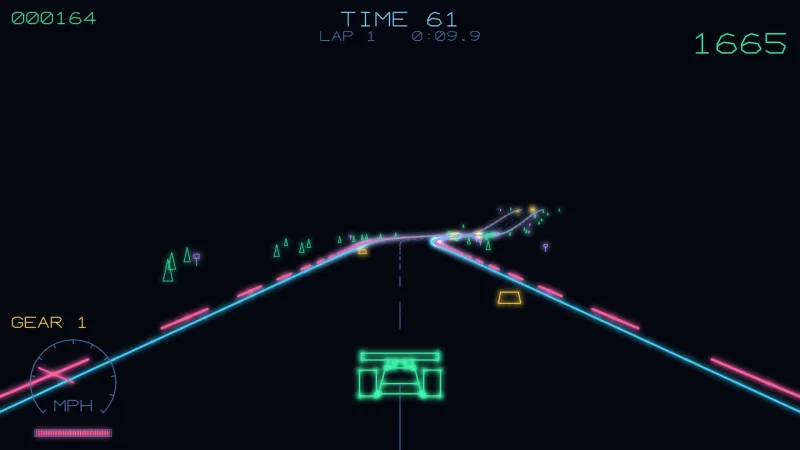
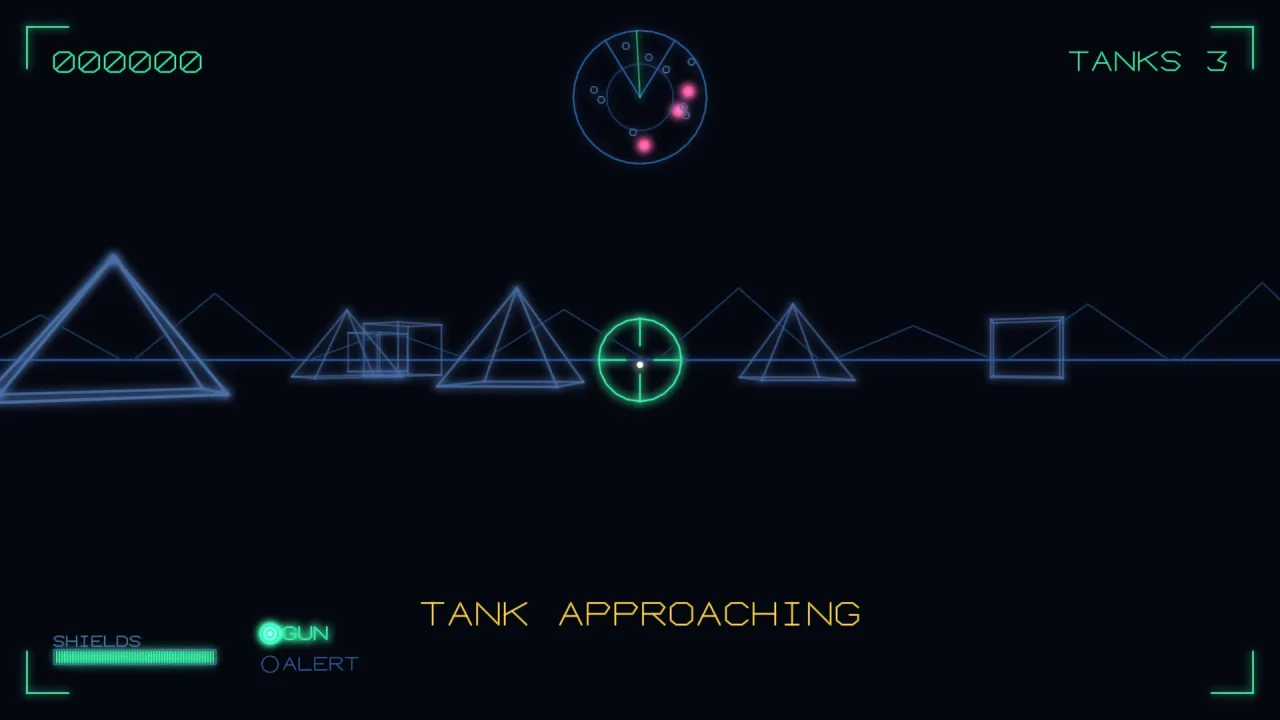
- Tank cockpits with a radar scope and a gunsight, in the style of Battlezone.
- Space combat cockpits with shield dials, warning lamps and a lock-on sight, as in Star Wars or Tail Gunner.
- Submarine and rescue games with sonar, an oxygen bar and blinking damage lamps, in the style of Polar Rescue.
- Side-scrolling defenders that need a scanner strip of the whole world.
- Vector maze and room games with a map screen that fogs the rooms not yet visited.
- Any line-art HUD that needs a score, a clock and lives in the same glowing style.
Make it yours
Every instrument takes its own options, and every style is per call: colour, a gradient along the stroke, width, glow, alpha, dash, dwell and draw order. Sizes, positions, tick counts, the dial's arc, the radar's range, blip size and heading, the scanner's world and view, and the lives tally's outline are all yours to set, and there are no colour opinions beyond the styles you pass.
Two different HUDs: a tank's console drawn by hand each frame, with a forward-is-up radar showing saucers in their own
colour, a closing gunsight and a corner-tick frame round the view; or a submarine's panel declared once with
createPanel, an oxygen bar that turns pink below a quarter, a sonar lamp that flashes when damaged, and the dive
clock as text, all read live from the game.
A quick look
A panel that reads the game every frame, with a flashing lamp:
import { createPanel, formatTime } from '@phaser-ae/instruments';
const panel = createPanel([
    { kind: 'bar', x: 20, y: 40, w: 140, h: 14, label: 'OXYGEN', read: () => sub.oxygen, warn: 0.25 },
    { kind: 'lamp', x: 200, y: 47, label: 'SONAR', flashing: true, read: () => sub.sonarDamaged },
    { kind: 'text', x: 20, y: 70, read: () => formatTime(sub.dive), size: 12 },
]);
game.step('hud', dt => { time += dt; panel.draw(game.vector, time); });
Works with
vector-2d— the line-art layer whosegame.vectoris the target as it is.scoreboard— its flash helper drives a blinking lamp outside a panel.barsandui— for a raster, sprite or widget HUD instead of line art.light-gun— for a light-gun crosshair over a 3D scene.
Good to know
- Line art only: fills are strokes, and there are no solid shapes, textures or sprites.
- Instruments are immediate: they draw when called and keep nothing, so call them every frame you draw.
- Only panel items read their values through a function; the instrument functions take the value in their options.
- Labels need the target's
textverb, whichgame.vectorhas. - 2D screen space only, and
radarandscannerdraw every contact each call, which suits dozens or hundreds of blips rather than tens of thousands.