
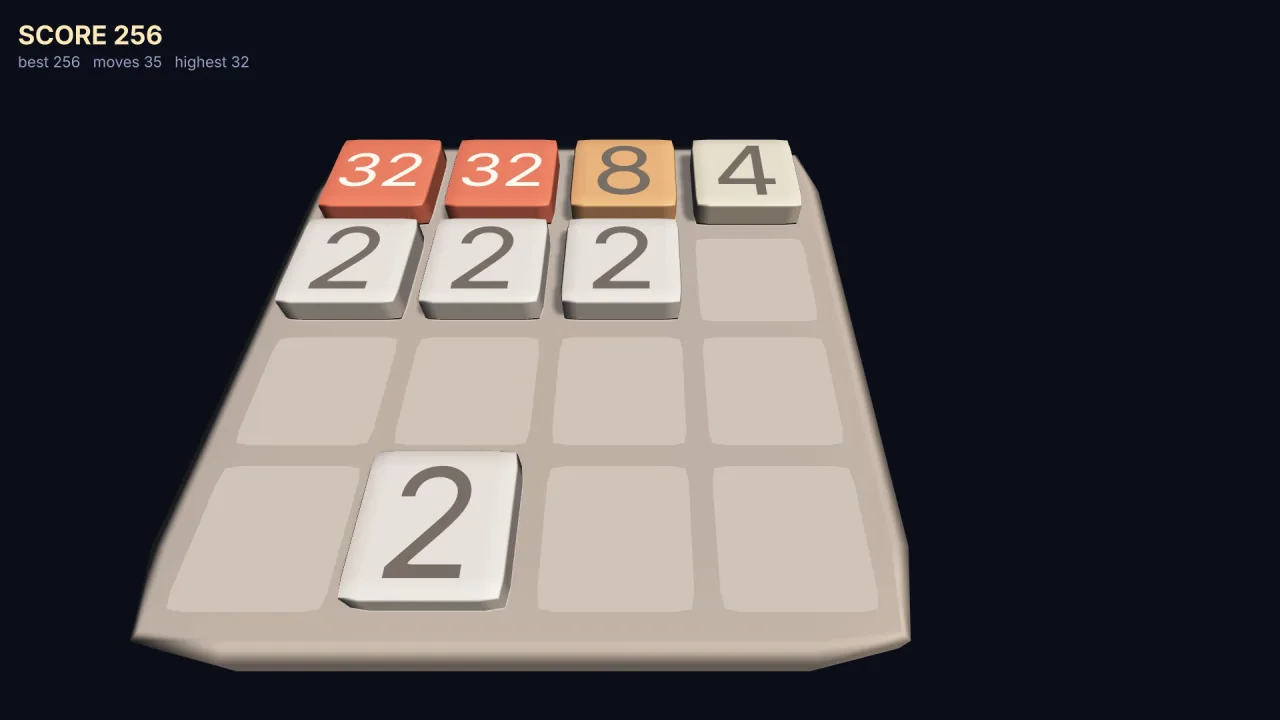
What it does
game.board.layout takes a number of columns and rows and the spacing between cell centres, and returns a layout:
toWorld gives the world centre of a cell, toCell gives the cell a world point falls in, contains says whether
a cell is on the board, index and at convert to and from the row-major index rules packs keep, and cells lists
every cell for building sockets and highlights. width and depth give the board's full extent, for sizing the
backing under it.
The board is centred, not its first cell. Cell (0, 0) sits half a cell in from the edge, an odd board has a cell exactly on the centre and an even one has a seam there: the off-by-half-a-cell every hand-written version gets wrong once.
The other question it settles is which way round the board reads. A rules pack's "up" is row 0, and whether that
should face the camera or face away depends on where the camera sits. A mirrored board type-checks, renders and
passes every test, and is obvious to the first person who plays it. So flipCols and flipRows are named options
rather than a sign hidden in an expression.
Features
- Cell to world —
toWorld(gx, gy)gives a cell's centre as{ x, y, z }, extrapolating off the board for a piece mid-move. - World to cell —
toCellrounds to the nearest centre, so any point inside a cell picks that cell. - Two planes —
'xz'lays the board flat on a 3D table;'xy'stands it on a 2D screen, with y running down so row 0 is the top row. - Named flips —
flipColsandflipRowsrun the columns or rows the other way, and a flipped board still round-trips throughtoCell. - Indices and cells —
index,atandcellsmatch the flat row-major arrays rules packs use. - Extent —
widthanddepthsize the board's backing. - Placement —
x,yandzmove the whole board; on a table,yis its height above the ground.
Good for
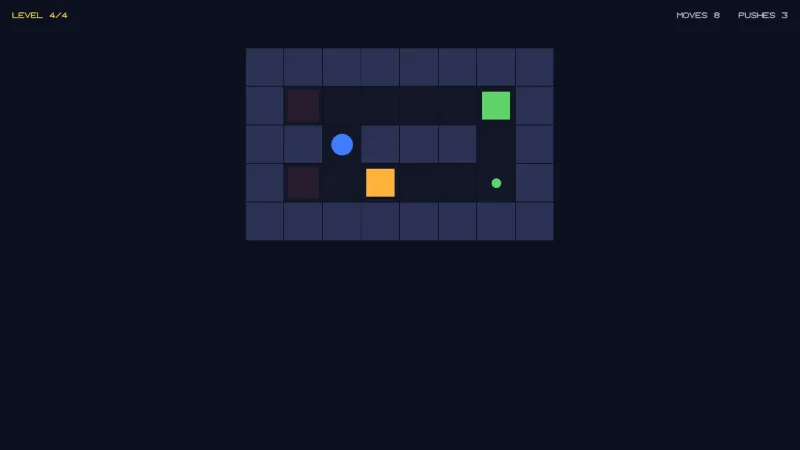
- Sliding-tile and 2048-style boards, where tiles tween from cell to cell.
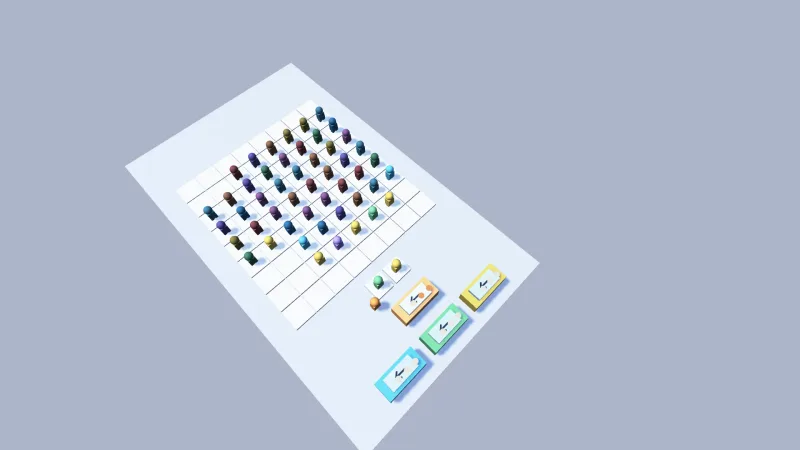
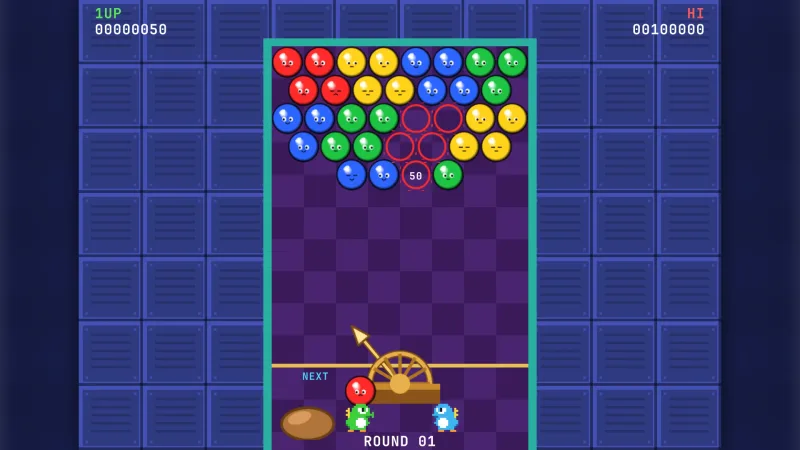
- Match-3 fields laid out in 2D or on a 3D table.
- Board games such as chess, where the camera may sit on either side of the board.
- Click and tap picking on any grid, from a pointer position or a raycast hit.
- Level editors, placing a cursor on the cell under the mouse.
- Grid rules packs of your own, which then need no layout code of their own.
Make it yours
The layout takes cols, rows, cell (centre-to-centre spacing, 1 by default), plane, the board's centre x,
y and z, and the two flips. The pack itself has no options.
Two quite different uses: a four-by-four sliding board on a 3D table, laid flat on 'xz' with a cell of 1.12 so
tiles have a small gap, and no flips because the camera sits at yaw π, where row 0 is already the far row; and an
eight-by-eight 2D match-3 field on 'xy', centred on the screen, where toCell turns each tap into the cell to swap.
A quick look
Build the sockets of a four-by-four board, then tween each tile to its cell:
const board = game.board.layout({ cols: 4, rows: 4, cell: 1.12 });

for (const c of board.cells())
    game.world3d.spawn({ mesh: 'roundedPlane', ...board.toWorld(c.x, c.y), sx: 0.96, sz: 0.96 });

for (const tile of rules.tiles())
    game.tween.to(view(tile.id), board.toWorld(tile.x, tile.y), { duration: 0.13 });
Works with
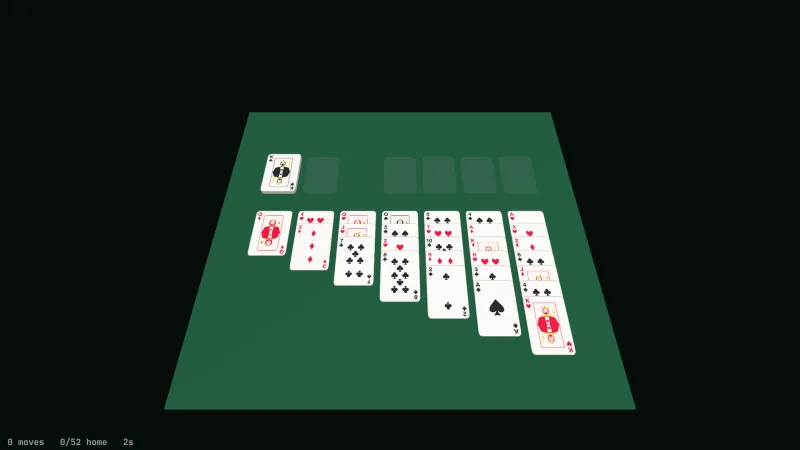
slide,match3,placerandfaller— grid rules packs whose cells it places.cards,boulder-dashandchips-challenge— other grids it lays out the same way.tween— to move pieces between the positions it returns.
Good to know
- Square cells only: one spacing serves both axes. Nothing is hexagonal or isometric.
- There is no gap or padding setting;
cellis centre-to-centre spacing, and how much of it a tile fills is the tile's own size. toCellextrapolates past the edges rather than clamping, so checkcontainsbefore using the result.- A layout is a value, not a live object: after a resize, build another one.