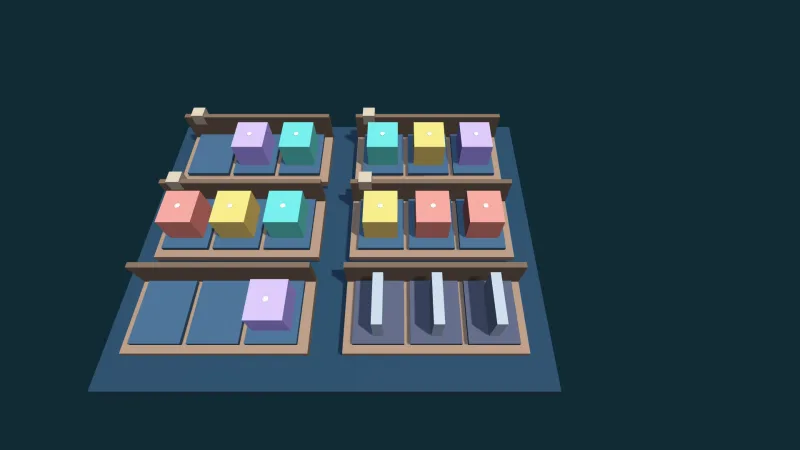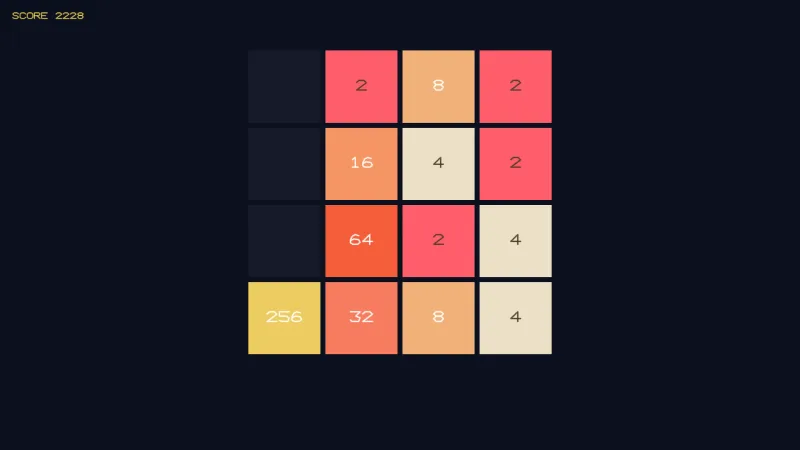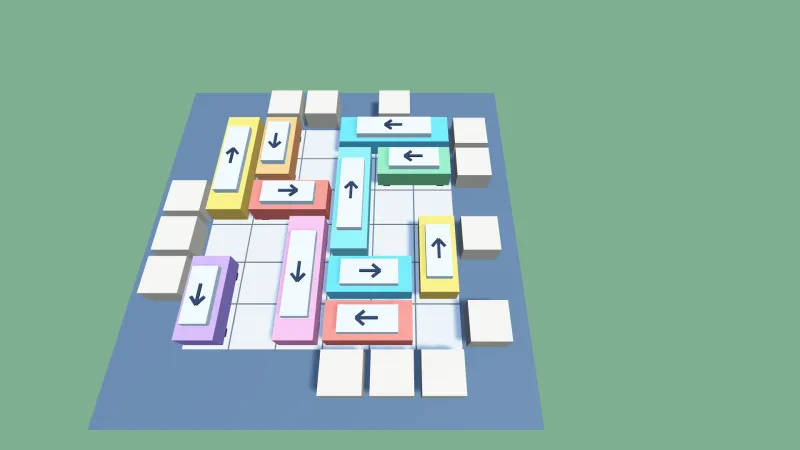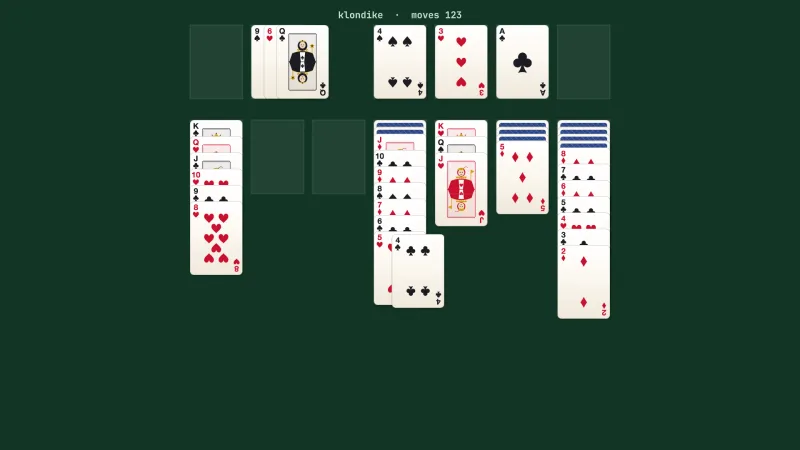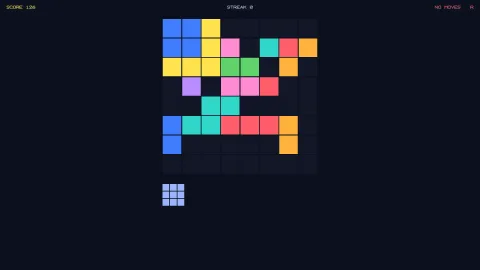

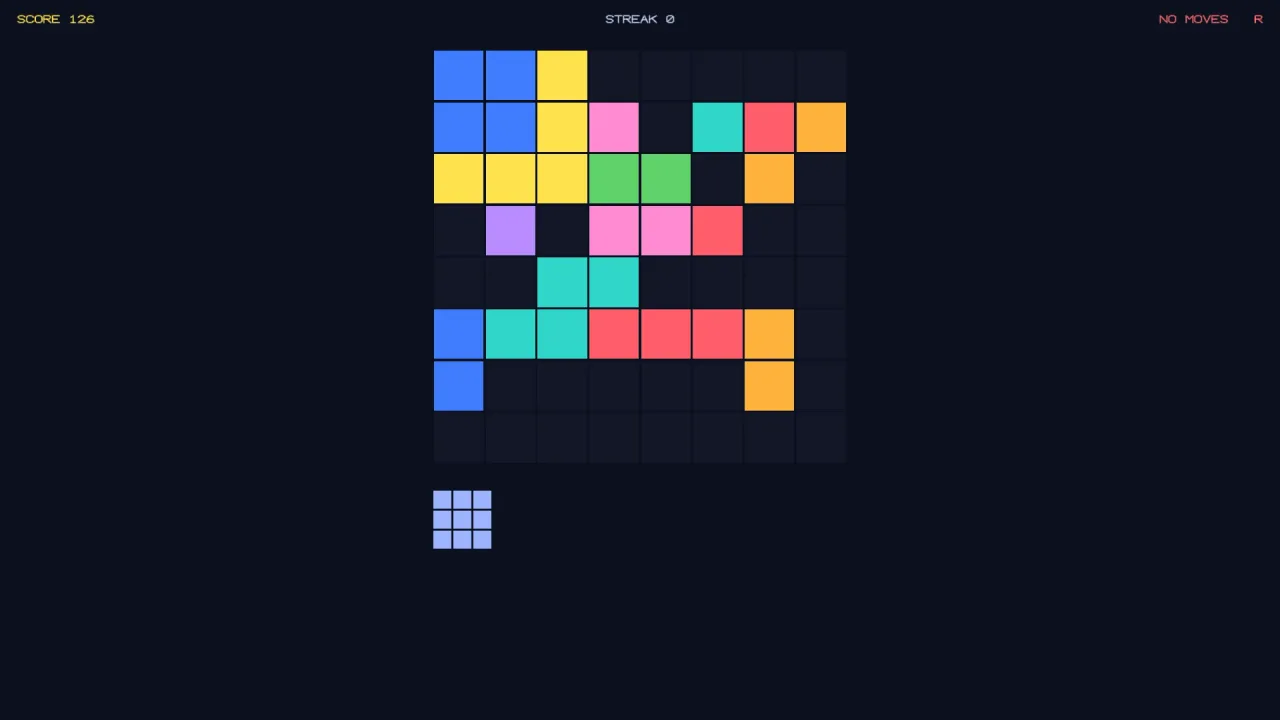
What it does
The board deals a tray of pieces, three by default. The player places a piece anywhere its cells are all empty, and
every row or column it completes clears afterwards. Extra regions can clear too, such as the nine 3×3 boxes of a
sudoku-style board from sudokuBoxes. Clearing several regions at once scores as a combo, and consecutive clearing
placements build a streak, which is where the skill lies.
The game ends when no piece in the tray fits anywhere. That has to be asked of every piece at every position, and of
every rotation when rotation is on, or a game ends while a move still exists, which players notice at once.
findPlacements asks exactly that question, and the same answer gives you the hint button and an autoplayer: every
legal placement, how many regions each would clear, and a value to rank them by.
Each place returns whether it fit, a journal of steps (the place, the regions cleared, the tray refill and the game
ending), the combo, the streak and the points gained. A placement that does not fit changes nothing.
Features
- Tray and grid — any board of at least two by two, a tray of any size, and no gravity or timer.
- Rows, columns and regions — every row and column clears, plus any extra regions you define.
- Sudoku boxes —
sudokuBoxesadds square boxes that tile the board: the nine 3×3 boxes of a nine-by-nine board by default, or four 4×4 boxes of an eight-by-eight. - Classic piece sets —
PIECES_1010with lines, squares and L shapes, andPIECES_BLOCKS, which adds T, S and Z pieces. - Weighted deals — a weight and a tag per piece, and a
pieceFilterhook to change the pool as the board fills. - Combo and streak scoring — a steep default curve, or your own
scorer. - A correct game-over test — every piece at every position, and every rotation when rotation is on.
- Hints and autoplay —
findPlacementsranks every legal move and counts what it would clear. - Optional rotation —
rotatePieceturns a tray piece when the config allows it. - Deterministic — the same seed deals the same pieces.
Good for
- Line-clearing block puzzles, in the style of 1010! or Block Blast.
- Sudoku-style block puzzles, in the style of Woodoku, with 3×3 boxes that clear alongside rows and columns.
- Adaptive casual puzzles, whose deal eases or tightens as the board fills.
- Variants with rotation, larger trays or custom shapes, including pieces with holes.
- Balancing a piece set, by letting
autoplayplay many games from different seeds.
Make it yours
The config sets the board's columns and rows, the deal pool with a weight and a tag per piece, the tray size, any extra clearing regions, whether pieces rotate, a filter that picks the pool from how full the board is, the scoring function and the seed. Pieces are cell sets, so any shape can join the pool.
Two quite different games: a ten-by-ten board with the classic piece set, three pieces a tray, rows and columns only and the default steep combo curve; and a nine-by-nine board with sudoku boxes, a pool that adds T, S and Z pieces, rotation turned on, and a deal filter that offers smaller pieces as the board fills up.
Works with
faller— for falling pieces in a well, with gravity and timing.board— to place the grid's cells in the world and turn a drop point into a cell.tweenandparticles-2d— to animate drops and line clears.
Good to know
- The tray refills when it empties, not one piece at a time; that is the classic rule, but not every game's.
- Pieces are cell sets, not bitmaps: a piece with a hole is possible, a piece that overlaps itself is not.
findPlacementsreports how many regions a placement would clear, not which; a preview that highlights the exact lines works them out from the board.sudokuBoxesmakes square boxes whose side divides the board's; for other shapes, define your own regions. A region with a cell off the board is refused when the board is created.- There is no undo; keep your own history if your game offers one.