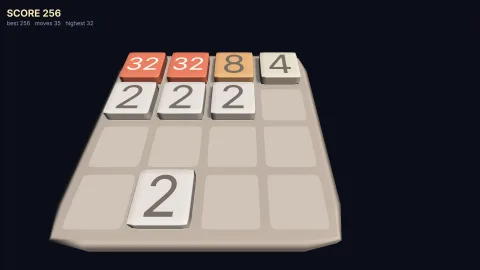

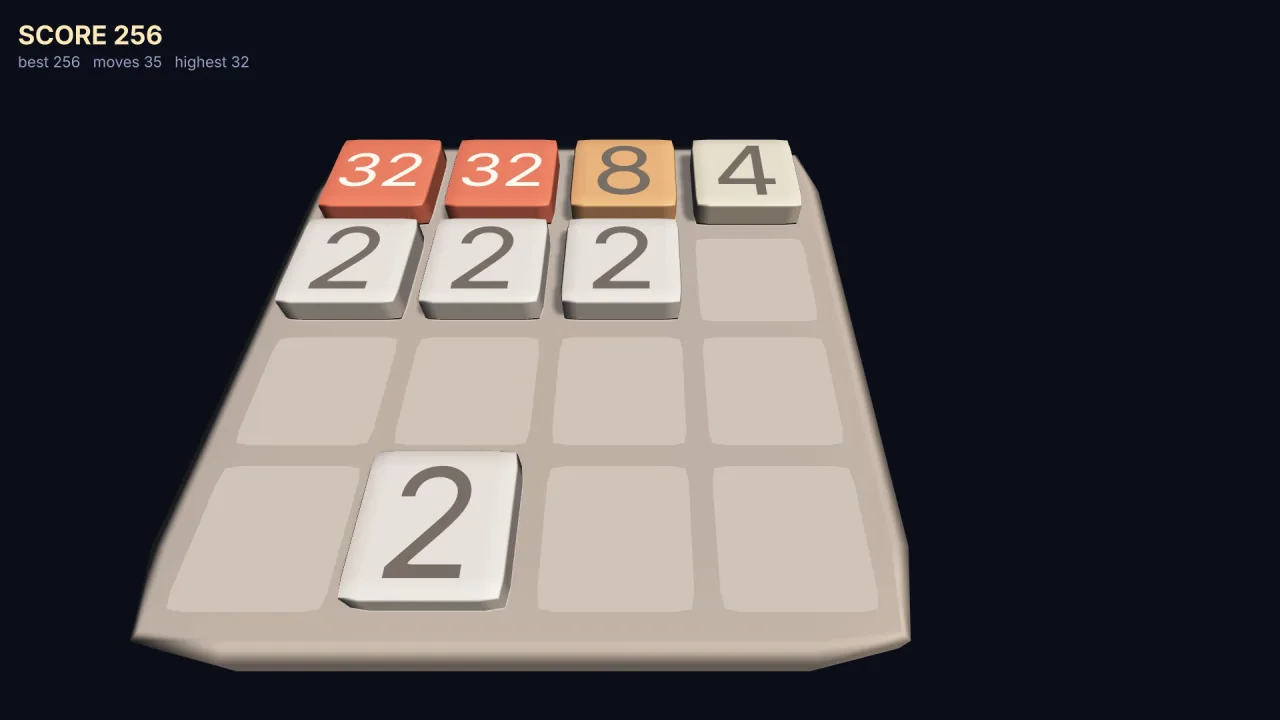
The pack
board
function board(): Pack<{ board: BoardApi }>The board pack: puts layoutBoard on game.board. No columns, steps, hooks or options; requires nothing.
Helpers
layoutBoard
function layoutBoard(opts: BoardOptions): BoardLayoutLay out a grid in the world. Pure: call it once and keep the result, or call it again after a resize.
const board = layoutBoard({ cols: 4, rows: 4, cell: 1.12 });
for (const c of board.cells()) spawn({ mesh: 'roundedPlane', ...board.toWorld(c.x, c.y) });
Types
BoardApi
interface BoardApiWhat game.board presents: the one builder, so a game never writes the centring arithmetic itself.
layout: typeof layoutBoard— Lay out a grid in the world. SeelayoutBoard.
BoardCell
interface BoardCellA cell of the grid.
x: number— Column, 0 tocols - 1.y: number— Row, 0 torows - 1.
BoardLayout
interface BoardLayoutA laid-out board: pure lookups, no state.
readonly cols: number— Cells across.readonly rows: number— Cells down.readonly cell: number— Centre-to-centre spacing, world units.readonly count: number— Cells in total —cols * rows.readonly width: number— The board's full extent along its first axis (x),cols * cell.readonly depth: number— The board's full extent along its second axis (z on'xz', y on'xy'),rows * cell.toWorld(gx: number, gy: number): BoardPoint— The world centre of a cell. Out-of-range cells extrapolate rather than throw — a piece can be off the board mid-move.toCell(x: number, y: number, z?: number): BoardCell— The cell a world point falls in, rounded to the nearest centre. May be outside the board; check withBoardLayout.contains.contains(gx: number, gy: number): boolean— Is this cell on the board?index(gx: number, gy: number): number— Row-major index of a cell — the flat array every rule pack keeps.-1when off the board.at(index: number): BoardCell— The cell at a row-major index; the inverse ofBoardLayout.index.cells(): BoardCell[]— Every cell, row-major — for building the sockets, the backing, the highlight under the cursor.
BoardOptions
interface BoardOptionsHow to lay a grid out in the world.
cols: number— Cells across.rows: number— Cells down.cell?: number— Centre-to-centre distance between neighbouring cells, in world units. Default 1.plane?: BoardPlane— The plane the board lies in. Default'xz'.x?: number— World x of the board's centre. Default 0.y?: number— World y of the board's centre — its height above the ground on'xz'. Default 0.z?: number— World z of the board's centre. Default 0. Ignored on'xy'.flipCols?: boolean— Run columns the other way, so grid x 0 is the+xedge instead of the-xedge. Default false. Seen from a camera at yaw π that puts column 0 on the right; from yaw 0, on the left. This andflipRowsare the answer to the only question this pack exists to settle. A rule pack's "up" is row 0, and whether that reads as away from the camera or toward it depends on where the camera is — get it wrong and the board is mirrored, which type-checks, renders, passes every test and is obvious the instant a person plays it.flipRows?: boolean— Run rows the other way, so grid y 0 is the+zedge (the bottom row on'xy') instead of the-zedge (the top row). Default false. Seen from a camera at yaw 0, looking along+z, that makes row 0 the far row; from yaw π, the near one.
BoardPlane
type BoardPlane = 'xz' | 'xy'Which world plane the board lies in.
'xz' is a table seen in 3D: the board lies flat, y is up and is the board's height above the ground.
'xy' is a 2D screen board: y runs DOWN the screen, as it does everywhere in 2D (Law 5), so row 0 is the
top row without anyone having to flip it.
BoardPoint
interface BoardPointA point in the world, as this pack hands one back.
x: number— World x.y: number— World y.z: number— World z. Always the board'syoption on'xy', where nothing has depth.