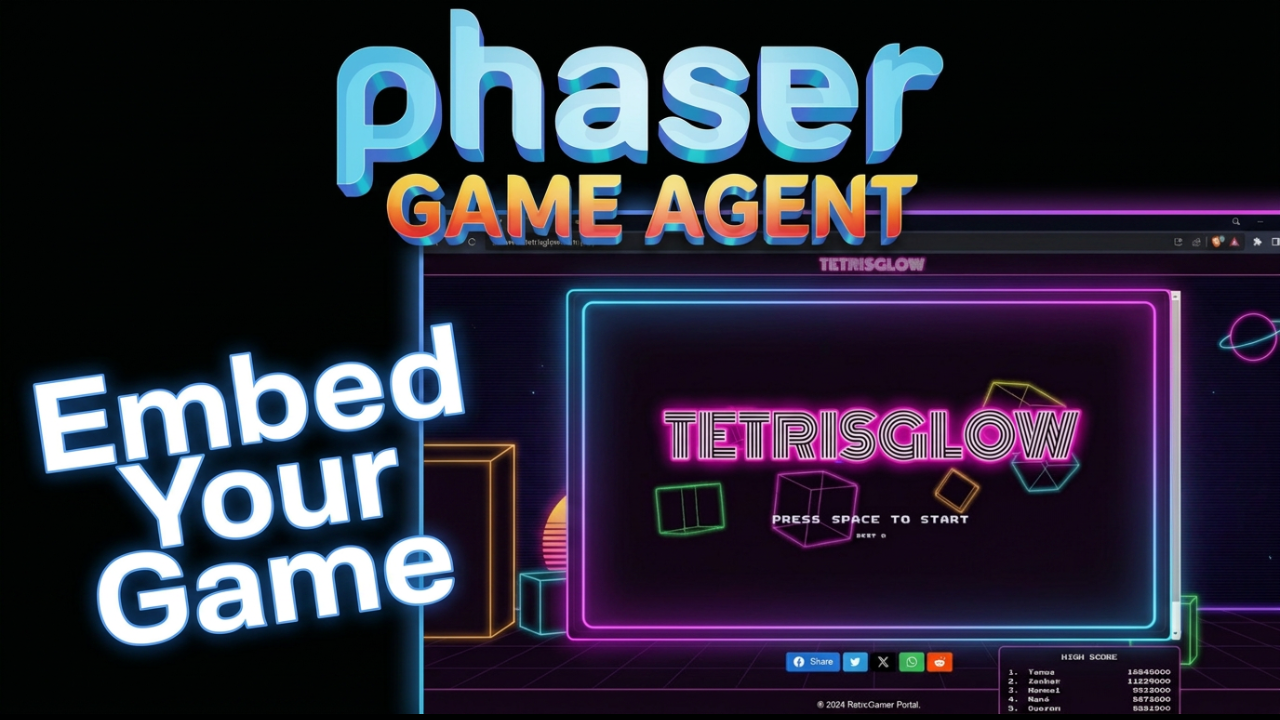


Every game you build with the Phaser Game Agent gets its own shareable link. Now it can also live on your own site. The new embed feature lets you drop your game into any webpage with a standard iframe, so your portfolio, your blog, or your studio site can host it directly.
How to Embed a Phaser Game Agent Game on Your Website
1. Click your account name in the top right corner. Select Your Games from the dropdown.
2. Your game library appears. Click the game you want to embed.
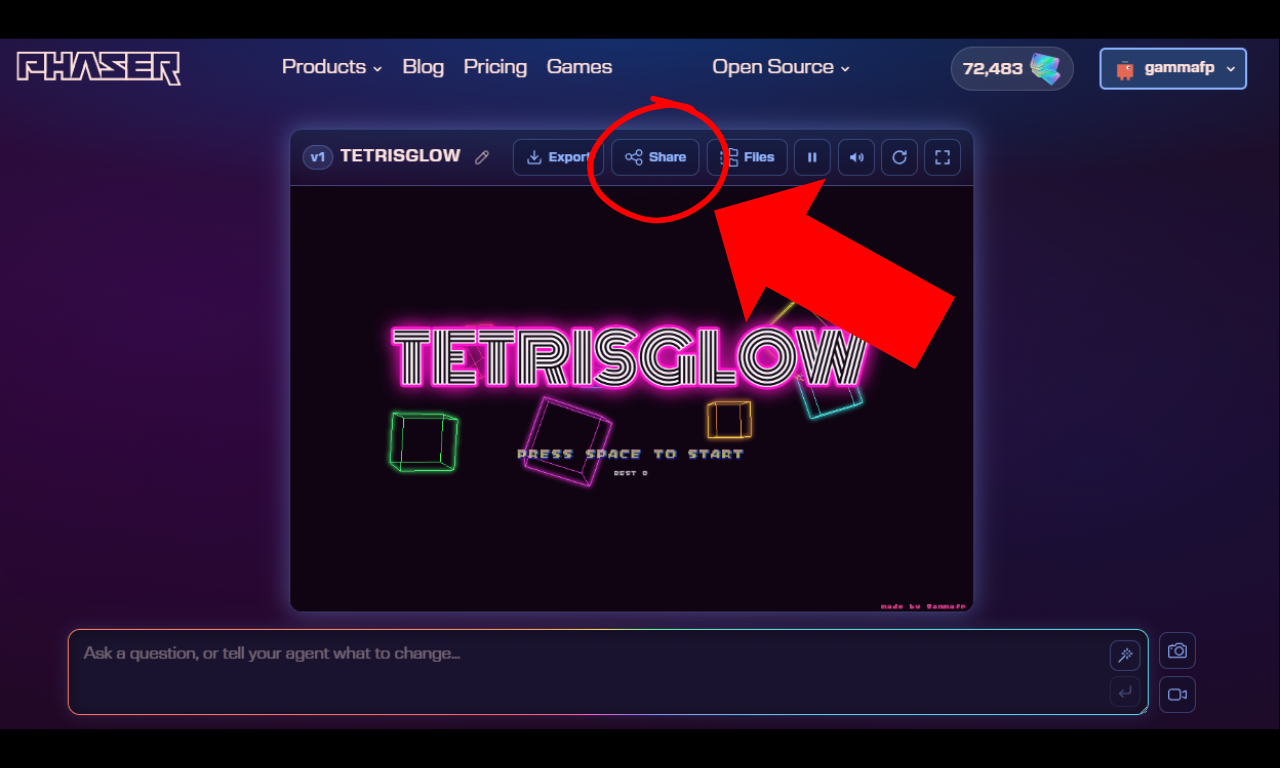
3. Click the Share button in the top toolbar.
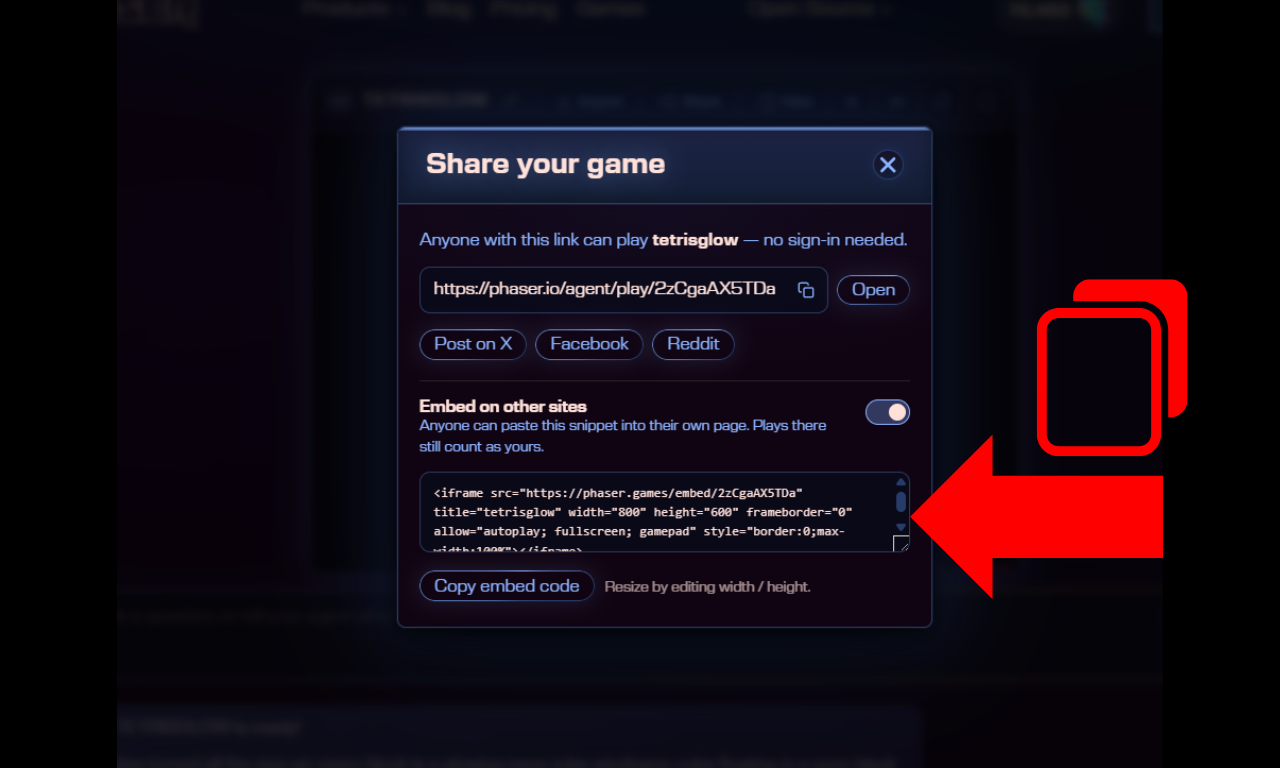
4. Turn on "Embed on other sites" to generate your iframe snippet.
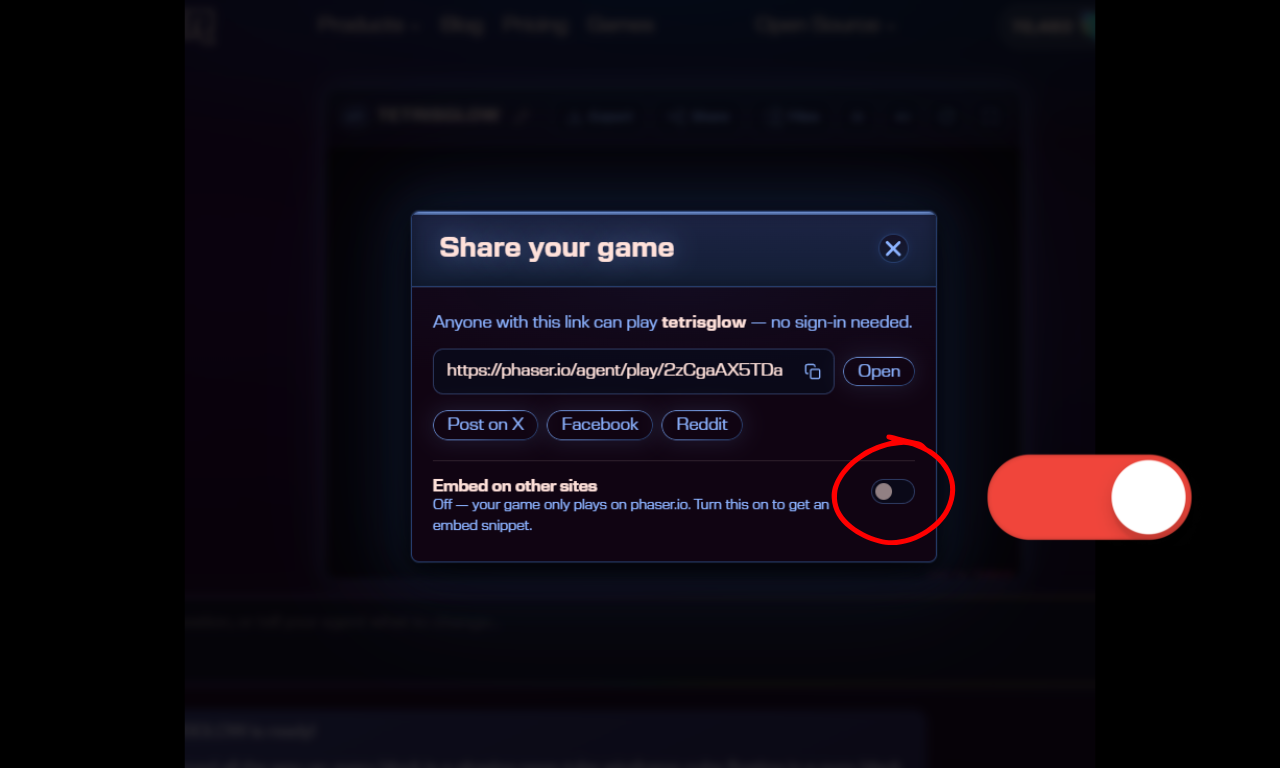
5. Copy the snippet and paste it into any page. Your game will play there instantly.
What You Should Know About the Embed Feature
Plays on embedded sites count toward your totals, the same as plays on phaser.io. You can also see which sites your game is currently running on.
Embedding is off by default. You opt in per game when you want it. And if you change your mind, switching it off stops all existing embeds immediately.
Embedding is off by default and always under your control. Turn it off at any time and existing embeds stop working straight away.
Embed Your Game Now
Your games belong to you. Now they can live anywhere on the web. Open a game, hit Share, turn on embedding, and paste the snippet wherever you want players to find it.