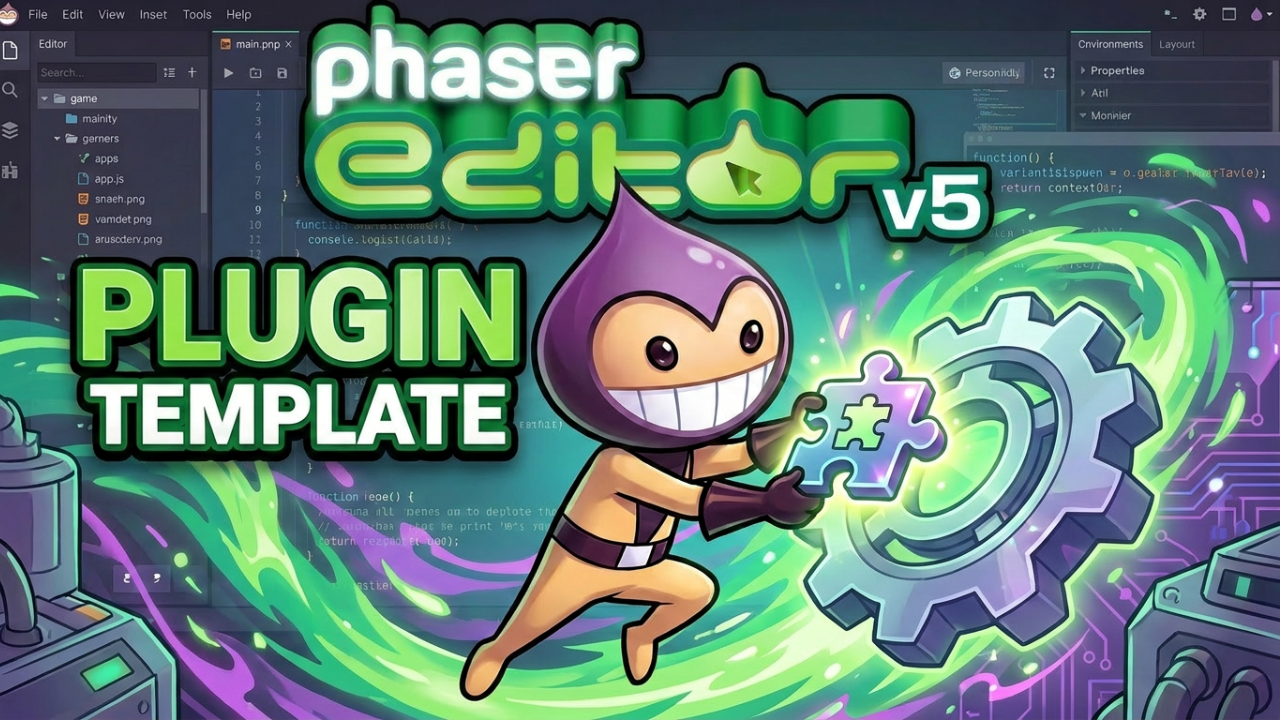


Phaser Editor v5 now has an official plugin template on GitHub. It's a minimal, self-contained starting point for building third-party plugins that extend the editor with your own commands, custom editors, content types, Inspector properties and more. Clone it, rename it, and build what you need.
What You Can Build with the Phaser Editor v5 Plugin Template
A Phaser Editor v5 plugin is a folder containing a plugin.json manifest and one or more JavaScript files. When the editor starts, it scans its plugin directories and loads anything it finds. From there, your plugin registers its extensions during startup. The template covers the full range of extension points:
- Custom commands with keyboard shortcuts and palette entries
- Menu entries that reference your command IDs
- Custom editors for your own file types
- Content types and file storage extensions
- Inspector properties and Outline view integration
- New File wizard entries for your custom formats
The template ships a complete worked example: a Todo editor that opens .todo files, demonstrates Outline and Inspector integration, theme-correct CSS, and a New File wizard entry. Everything you need to copy from is already there. The bundled types/*.d.ts files give you the full editor API surface without needing a checkout of the editor source code.
AI-Assisted Plugin Development for Phaser Editor v5
The template is structured to work well with AI coding assistants. It ships with an AGENTS.md entry point that orients any AI agent on the architecture and conventions, a Cursor skill that auto-applies when you ask the agent to add plugin functionality, and task-focused recipes in the docs/ folder for both humans and AI. The bundled types/*.d.ts files give the AI the editor's real API surface without needing a full editor checkout.
Getting Started with the Phaser Editor v5 Plugin Template
The build is plain TypeScript with no webpack or runtime npm dependencies. Each plugin compiles to a single concatenated file. Prerequisites are Node.js LTS and an installed copy of Phaser Editor v5. From there:
- Clone the repository and install dependencies with
npm install - Build with
npm run build, or usenpm run watchto rebuild automatically on every change while developing - Load the plugin by copying it to your user plugins directory, pointing the launcher at the template root with the
-pluginsflag, or adding it to your project'sphasereditor2d.config.json - Rename the example plugin folder and update the IDs to make it your own
If you build something with the template, share it. The more plugins the community builds, the more useful Phaser Editor becomes for everyone.
Get the Plugin Template
The plugin template is open source on GitHub. Clone it, rename the example plugin, and start building. If you make something with it, share it in the Phaser Discord. Every plugin the community builds makes Phaser Editor more powerful for everyone ⚡️