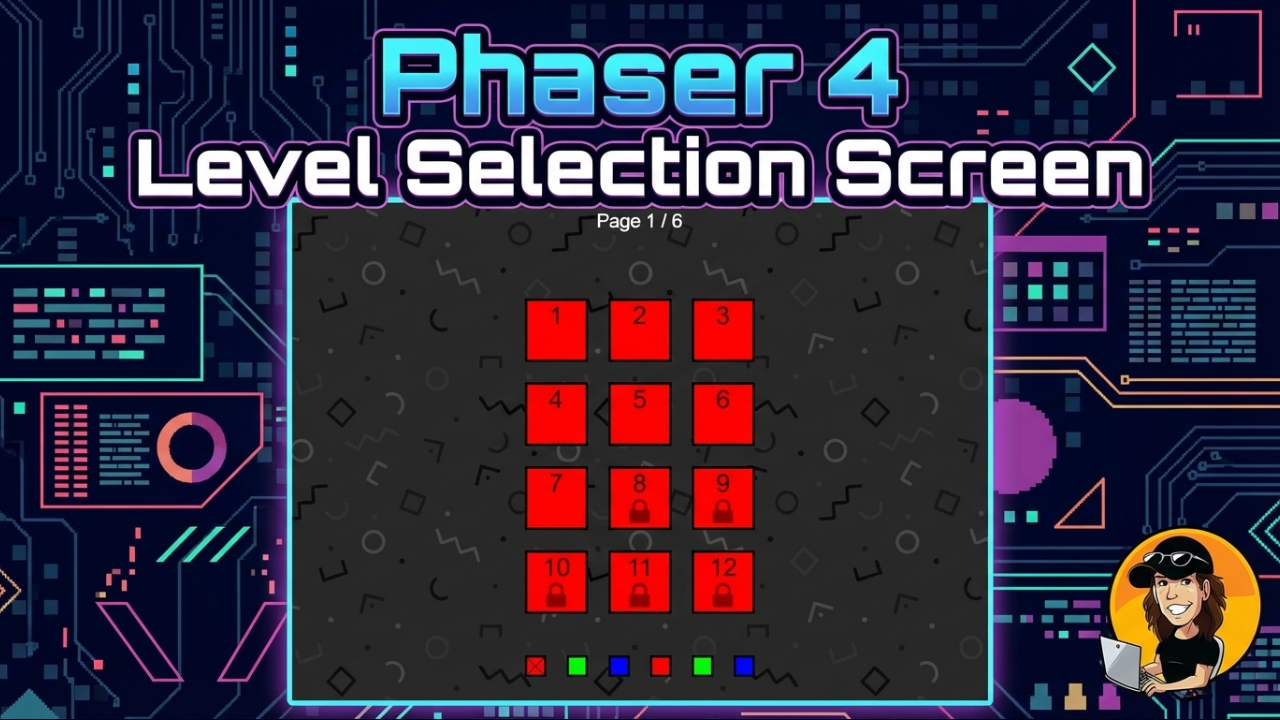


If you are building a Phaser game with levels, at some point you will need a level selection screen. It sounds simple until you actually try to make it feel right.
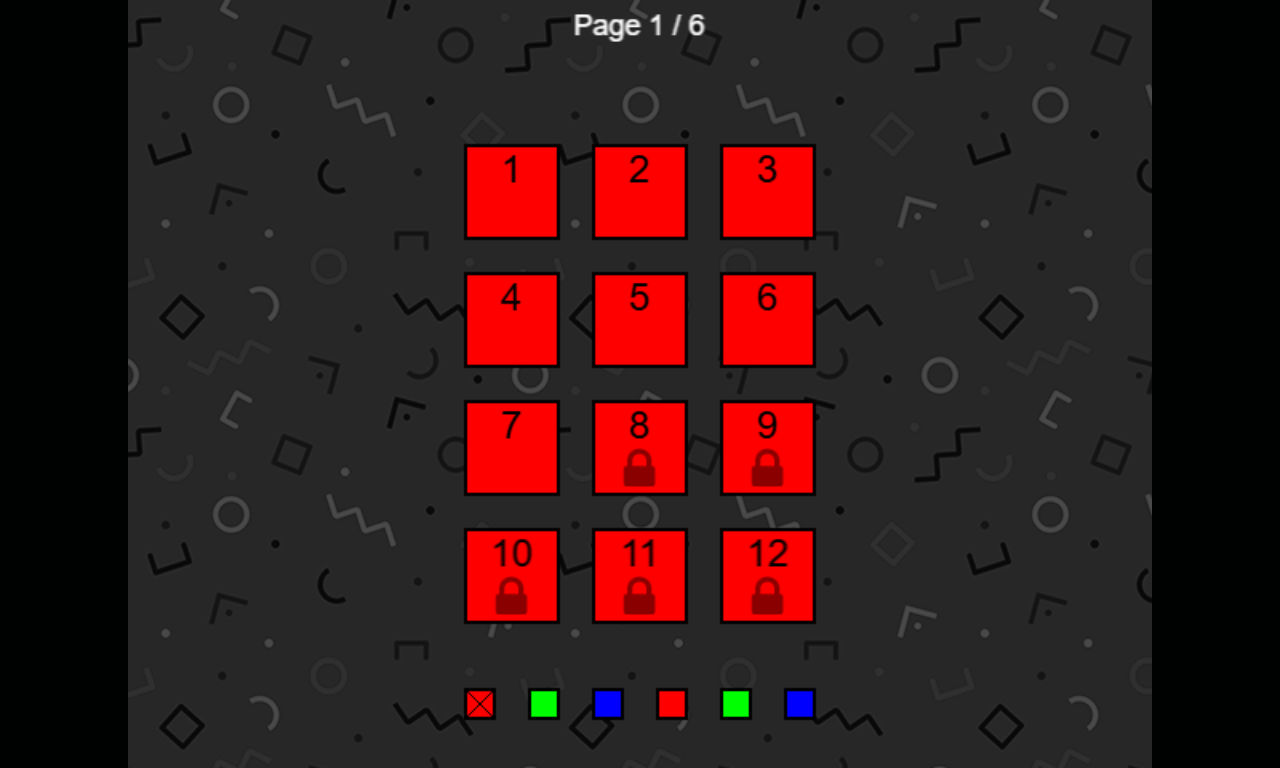
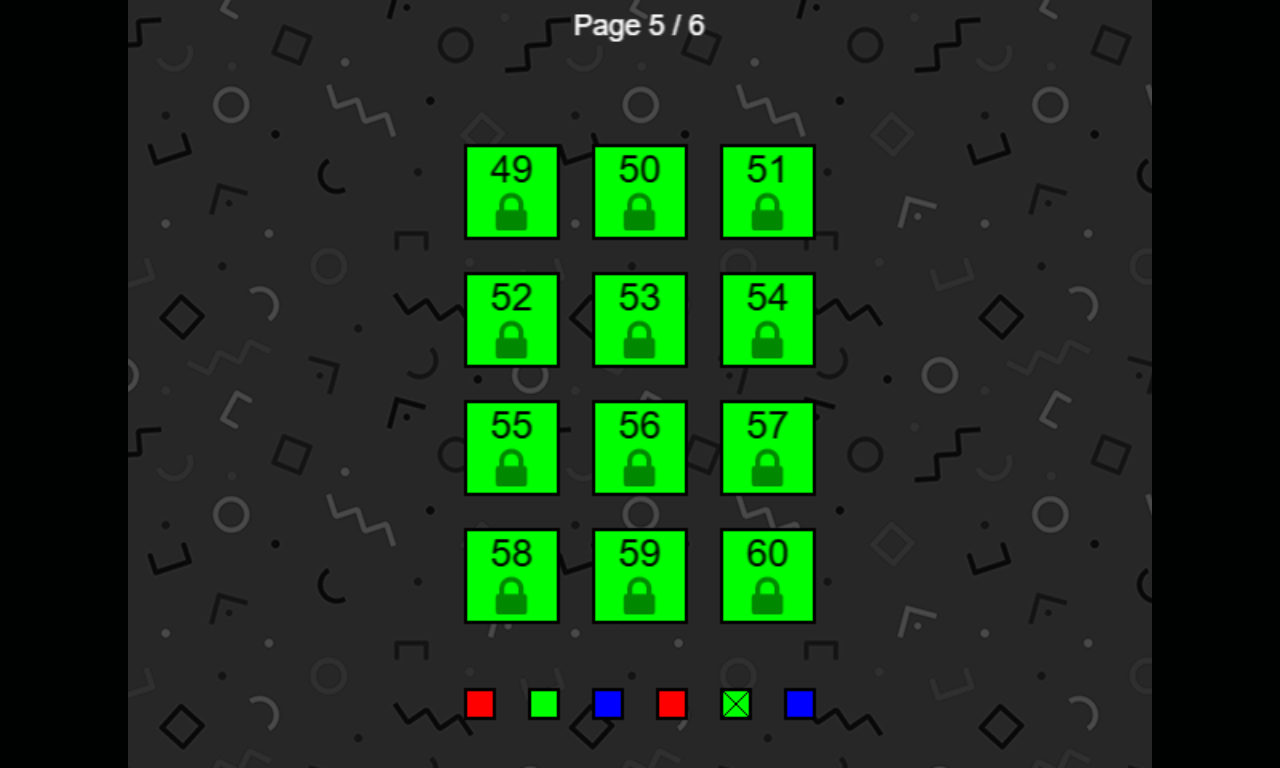
Emanuele Feronato has been tackling this problem since 2014, and his latest version is the most complete one yet. Built with Phaser 4 and TypeScript, this horizontal paginated level selector supports swipe navigation, drag, mouse wheel, snap-to-page behavior, pagination and clickable level thumbnails, all in one clean, well-structured example.
What This Tutorial Covers
The level selector is built around a single container that moves horizontally across pages. The snap logic goes beyond a simple round-to-nearest-page calculation: it reads the direction and magnitude of the swipe to make navigation feel deliberate rather than mechanical.
Mouse wheel input is handled separately and cancels any active drag, so only one input mode controls the container at a time. The result is an input system that behaves consistently across desktop and mobile.
The code is organized into separate TypeScript classes for the game scene, level thumbnails and page selectors, with a dedicated file for configurable options. Clean, readable and easy to adapt to your own project.
Why It's Worth Your Time
This is not a first draft. Emanuele has been refining this component across Phaser 2, Phaser 3 and now Phaser 4, fixing bugs and adding features with each iteration. The current version adds mouse wheel support and improves input handling over previous releases.
The full source code, including the Vite project, is available to download directly from his site.
If you need a level selection screen for your Phaser game, this is the most solid starting point out there.