
Building a polished UI for a pixel art game has always been trickier than it looks. Scaling issues, blurry assets, and clunky layouts can quickly kill the retro vibe you've worked so hard to create. Most general-purpose UI solutions simply weren't designed with pixel art in mind, and it shows. That's exactly the gap Phaser PixUI was built to fill.
A UI Library Made Specifically for Pixel Art Games
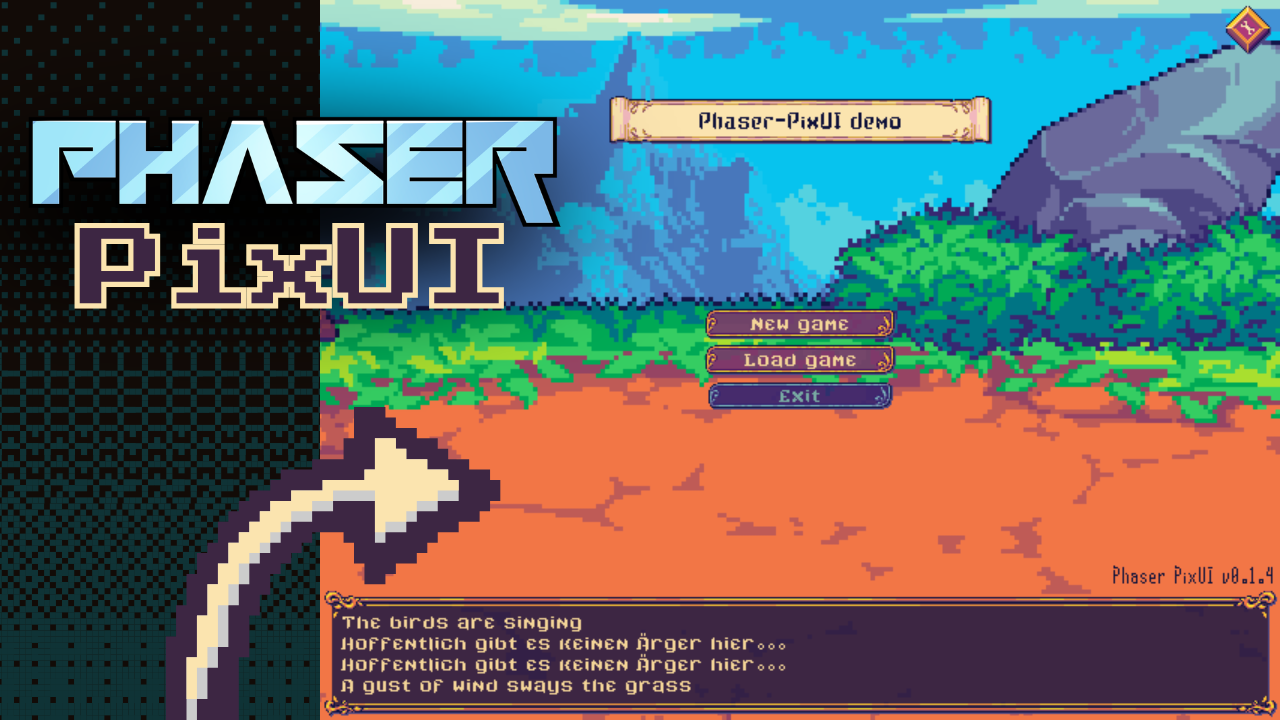
Phaser PixUI is a brand-new open-source library for the Phaser 4 game engine, designed from the ground up with pixel art games in mind. It handles the things that usually trip developers up, like ensuring integer scaling so your pixels stay sharp across different screen sizes, while offering a clean, customizable set of UI components ready to drop into your project.
Think buttons, progress bars, text areas, positioning helpers, and more, all styled and behaving the way a pixel art game actually needs them to. And since it's written in TypeScript, you also get full type definitions for a smoother development experience.
The library is still in active development, which means now is a great time to explore it, try it in your next project, and even get involved as a contributor.
Why It's Worth a Look
Phaser PixUI is lightweight, MIT licensed, and installable in seconds via npm. But rather than listing every feature here, the project page does a much better job of that, complete with a live demo where you can see the components in action and judge for yourself whether it fits your workflow.
If you're building a pixel art game with Phaser 4 and you've been looking for a solid, purpose-built UI foundation, this might be exactly what you need.