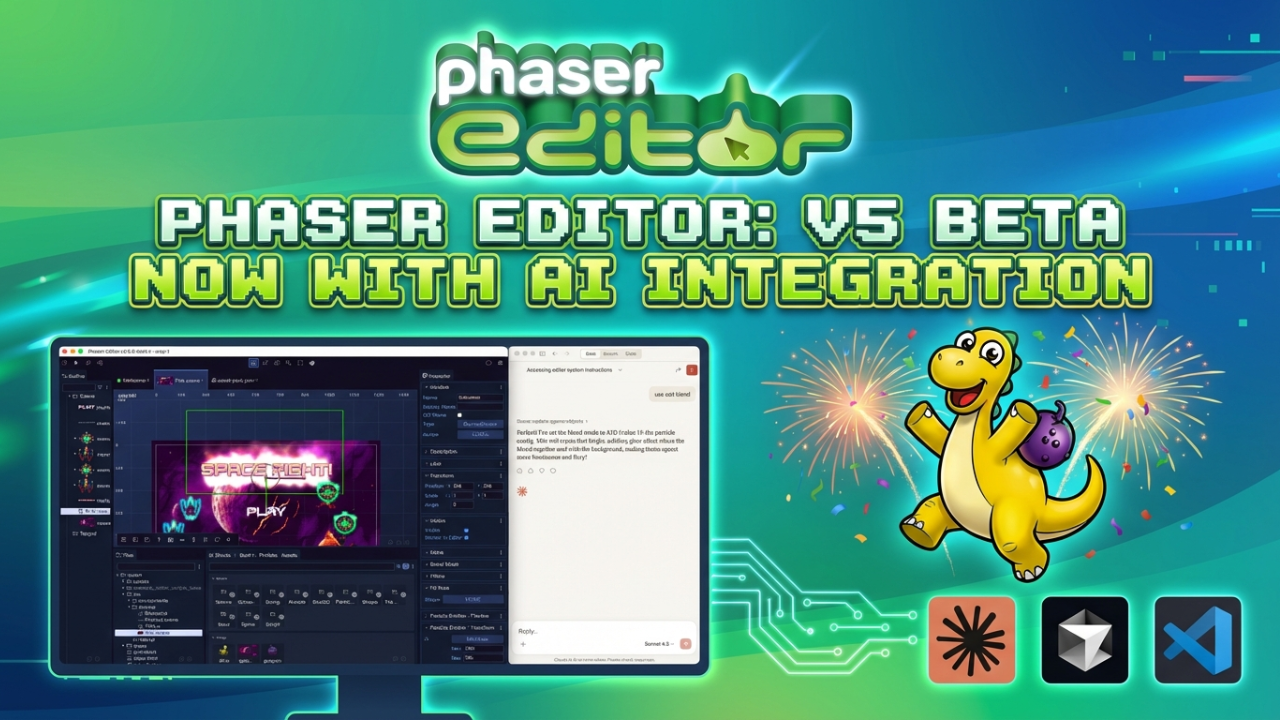

After months of intensive development, we're thrilled to announce that Phaser Editor v5 is now available in beta. This major release represents a significant leap forward in game development productivity, bringing together powerful new features, streamlined workflows, and cutting-edge AI integration.
Full Phaser 4 Support and Backward Compatibility
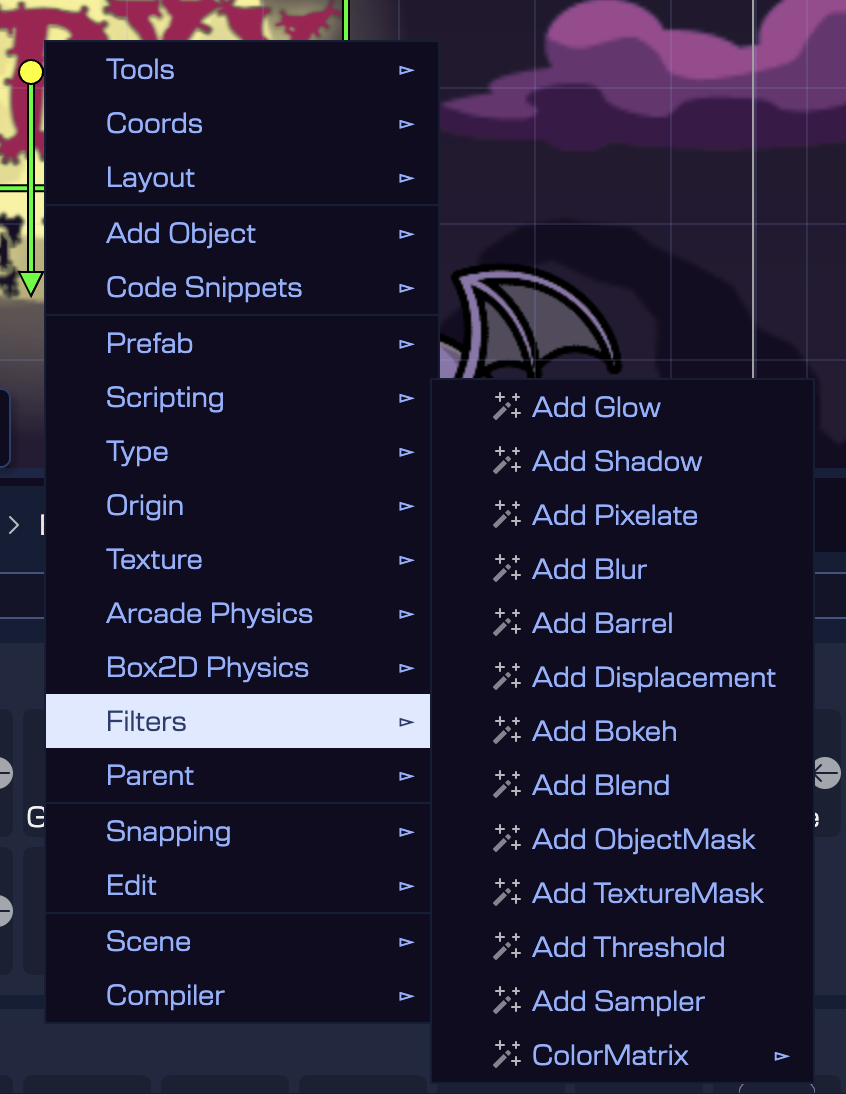
Phaser Editor v5 is fully compatible with Phaser 4, including support for the new filters system (formerly FX), updated Spine runtime, and new project templates.
We've maintained full backward compatibility with Phaser 3, allowing developers to migrate at their own pace or continue working with Phaser 3 if they prefer.
AI-Powered Game Development with MCP Integration
One of the most exciting additions is our AI integration through the Model Context Protocol (MCP). We've made setup incredibly simple. The MCP server is now built directly into the editor, and a new configuration dialog lets you connect Claude Desktop, Cursor, or VS Code with a single click. No more manual JSON editing or hunting for installation paths.
AI agents can now assist with scene development, suggest contextually appropriate object names, reorganize objects into layers, generate particle emitters from project assets, and even combine scene and code changes to implement new gameplay features. While still experimental, we've seen impressive results with tasks like transforming prototype scenes into full implementations and identifying visual patterns to replicate across new scenes.
Access it from the main menu: AI → MCP Server Configuration Watch it in action in this video:
Visual Scene Editor Improvements
The Scene Editor has received numerous productivity improvements.
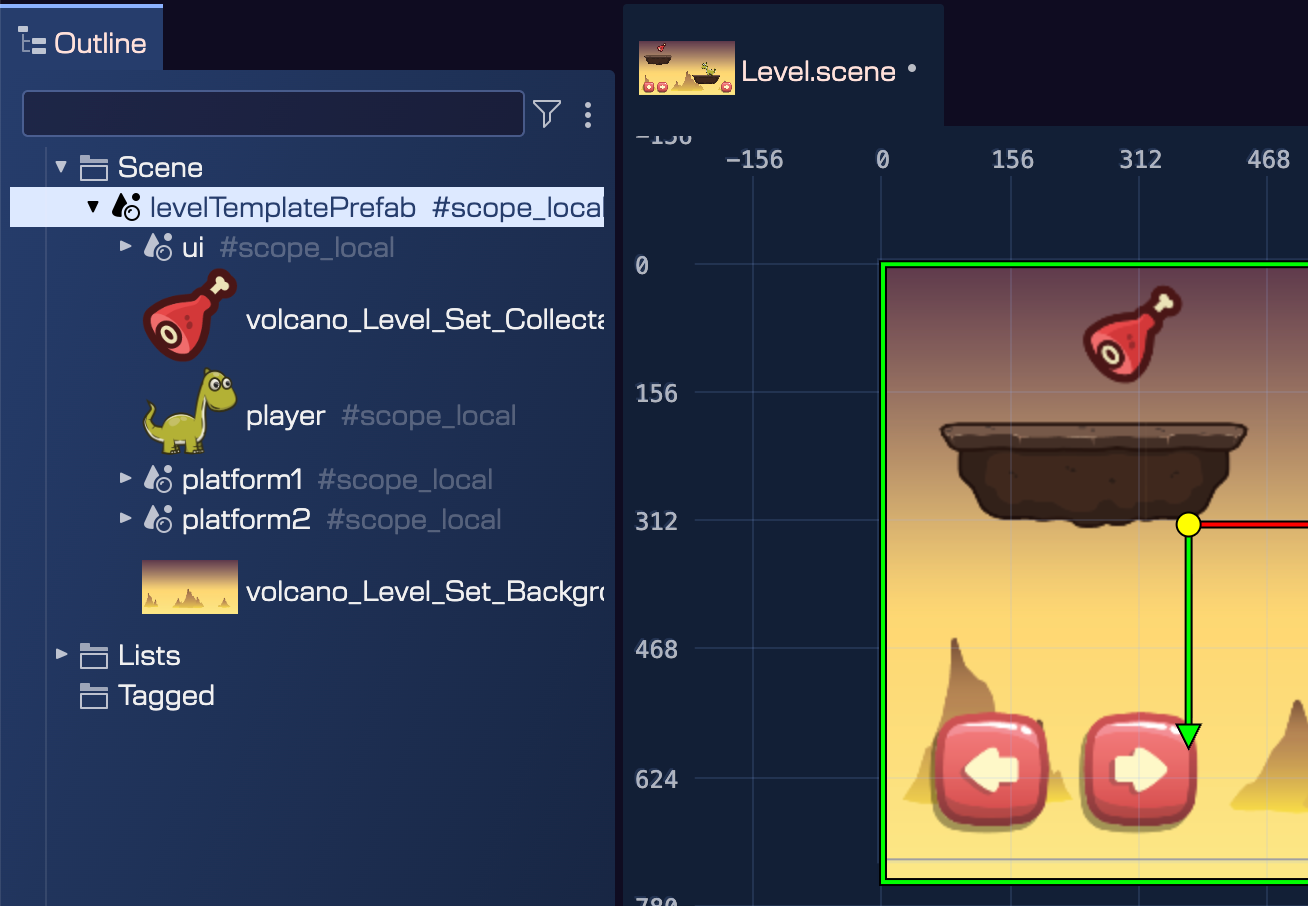
The new Unbox Prefab Instance command lets you use prefabs as templates, creating instances that you can then customize independently without connection to the original prefab. Perfect for creating level variations from a base level prefab. Right-click a prefab instance, go to Prefabs → Unbox Prefab Instance, and the prefab becomes regular game objects that you can freely modify.
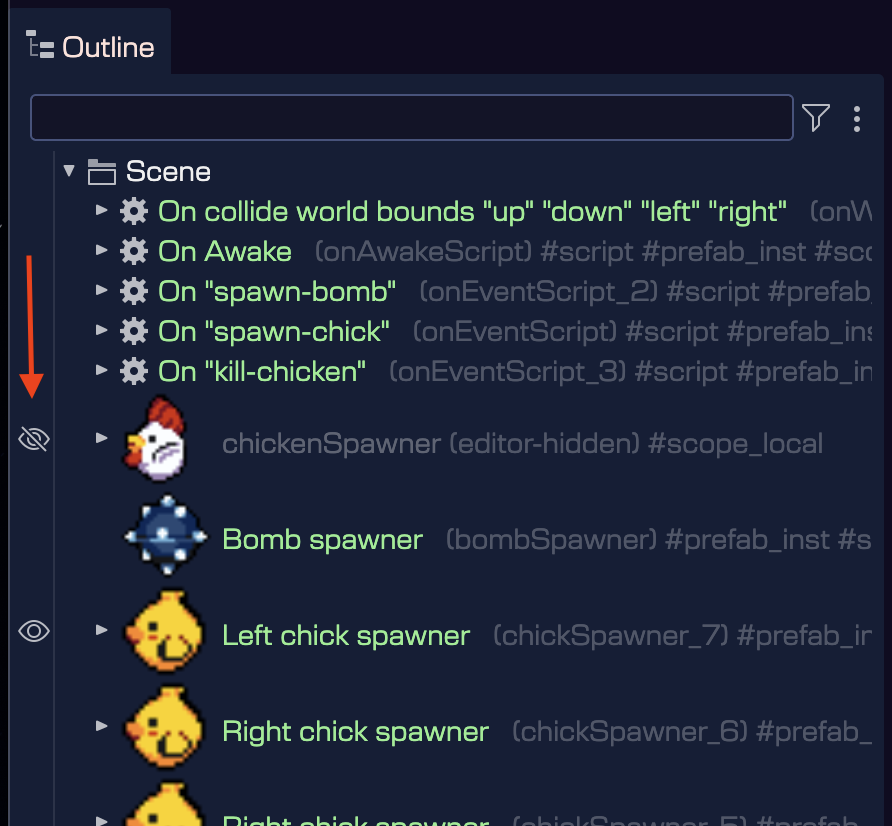
The Render in Editor property allows you to hide objects during editing without affecting runtime behavior (press H to toggle), while custom outline colors for prefabs make visual organization effortless in complex scenes.
Enterprise Game Development Features
Working closely with enterprise customers has shaped many new features. Phaser Editor v5 now includes prefab and user component constraints that let you define rules for object relationships. This is essential for filtering relevant components in large projects.
Auto-discovery of nested dependencies, new user property types (including JSON, Game Object Reference, and Array properties), and significantly improved Outline view performance make managing complex projects smoother than ever.
Productivity and Workflow Enhancements
Smaller touches make a big difference: configure particle emitter animations directly in the Scene Editor, see tile indices with the Tilemap Info Tool, document your objects with description sections, and create rounded rectangles with a simple property toggle. The new Log View helps track down issues, while the Show User Components toggle lets you inspect component attachments when needed.
Download Phaser Editor v5 Beta Today
Phaser Editor v5 beta is available now for all active subscribers. We're approaching the final release, focusing on bug fixes, documentation, and polish. This is your chance to explore the new features and provide feedback that will shape the final version.
Whether you're building your first game or managing a large-scale production, Phaser Editor v5 delivers the tools you need to work faster and smarter. Download the beta today and experience the future of Phaser development.