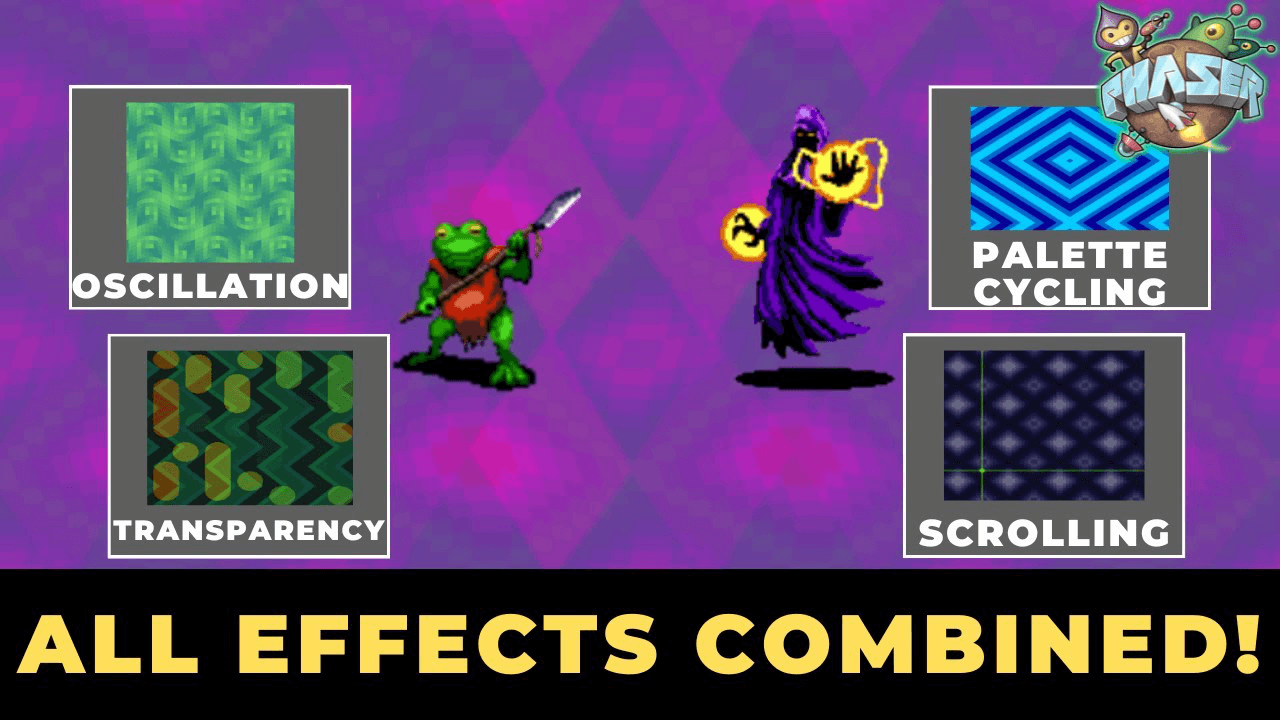

This tutorial combines WebGL shader effects to recreate Earthbound's trippy battle backgrounds in Phaser 3 using multiple layers and transparency blending.
The Layering Approach
The key to Earthbound's animated backgrounds is layering multiple textures with different shader effects. Instead of applying all shaders to a single image, use separate images for each effect:
- Background one: horizontal oscillation
- Background two: vertical oscillation and scrolling
- Blend both layers using transparency
Two Blending Methods
Game Object Alpha: Modify the alpha property on your second background image. Set it to 0.5 for a simple transparency effect without custom shaders.
Render Textures: Create dynamic textures that capture each background after shader processing. Draw your background images to render textures in the update method, then pass both textures to a transparency pipeline applied to a rectangle game object.
Render textures let each shader work independently before blending the finished results into one final effect.