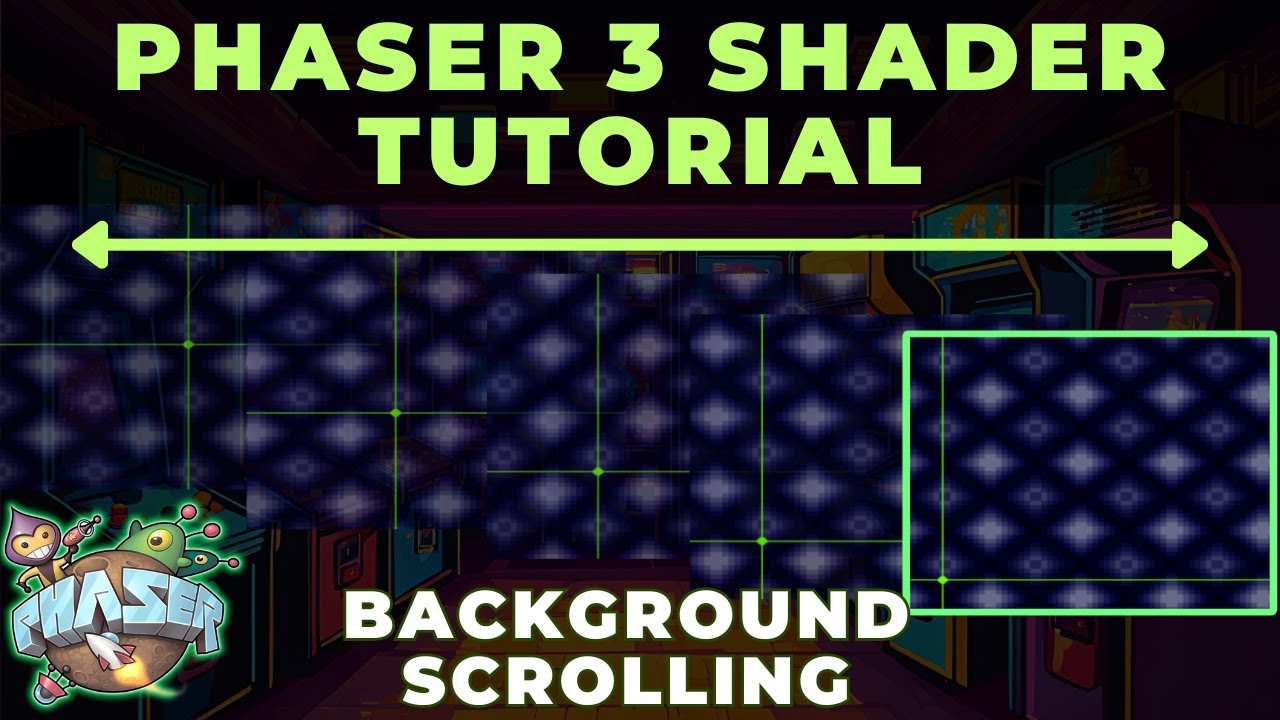

Learn how to recreate the classic Earthbound battle background effect using WebGL shaders in Phaser 3 for infinitely looping, animated game backgrounds.
What You'll Learn
1. Setting Up Your Pipeline
Start with a custom pipeline class that extends Phaser's rendering system. Add two key uniforms:
- Time uniform: Tracks elapsed game time to drive animation
- Speed uniform: Controls horizontal and vertical scroll rates independently
Update these uniforms in the pipeline's pre-render method each frame. Apply the pipeline to your background image using the set post pipeline method.
2. Building the Shader Effect
The shader calculates new texture coordinates by combining the current position with an offset based on time and speed values. The frac function wraps coordinates to keep them within texture bounds, creating seamless looping as values exceed the edges.
3. Use Cases
This technique works for multiple game elements:
- Starfield backgrounds
- Parallax scrolling layers
- Retro-style battle backgrounds
- Animated environmental effects