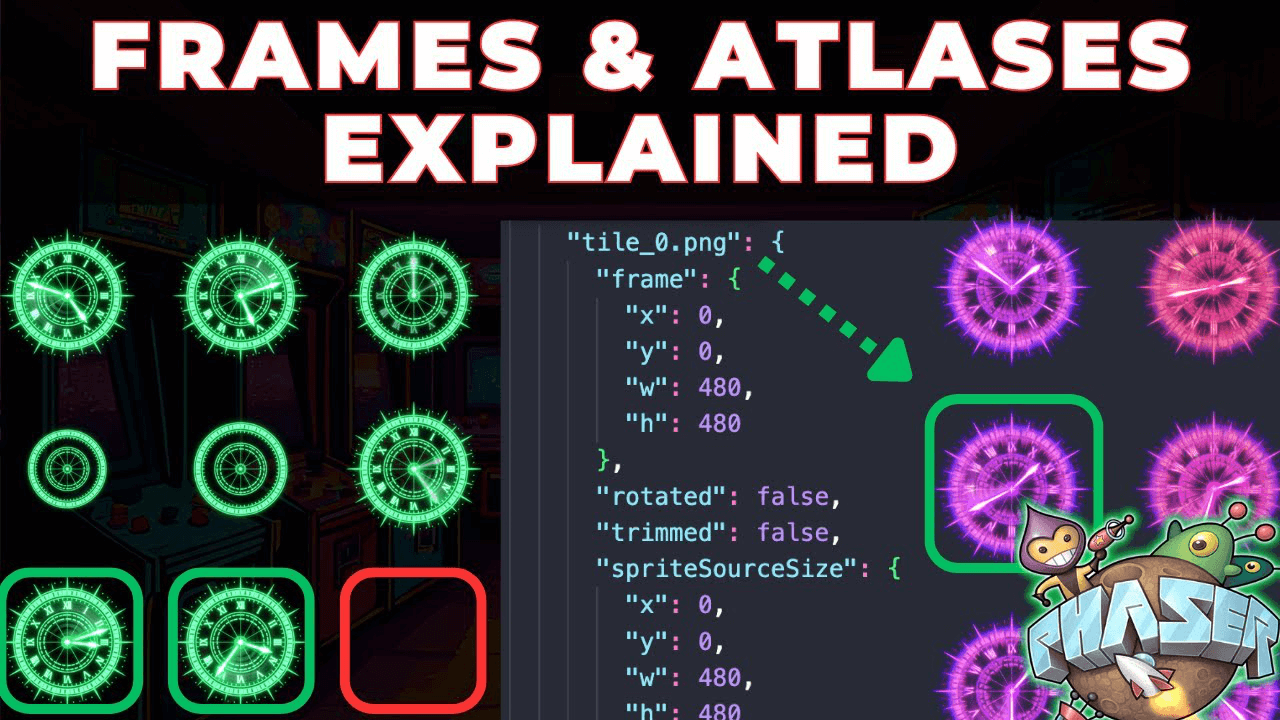



Multi-row sprite sheets work perfectly fine in Phaser. Understanding how Phaser indexes frames is essential for setting up animations correctly.
How Phaser Indexes Frames
Phaser counts frames from the top left corner at index zero, moving left to right across each row. After completing a row, it moves down and continues counting. This indexing order applies when using generate frame numbers or generate frame names methods.
Handling Empty Tiles
Phaser doesn't skip empty tiles. It counts them as valid frame indexes. Specify individual frames and omit empty indexes when creating animations.
Texture Atlases
Use generate frame names for texture atlases where frames are named in the JSON file. Use generate frame numbers for sprite sheets with evenly sized frames indexed numerically.