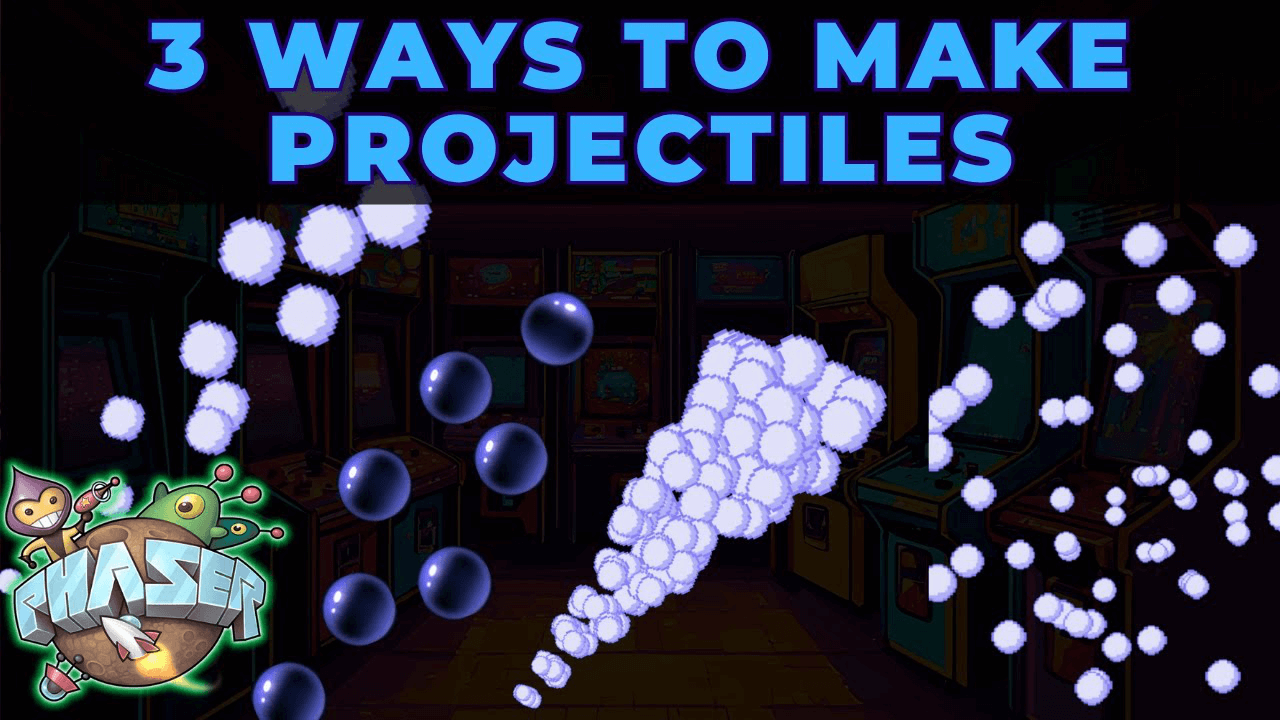
Projectile attacks are a big part of how your game feels. Scott Westover shows three ways to create them in Phaser without making huge sprite sheets.
Particle Emitters
Particle emitters work great for attacks made of small repeating elements.
You emit tiny particles that move toward the target. Control the direction, speed, lifespan, transparency, and quantity using one small texture.
This method is efficient even with dozens of particles on screen. Perfect if your attack is made of smaller parts and you want that energy trail look.
Animated Sprites
Use a small animated sprite and scale it up in Phaser.
Animate a small looping effect and use set scale to make it bigger. This keeps your sprite sheet lightweight but still gives you that animated stylized attack.
Be careful not to scale too far. Scaling too much can make it look blurry.
Multiple Sprite Instances
Spawn multiple sprite instances and move them toward the target with tweens.
Offset their timing slightly, giving each one a curve or delay. This gives you full control over timing, easing, and path.
Randomize timing or add curve paths for variation. Mix this with a particle trail for more polish.