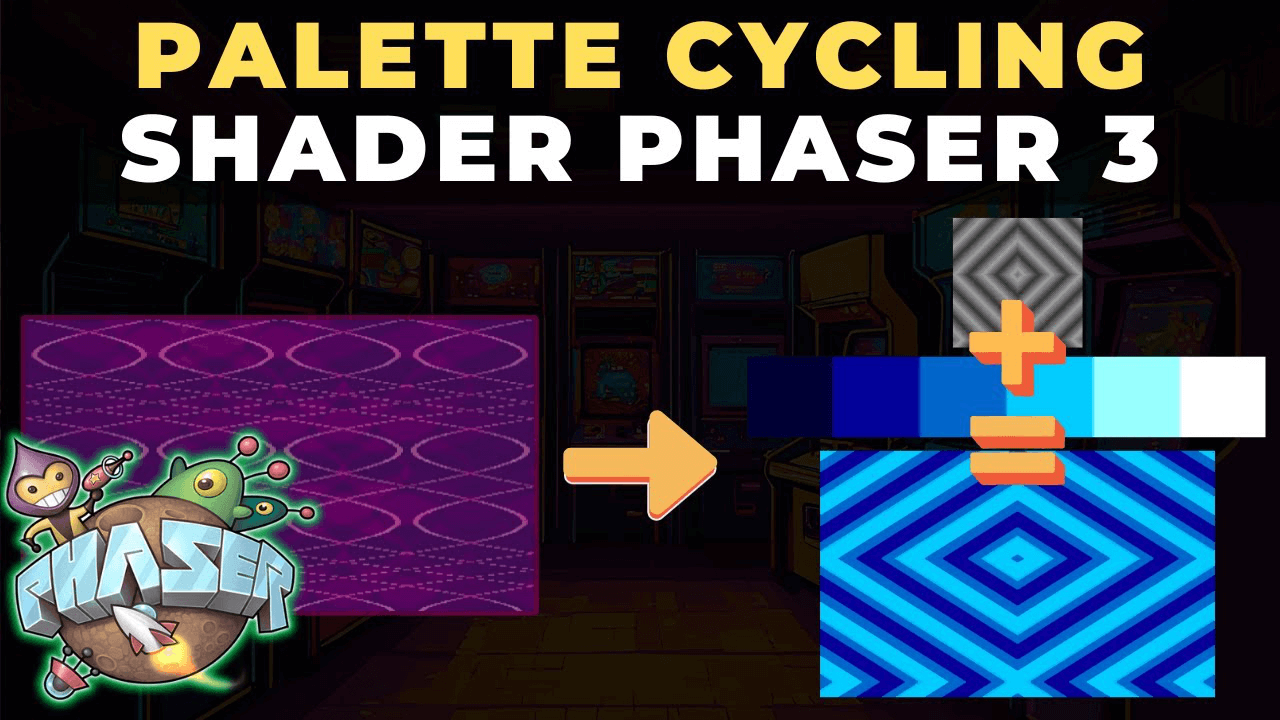
Ever seen those trippy animated battle backgrounds in Earthbound? This tutorial shows how to recreate that classic palette cycling effect in Phaser 3 using WebGL shaders.
What You'll Learn
- Custom shader pipelines in Phaser 3
- Grayscale index maps and palette textures
- Time-based animation using WebGL shaders
- Post-processing effects on game objects
- Pixel filtering for targeted shader application
How It Works
Palette cycling creates animated retro effects using grayscale maps as index references. The Phaser 3 pipeline system integrates custom shaders as post-processing effects.
The technique combines three elements: a grayscale image acting as an index map, a palette texture for colors, and time-based offsets for animation. The shader calculates animated indices and wraps values to maintain proper color ranges.
Implementation Overview
The project includes a loading scene for assets and a custom pipeline for the shader. The main scene adds the pipeline to the renderer and applies it to image game objects.
Filter logic ensures the shader only affects intended game objects by checking alpha values and discarding unwanted pixels.