
What it does
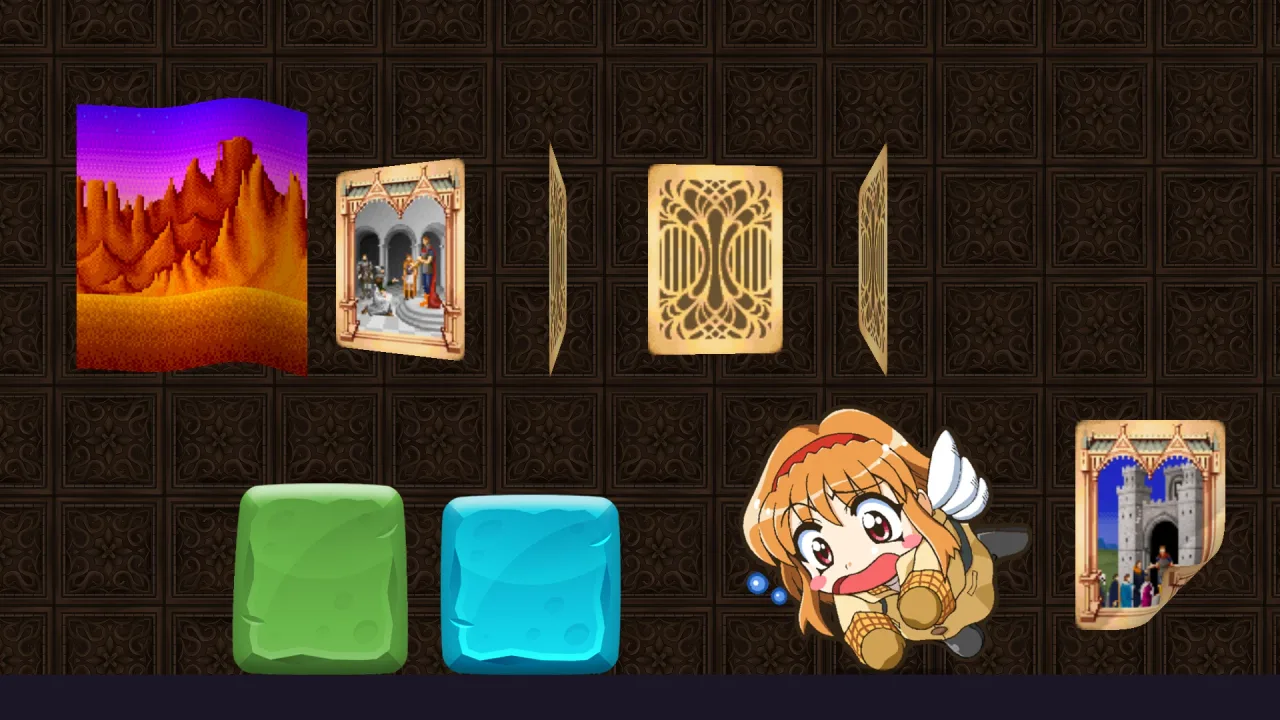
Spawn a sprite with deform: { kind: 'curl', amount, speed } and its bottom-right corner rolls over a cylinder whose
radius is amount, the fold advancing up the diagonal and back on the deform clock. The roll is lit, the overturned
flap is shaded and the flat part ahead takes a contact shadow, so the page seems to have thickness without extra art.
It is vertex code in the renderer's sprite shader, one instanced draw like every deformer, with nothing to do on the
CPU. A speed makes the page turn and return on its own; a speed of zero leaves phase to your code, for a page that
follows a drag or a story beat.
Features
- A page turn on any sprite — one
deformentry at spawn; the sprite keeps its frame, size and layer. - Shaded like paper — a lit roll, a darker overturned flap and a contact shadow ahead of the fold.
- Its own clock or yours —
speedanimates the turn;speed: 0withphasescrubs it by hand. - Live changes — set
h.deform.amountandh.deform.phasewhile it runs.
Good for
- Books and storybooks — pages that turn on their own or as the reader drags.
- Card games — a card peeling up from a stack.
- Posters and notices — a corner coming away from a wall.
- Page-flip transitions — a menu or a map turned away to reveal the next.
Make it yours
amount is the cylinder's radius in world units, at least 4. speed sets the clock's rate and phase its start;
with speed at zero, phase alone sets the turn, fully over at π. Mirror the sprite with sx: -1 to curl the other
side. Two different uses: a poster in a side-on scene whose corner peels and settles in a slow loop at speed: 0.22;
and a book whose pages have speed: 0 while the game moves phase from 0 to π as the player drags.
A quick look
A curling page, changed while it runs:
game.spawn({ id: 'page', frame, width: 100, height: 140, deform: { kind: 'curl', amount: 18, speed: 0.22 } });
h.deform.amount = 30;   // a fatter roll
h.deform.phase = Math.PI;   // fully turned when speed is 0
Works with
render-auto— the renderer is the runtime for deformers; there is no separate deform pack to compose.effects-2d— glows, outlines and dissolves keep bending with the deform beneath them.video— a sprite showing a video curls like any other.
Good to know
- It is 2D only, and the curling corner is always the bottom-right.
- There is no back-face art: the overturned flap shows the same picture, and its thickness is shading.
- A deformed sprite is drawn as a 24 by 64 grid of cells rather than one quad, so it costs more vertices.
- For a card turning over its whole width rather than at a corner, the engine's built-in
flipdeform fits better.