
The pack
video
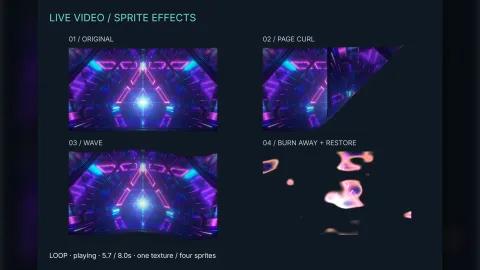
function video(): Pack<{ video: VideoApi }>The video pack: game.video. Decoding uses detached media elements, so no video element is mounted over the game;
frames are copied into the atlas. Players pause with the game, a hidden tab and a zero time scale, follow a positive
time scale, track preparation on the loading screen while preloading, and play an audible clip's sound through the
audio pack's mixer when it is composed (a bus of the clip's choosing; the master volume and mute apply), muting it
themselves otherwise while that pack's mute is in force. No options.
Types
VideoApi
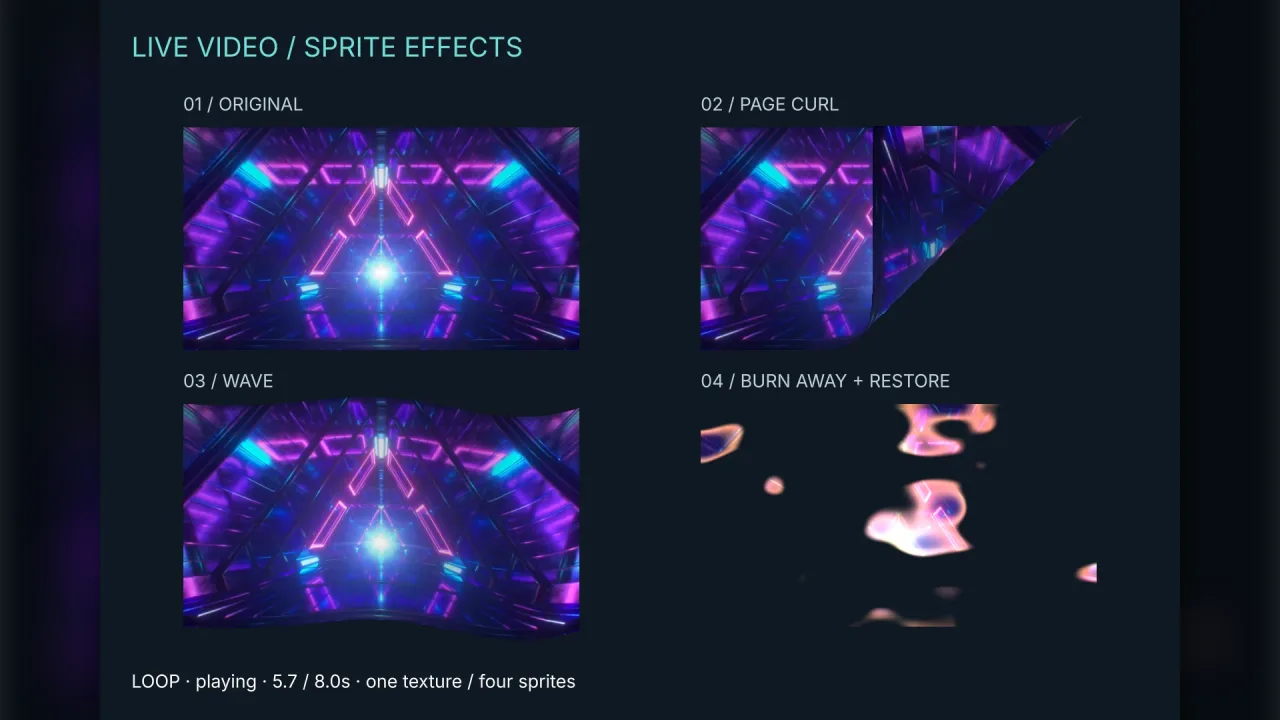
interface VideoApiWhat game.video presents: players that stream network video into the shared GPU atlas, for sprites or meshes.
create(spec: VideoSpec): VideoHandle— Allocate a player and its atlas texture ofspec.widthbyspec.heightpixels. The player and its decoders are disposed with the scene that created it; the atlas space lasts for the game. Throws unless both sizes are positive whole numbers.unlock(): void— Retry playback the browser blocked, for every player. Call it synchronously inside a real pointer or key handler; the engine also calls it on the first input gesture.
VideoClip
interface VideoClipA clip to prepare: where it comes from, whether it is audible and whether it loops.
url: string— HTTP(S) URL, absolute or relative to the page; data: and blob: URLs are refused. The media stays external to the bundle, and the server must allow anonymous CORS for the game's origin.audio?: 'silent' | 'audible'—'silent'(default) forces mute, even if the file has a sound track, and so may autoplay.'audible'plays its sound once the engine has seen the first input gesture, and follows the audio pack'smutecommand when that pack is composed.loop?: boolean— Repeat the clip from the start when it ends, instead of ending (and switching to a queued clip). Default false.bus?: 'music' | 'sfx'— The audio pack's bus an audible clip plays through, when that pack is composed: its sound then joins the mix, so the master and bus volumes andmuteapply as to any sound.'sfx'(default) or'music'(a soundtrack that should follow the music volume). Without the audio pack the clip plays on its own, at the player's volume.
VideoHandle
interface VideoHandleA video player drawing into one atlas texture. Prepare clips under keys, switch between them and read the playback state.
readonly frame: number— The atlas frame for a 2D sprite (spawn({ frame })); it stays the same across clip switches.readonly texture: string— The atlas strip name for a 3D mesh (world3d.spawn({ texture })); it stays the same across clip switches.readonly state: VideoState— Where the player is; seeVideoState.readonly error: string | null— Message of the last failure, or null when there is none.readonly current: string | null— Key of the clip last switched to, or null before any.readonly time: number— Playback position of the current clip in seconds; 0 before a clip is selected.readonly duration: number— Length of the current clip in seconds; 0 until its metadata is known.readonly progress: number— Fraction played, 0..1; zero before metadata.readonly buffered: ReadonlyArray<readonly [number, number]>— Ranges of the current clip already downloaded, as [start, end] pairs in seconds.readonly seekable: ReadonlyArray<readonly [number, number]>— Ranges of the current clip that can be sought to, as [start, end] pairs in seconds.prepare(key: string, clip: VideoClip): Promise<void>— Start a decoder forclipunderkeyand resolve once it has a drawable first frame (not once the whole file is downloaded). While the game is preloading this counts towards the loading screen. Rejects on a load, decode or CORS failure, after 30 seconds without a frame, on a data:/blob: URL, and when the clip is released or the player disposed. Preparing a key again with the same clip returns the same load; with another clip it releases the old one and loads the new (it rejects while the old one is showing). Headless, it resolves at once and loads nothing.switchTo(key: string): Promise<boolean>— Play the clip underkeyfrom its beginning, waiting for it to be ready if it is still loading and holding the old picture meanwhile. Resolves true once playing, false when blocked, paused, superseded by a later switch or pause, unavailable or disposed. Throws on an unknown key; rejects if the clip fails to load.queue(key: string | null): void— Switch to the clip underkeywhen the current clip ends (a looping clip never ends); null cancels the queue. Throws on an unknown key.play(): Promise<boolean>— Play the current clip. Resolves true once it is playing, and false when it cannot: no clip is selected, the player is disposed or held, the browser blocked it or a later call superseded it.resume(): Promise<boolean>— Play again afterpause, or retry after the browser blocked playback; call it inside a user gesture to lift a block. The same asplay.pause(): void— Pause the current clip and cancel a play still pending. The state becomespaused.seek(seconds: number): void— Seek the current clip toseconds, clamped to 0 and its duration; does nothing before a clip is selected. Throws on a non-finite value.volume: number— This player's gain, 0 to 1 (values outside are clamped; non-finite throws); default 1. Silent clips stay muted.release(key: string): void— Release the decoder of a prepared clip that is not the current one, rejecting itsprepareif still pending. Throws for the current clip; an unknown key does nothing.dispose(): void— Release every clip and the drawing surface; the state becomesdisposedand the handle is unusable. Calling it again does nothing. The owning scene does this on shutdown.
VideoSpec
interface VideoSpecThe texture a player draws video into.
width: number— Texture width in pixels, a positive whole number; the player throws otherwise. Independent of the size the texture is shown at, and it counts against the atlas, so choose it for the display, not the source.height: number— Texture height in pixels; a positive whole number, as forwidth. The player throws otherwise.fit?: 'contain' | 'cover' | 'stretch'— How the video's aspect fits the texture:'contain'(default) shows it whole with black bars,'cover'fills the texture and crops,'stretch'fills it and distorts.
VideoState
type VideoState = 'idle' | 'loading' | 'ready' | 'playing' | 'paused' | 'blocked' | 'buffering' | 'ended' | 'error' | 'unavailable' | 'disposed'Where a player is: idle before a clip is played, loading while one is fetched, ready once one is selected, playing, paused (by the caller, or because the game is paused or hidden), blocked (audible playback waits for a user gesture), buffering (waiting for data), ended, error (see error), unavailable (no browser document, so nothing plays) and disposed.