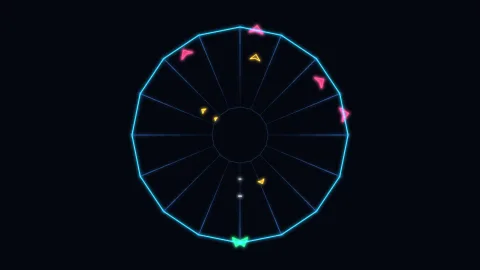

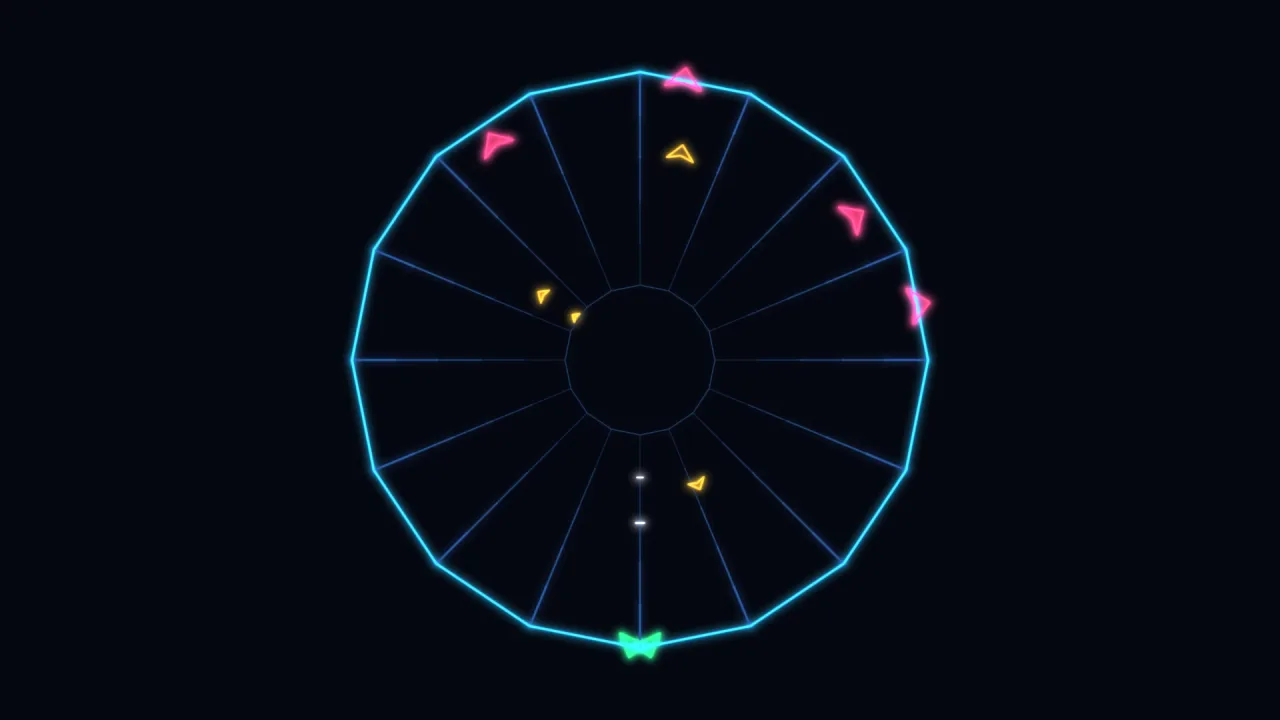
The pack
vectorTube
function vectorTube(): Pack<{ vecTube: VecTubeApi }>The vector-tube pack. Pure maths, so it needs no backend and runs headless.
Helpers
generateTube
function generateTube(opts: TubeOptions = {}): TubeBuild a tube playfield.
const web = game.vecTube.generateTube({ x: cx, y: cy, near: 300, far: 80, lanes: 16, profile: 'star' });
game.vector.poly(web.nearRim, { color: '#41d6ff', closed: web.closed });
game.vector.poly(web.farRim,  { color: '#2a4a7a', closed: web.closed });
for (const [a, b] of web.spokes) game.vector.seg(a.x, a.y, b.x, b.y, { color: '#2a4a7a' });

const p = web.laneAt(playerLane, 0);        // the claw, on the near rim
const e = web.laneAt(enemyLane, enemyT);    // a flipper, climbing out
The geometry is STATIC — generate once per level, not per frame. Only
laneAt runs in the loop, and it is a lerp and an atan2. Lane counts below 2
are raised to 2, and a path of fewer than two points is ignored in favour
of profile.
Types
LanePose
interface LanePoseWhere something on a lane sits, faces, and how big to draw it.
x: number— The world x of the pose.y: number— The world y of the pose.angle: number— Facing OUT of the tube (from the far rim toward the near one) — the direction an enemy is travelling, and the way a rim ship points.scale: number— 1 on the near rim,far / nearat the vanishing end. Multiply sprite or line size by it and things shrink correctly as they climb.
Tube
interface TubeA generated web. nearRim/farRim/spokes draw it; laneAt plays it.
lanes: number— Playable lanes (NOT the vertex count — an open web has one more vertex).closed: boolean— True when lane 0 and the last lane are neighbours, so the player wraps.nearRim: VecPt[]— The near-rim vertices, in world units — the rim in the player's face.farRim: VecPt[]— The far-rim vertices, in world units — the rim at the vanishing end.spokes: Array<[VecPt, VecPt]>— Near vertex → far vertex, one per rim vertex.rimAt(i: number, t: number): VecPt— Rim VERTEXiat deptht(0 = near, 1 = far). Wraps when closed.rimPointAt(u: number, t: number): VecPt— Rim position at a CONTINUOUS vertex parameter —u0..lanes, sliding along the rim rather than hopping vertex to vertex.rimPointAt(2.5, 0)is halfway along the near rim's third edge. Wraps or clamps like everything else. This is the glide primitive;laneAtis built on it.laneAt(lane: number, t: number): LanePose— The middle of LANElaneat deptht— position, facing and scale.laneis CONTINUOUS: whole numbers sit in the middle of a lane, and everything between glides smoothly along the rim (round corners included), so a claw can slide rather than snap.truns 0 (near rim) to 1 (far).wrapLane(v: number): number— Bring a lane position into range — wraps on a closed web, clamps on an open one. Feed a fractional lane through this after moving it.laneDelta(from: number, to: number): number— Signed lane distancefrom→to, taking the SHORT way round a closed web (lane 15 → lane 0 of 16 is +1, not -15). Steering and AI both need this; getting it wrong makes things scurry the long way round.stepLane(from: number, to: number, maxStep: number): number— Move a lane position towardtoby at mostmaxSteplanes, the short way round, never overshooting — one frame of a smooth glide. Steps in LANES, so on a profile whose lanes differ in length this changes speed as it goes. Useglideto move at a constant speed instead.perimeter: number— Total near-rim length in world units — the closing edge included when the web is closed.perimeter / speedis how long one lap takes.laneLength(i: number): number— Near-rim length of laneiin world units. Equal for a circle or a square; 2:1 between a star's longest and shortest.advance(lane: number, dist: number): number— Move a lane position along the rim bydistWORLD UNITS, signed, wrapping or clamping likewrapLane. This is the constant-speed step:ts lane = web.advance(lane, dir * 880 * dt); // 880 world units per second,// on every profile alike wherewrapLane(lane + dir * n * dt)would have moved atnlanes per second and so sped up and slowed down around the rim.arcDelta(from: number, to: number): number— Signed rim DISTANCEfrom→toin world units, the short way round —laneDeltameasured in world units instead of lanes.glide(from: number, to: number, maxDist: number): number— Move towardtoby at mostmaxDistWORLD UNITS, the short way round, never overshooting. The constant-speed twin ofstepLane.angleOf(lane: number): number— Wherelanesits on the circle, radians about the web's centre.laneAtAngle(angle: number): number— The lane at a given angle on the circle — the inverse ofangleOf, and the whole of mouse steering:laneAtAngle(atan2(my - cy, mx - cx)).turn(lane: number, dAngle: number): number— TurndAngleradians round the circle — positive is clockwise on screen, on every profile alike. Clamps at the ends of an open web. This paces by ANGLE, so on a star the claw covers more ground near a spike tip than in a notch.steerpaces by DISTANCE instead and holds one speed — prefer it for a player-controlled ship.angleSpan: { from: number; to: number }— The angles the rim actually spans. A full turn when closed; on an open web the reachable arc, past whichturnandlaneAtAngleclamp.bottom: number— The lane at the BOTTOM of the web — where a tube game's ship starts. Not a detail: Tempest and everything after it put the ship at the bottom middle, and the whole feel of the controls is calibrated from there. Start it at the top and every profile plays inverted.steer(lane: number, dist: number): number— Move a shipdistworld units the way the PLAYER reads it — positive is to their right — at one constant speed whatever the rim is doing.ts lane = web.steer(lane, dir * 880 * dt); // dir: -1 left, +1 rightThis isadvancewith the sign sorted out. Some silhouettes wind clockwise on screen and some anticlockwise, so "forward along the path" is rightward on one and leftward on the next;steerfolds in that single build-time winding so left is left on all of them. Read at the BOTTOM, where the ship lives. A ring has no global left and right — carry on far enough round and the ship is climbing the far side, at which point the screen direction is reversed. Every tube game does this.laneOf(x: number, y: number): number— The fractional lane nearest a world point — mouse and spinner control.laneAt(laneOf(x, y), 0)lands on the rim under the cursor.
TubeOptions
interface TubeOptionsTuning for generateTube.
lanes?: number— Playable lanes around the web (default 16).profile?: TubeProfile— Rim silhouette (default 'circle').x?: number— Near-rim centre in world units (default 0, 0).y?: number— The world y of the near-rim centre (default 0).near?: number— Near-rim radius (default 300) — the rim in the player's face.far?: number— Far-rim radius (defaultnear * 0.3). Smaller = a deeper tube.vanishX?: number— The vanishing point — the far rim's centre (default the near centre). Offset it and the tube leans away instead of receding straight back.vanishY?: number— The world y of the vanishing point (default the near centre's y).rot?: number— Spin the whole web about its centre, radians (default 0).closed?: boolean— Force the loop open or closed. Default: the profile decides ('vee' is open, the rest close), which is also whether lane 0 and lane n-1 are neighbours — i.e. whether the player wraps. A custompathis closed unless this says otherwise.path?: readonly VecPt[]— A custom silhouette in unit space (roughly -1..1, y down), replacingprofile. Corners are kept exactly as with the built-in shapes, so a path oflanesedges gives one lane per edge:lanespoints when closed,lanes + 1when open. This is how an authored web (Tempest's sixteen, a level editor's output) becomes a tube.
TubeProfile
type TubeProfile = 'circle' | 'square' | 'plus' | 'vee' | 'star'A web silhouette. vee is the open one; the rest close into a loop.
Vec2
interface Vec2A 2D point or vector. Plain data, so anything can produce one.
x: number— Horizontal position or component, increasing to the right.y: number— Vertical position or component, increasing downward (the 2D world is Y-down).
VecPt
type VecPt = Vec2A point on a path — the same shape, named for what it is used as.
VecTubeApi
type VecTubeApi = typeof kitgame.vecTube — every function this pack carries, as one namespace.