
The pack
vectorFx
function vectorFx(): Pack<{ vecFx: VecFxApi }>The vector-fx pack. Pure maths, so it needs no backend and runs headless.
Helpers
fragmentSegments
function fragmentSegments(frags: readonly Fragment[]): FragmentSegment[]The fragments as world-space SEGMENTS, ready for the line renderer.
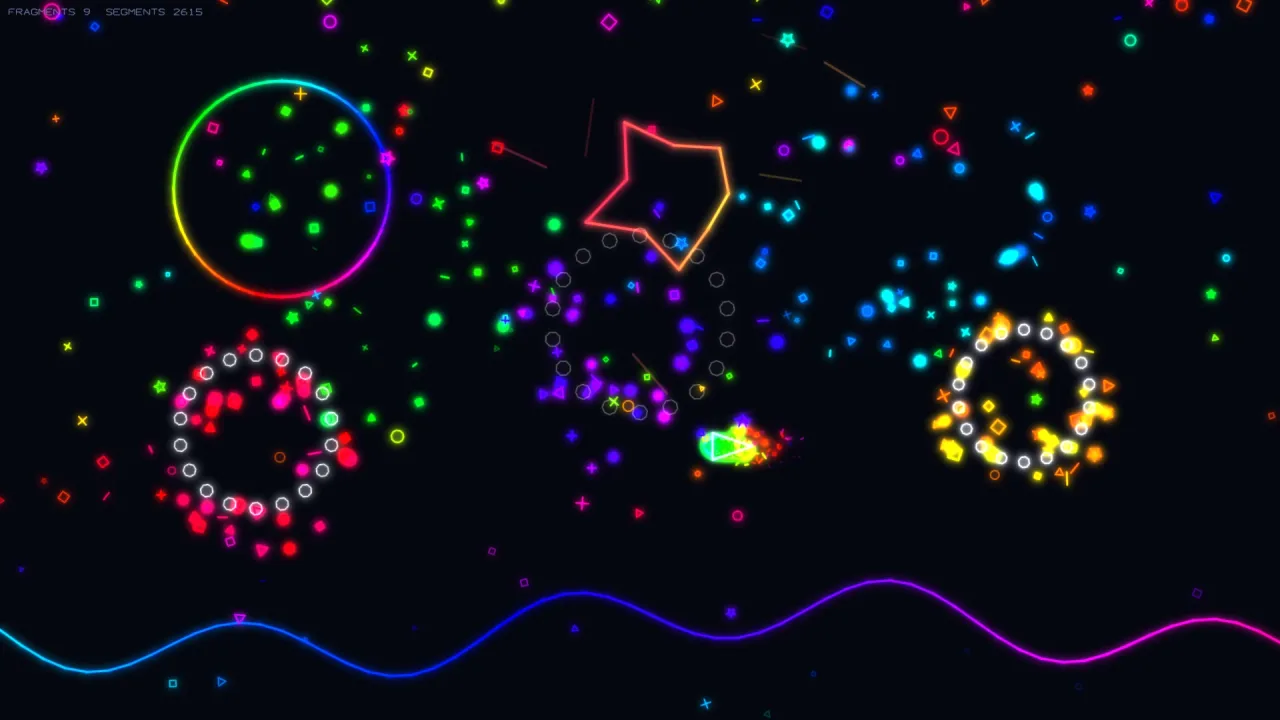
The fragments are the game's data, and how they are drawn — colour, width, glow, whether at all — is the caller's choice. The FADE comes with them, because a shard that vanishes at full brightness is the one thing every caller would otherwise have to re-derive.
shatterPolygon
function shatterPolygon(worldVerts: Vec2[], opts: ShatterOptions = {}): Fragment[]Break a WORLD-space polygon into line fragments that drift and spin apart: one per edge, centred on the edge's
midpoint, each sent at speed in its own random direction.
Pass world vertices (vector-2d's shapes.transformVerts(verts, pos, rot) makes them) — never local ones. Append
the result to a Fragment[] you own; advance with updateFragments, draw with fragmentSegments.
updateFragments
function updateFragments(frags: Fragment[], dt: number): Fragment[]Move and age line fragments in place, and return a new array of the survivors — reassign: this.frags = updateFragments(this.frags, dt).
Types
Fragment
interface FragmentOne drifting, spinning line segment broken off a shattered polygon; fades out as its life runs down.
a: Vec2— The first segment endpoint, relative to the fragment centre.b: Vec2— The second segment endpoint, relative to the fragment centre.x: number— The world x position of the fragment centre.y: number— The world y position of the fragment centre.vx: number— The horizontal drift speed, in pixels each second.vy: number— The vertical drift speed, in pixels each second.rot: number— The current rotation of the fragment, in radians.vrot: number— The spin rate, in radians each second.life: number— The remaining life, in seconds. Alpha fades as it falls to zero.maxLife: number— The initial life, in seconds. Used to compute the fade.
FragmentSegment
interface FragmentSegmentOne fragment ready to draw: its two world-space endpoints, and the fade it has reached.
a: Vec2— The first endpoint, in world space.b: Vec2— The second endpoint, in world space.alpha: number— 1 when new, falling to 0 as the fragment dies. Multiply your colour's alpha by it.
ShatterOptions
interface ShatterOptionsTuning for shatterPolygon.
speed?: number— Drift speed of every fragment, px/s, each in its own random direction. Default 60.life?: number— Fragment lifetime in seconds (alpha fades over it). Default 0.8.spin?: number— Max spin rate in rad/s (each fragment gets a random spin within ±spin/2). Default 2.rnd?: () => number— The random source. Pass the kernel's seeded rng and a replay shatters the same way twice; leave it out forMath.random, which is fine for decoration and wrong for anything a test has to reproduce.
Vec2
interface Vec2A 2D point or vector. Plain data, so anything can produce one.
x: number— Horizontal coordinate, in pixels, increasing to the right.y: number— Vertical coordinate, in pixels; the 2D world is Y-down, so larger is lower on screen.
VecFxApi
type VecFxApi = typeof kitgame.vecFx — every function this pack carries, as one namespace.
VecPt
type VecPt = Vec2A point on a path — the same shape, named for what it is used as.