
The pack
vectorFont
function vectorFont(): Pack<{ vecFont: VecFontApi }>The vector-font pack. Pure maths, so it needs no backend and runs headless.
Helpers
glyphOutline
function glyphOutline(ch: string, glyphs?: VecGlyphs): GlyphThe strokes for one character, in the 0..1 em box. glyphs is looked at first, then the built-in face;
a lower-case letter neither has folds to upper case (the faces of the era were caps-only, and it halves
the table), so supplying lower-case glyphs gives a mixed-case face. An unknown character draws nothing but
still advances the pen.
textOutline
function textOutline( str: string, x: number, y: number, opts: VecTextOptions = {}, ): Array<Array<{ x: number; y: number }>>Lay a string out as POLYLINES in world space, the retained path: (x, y) is the anchor at the top of the
first line (the cap line; y grows down), align picks which end of each line sits on x, and \n starts
a new line lineGap * size lower.
Feed the result to game.vector.shape() (one shape per run, or { closed: false } polylines) and the text
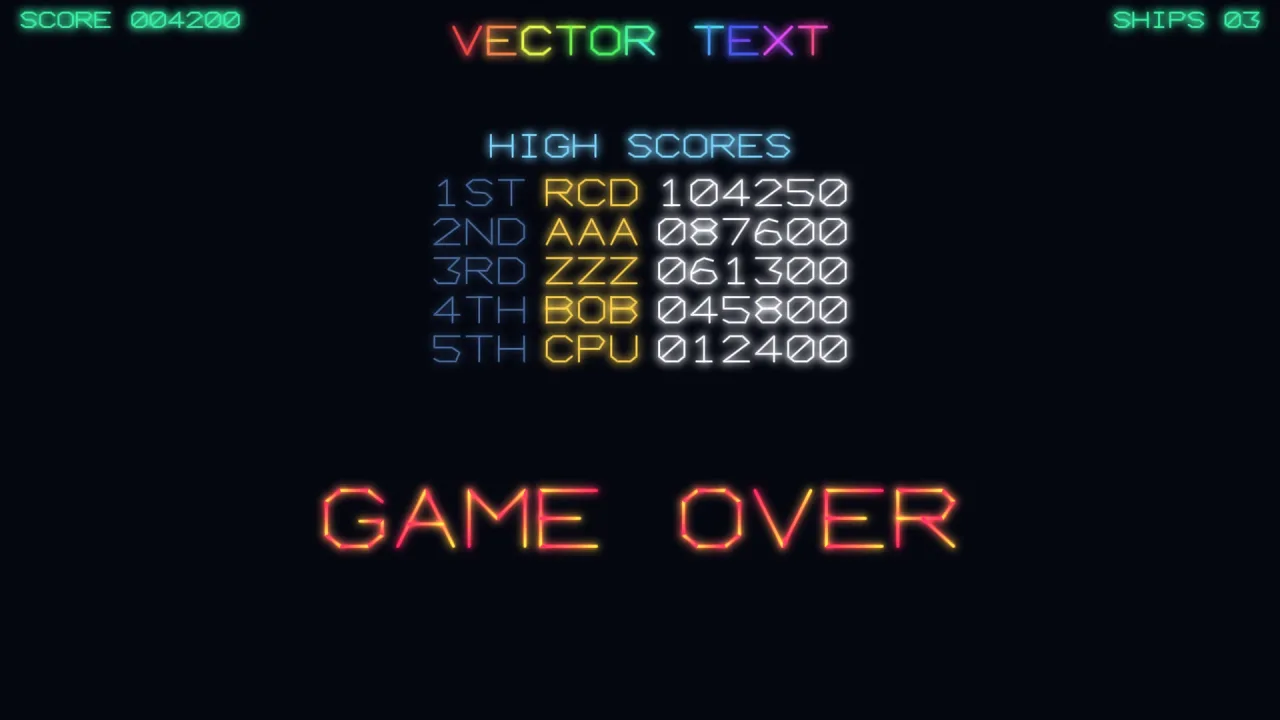
becomes a real shape that can fly, rotate, restyle and shatter(); game.vector.text() is the immediate
shortcut over the top of it, drawn once per frame.
textWidth
function textWidth(str: string, opts: VecTextOptions = {}): numberWidth in world units, for manual layout: of the widest line when the string holds \n. Counts code
points, as textOutline draws them, so an emoji or other astral character is one glyph wide, not two.
VECTOR_CHARSET
const VECTOR_CHARSET: stringEvery character the built-in face can draw (space included), one code point each.
Types
Glyph
type Glyph = readonly (readonly number[])[]A glyph: polylines of flat x, y, x, y… coordinates in the 0..1 em box.
VecFontApi
type VecFontApi = typeof kitgame.vecFont — every function this pack carries, as one namespace.
VecGlyphs
type VecGlyphs = Readonly<Record<string, Glyph>>Glyphs a game adds to the face, or puts in place of built-in ones, by character: an accented letter, a
currency sign, a lower-case alphabet, an icon. Each is a Glyph in the same 0..1 em box. Passed per
call (glyphs in VecTextOptions), so two games, or two faces in one game, never share a table.
VecTextAlign
type VecTextAlign = 'left' | 'center' | 'right'How a run of text sits against its anchor.
VecTextOptions
interface VecTextOptionsLayout options for textOutline() and textWidth().
size?: number— Cap height in world units (default 24). The em box is square, so a glyph issizewide too.spacing?: number— Gap between glyphs as a fraction ofsize(default 0.28).lineGap?: number— Baseline-to-baseline gap as a fraction ofsize(default 1.6). Only matters for text with\n.align?: VecTextAlign— Horizontal anchor (default 'left'). Each line of multi-line text is aligned on its own.glyphs?: VecGlyphs— Extra or replacement glyphs, by character, looked at before the built-in face. Default none.advances?: Readonly<Record<string, number>>— Advance widths as a fraction ofsize, by character, for a proportional face:{ I: 0.4, ' ': 0.6 }. A character not listed advances by 1 (the em box). Default none, which is the monospaced face.