
What it does
You build a road with createRoad from a list of pieces, each a length with an optional curve and hill that ease in
and out. The road divides them into segments. Each frame, view projects the segments ahead of the camera and returns
them as quads, far to near, each with its near and far edge on screen, its curve, the piece it came from and a fog
value from near to the draw distance for fading width, glow and colour. Curves are a sideways shift per segment, not
real geometry, which is why the road can bend without the camera ever turning.
place puts anything at a road position, an offset across the road and a height above it, on screen with its scale,
perspective-correctly, so roadside objects and rival cars do not bob as segments pass. Three view options deal with
the classic artefacts. occluded also projects segments hidden behind a crest, so a tall tree beyond a hill shows its
top instead of popping in. smoothCurves lays bends continuously, so a car held ahead in a long bend stays still
rather than shifting a pixel at every segment. eyeAt measures the camera height at the car, so a chase camera keeps
its car in place over a crest.
The road also answers the questions a racer's rules ask: the segment, curve and height at any distance, where each
lane sits, how far a screen row is down the road, and centrifugal, the sideways pull of a bend at a given speed.
Features
- Pieces to segments — straights, curves and hills with eased transitions and names for styling a stretch.
- Projected quads — the visible segments far to near, with a fog value for distance fading.
- Perspective-correct placement — any road position, offset and height to a screen point and scale.
- Crests that hide properly — occluded projection so things beyond a hill rise into view.
- Smooth curves — continuous bends that keep a followed car steady in a long corner.
- Chase-camera height — the camera measured above the car so it stays put on slopes.
- Centrifugal pull and lanes — the drift of a bend by speed, and lane positions across the road.
- Looping roads — hills levelled so a lap's end meets its start without a cliff.
Good for
- Sprite-scaling racers in the style of Pole Position or Out Run, seen from behind the car.
- Motorbike racers in the style of Hang-On, with long sweeping bends that pull the rider to the outside.
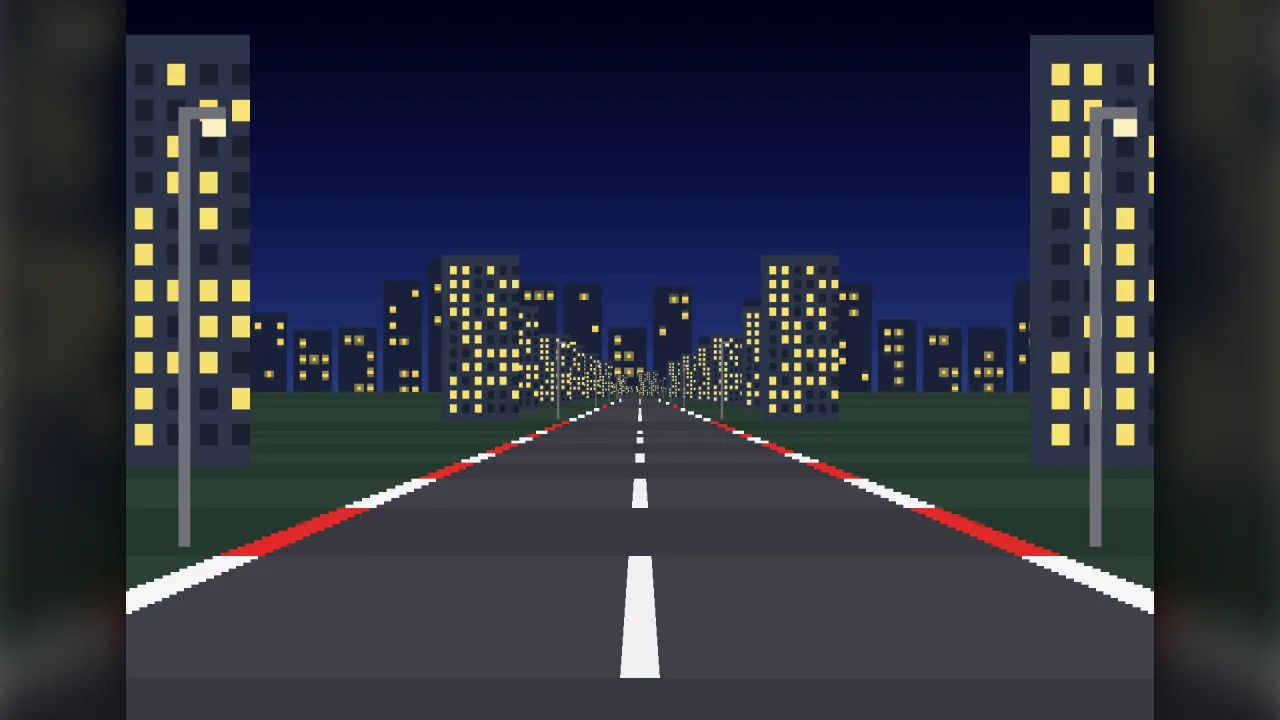
- Night and cockpit drivers, where only the road edges are drawn and fog fades them out.
- Off-road and buggy racers with hills and crests that hide what is beyond them.
- Any game driven down a road seen from behind or from the cockpit, with your own rules on top.
Make it yours
createRoad takes the pieces and the road's shape: the segment length, the road's half-width, the number of lanes,
the field of view, the camera height, how many segments to draw ahead, and whether to level a looping road. Each view
can change the field of view and turn on occluded projection, smooth curves and the chase-camera height. Pieces can be
named, so a stretch can be styled differently or found again.
Two different uses: a three-lane looping circuit with gentle bends, drawn as filled trapezoids with rumble strips and roadside sprites placed by distance; or a one-way night drive with sharp curves and no loop, drawn only as glowing edge lines that fade with the fog value.
A quick look
A short road, drawn and populated each step, with the pull of the bend on the car:
const road = game.pseudoRoad.createRoad({ pieces: [{ length: 600 }, { length: 400, curve: 3 }, { length: 500, hill: 40 }], drawDistance: 200 });
step(() => {
    const quads = road.view(car.z, car.x, { w: W, h: H }, { smoothCurves: true, eyeAt: car.z });
    for (const q of quads) drawQuad(q);
    const p = road.place(rival.z, rival.x); if (p) drawSprite(rival, p.x, p.y, p.scale);
    car.x -= road.centrifugal(car.z, car.speed, car.maxSpeed) * dt;
});
Works with
road-view-pseudo3d— draws the road the arcade way.road-racer— a racer's rules, built on this road.road-data— lays a road's legs from road files, with forks and scenery.route— stages, checkpoints and obstacles by distance.
Good to know
- It is pseudo-3D: projected segments, not a 3D scene, which is what gives the arcade look.
- Curves bend the road sideways only, so a road cannot cross over itself.
- It is maths only and draws nothing; pair it with a view pack or your own renderer.