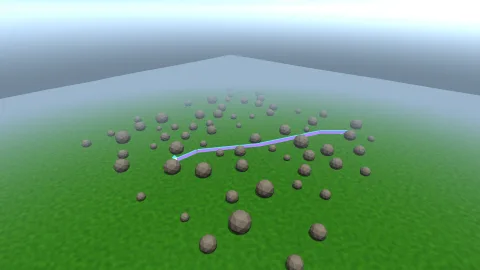

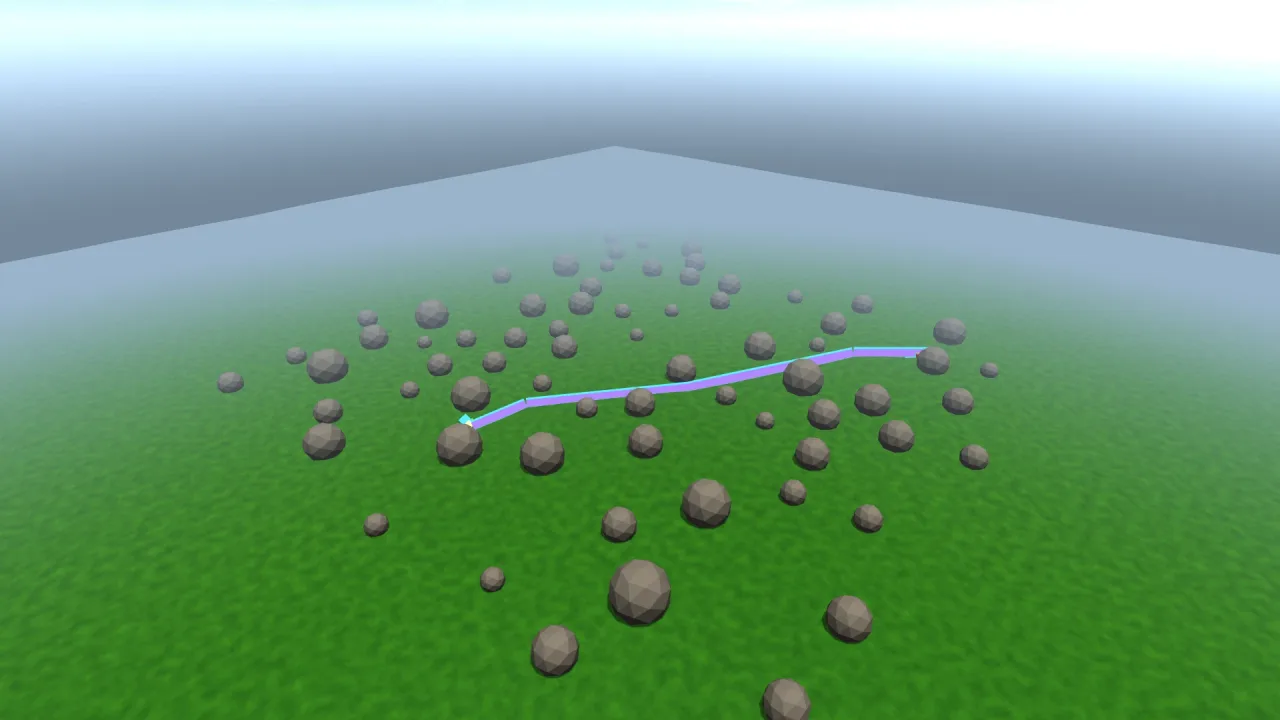
The pack
lines3d
function lines3d(opts: Lines3dOptions = {}): Pack<{ lines3d: Lines3dApi }>The lines-3d pack: polylines as objects in a 3D world, drawn at a constant width in screen pixels.
Requires a 3D world and render-3d. Headless it holds the lines and draws nothing.
Types
Line3d
interface Line3dA live line.
points: Array<LinePoint>— The points, in order — the array the game owns and rewrites. Assign a new one, or mutate it in place and the change is picked up the same frame; there is no "commit".set(flat: ReadonlyArray<number>): void— Replace the points from a flat[x, y, z, …]run, which is what most maths hands back.clear(): void— Drop every point, keeping the line itself.color: string— Colour, css. Live.width: number— Width in screen pixels. Live.alpha: number— Opacity. Live.closed: boolean— Join the ends. Live.visible: boolean— Draw it. Live.xray: boolean— Draw it through solids. Live.kill(): void— Remove it.readonly alive: boolean— False once killed.
LinePoint
interface LinePointA point in the world. Lines take these, or flat [x, y, z, x, y, z, …] — whichever the caller has.
x: number— World x.y: number— World y; y is up.z: number— World z.
Lines3dApi
interface Lines3dApigame.lines3d.
add(spec?: LineSpec): Line3d— A new line.segment(a: LinePoint, b: LinePoint, spec?: Omit<LineSpec, 'points'>): Line3d— A straight run between two points — the common case, and the one a debug ray wants.box(min: LinePoint, max: LinePoint, spec?: Omit<LineSpec, 'points' | 'closed'>): Line3d— The twelve edges of an axis-aligned box, as one line. Useful enough for bounds that it is built in.readonly all: ReadonlyArray<Line3d>— Every live line.enabled: boolean— Turn the whole pass off.readonly drawn: number— Segments drawn last frame.
Lines3dOptions
interface Lines3dOptionsOptions for the pack.
width?: number— Default width in pixels for lines that do not say. Default 2.color?: string— Default colour. Default'#5cf0ff'.enabled?: boolean— Start enabled. Default true.
LineSpec
interface LineSpecWhat a line looks like.
points?: ReadonlyArray<LinePoint> | ReadonlyArray<number>— The points, in order. A polyline of n points draws n−1 segments.color?: string— Colour, css. Default a bright cyan.width?: number— Width in SCREEN PIXELS, held constant at any distance. Default 2.alpha?: number— Opacity 0..1. Default 1.closed?: boolean— Join the last point back to the first. Default false.visible?: boolean— Draw it. Default true.xray?: boolean— Draw it THROUGH solids, as an x-ray. Default false — a line is depth-tested like everything else, so a route behind a hill is hidden by the hill. Turn it on for a debug ray or a selection edge that must be findable whatever is in front of it.