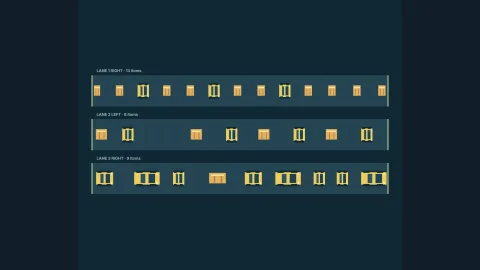

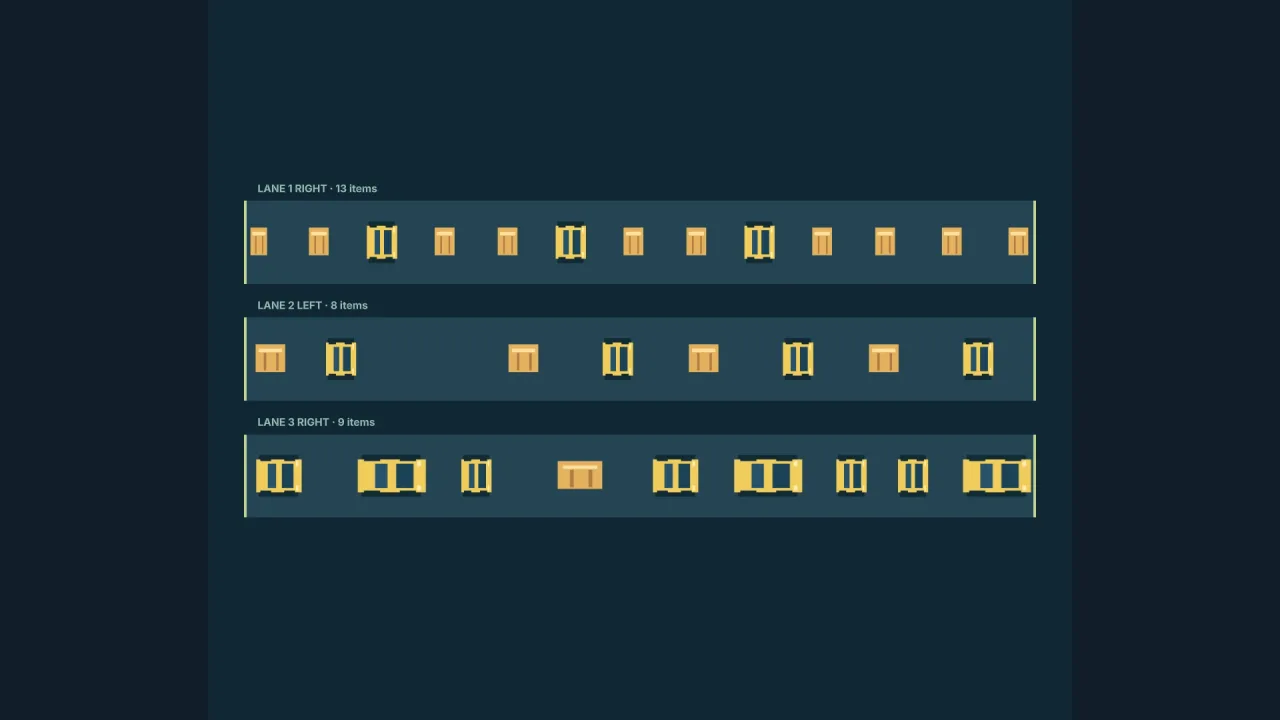
What it does
A field is a length and a list of lanes. Each lane has one signed speed, a minimum edge-to-edge gap, a boundary rule
and its starting items, and each item has an id, a kind, a position and a width. Because every item in a lane shares
its speed, spacing is exact and positions are predictable. The pack advances everything on a fixed 10 ms tick, so the
same field and the same time always give the same positions.
The boundary rule decides what happens at the ends. On a wrap lane an item leaving one end re-enters at the other,
the classic road and river. A despawn lane removes what leaves and counts it. On a stop lane the leading item
halts at the far edge and the rest queue behind it, a conveyor backing up. A non-wrapping lane can have a release
stream that tries to feed the next item of a pattern in every so many milliseconds, only when the entrance has room
and the lane is under its limit, so a full queue stops accepting items without building a backlog.
Questions are pure functions. laneSupports says whether a footprint lies wholly on an item, so the player can stand
on a log; laneOverlap says whether it touches one, so a car hits; both work across the wrap seam. Items can carry an
activity cycle of surface, warning, submerged and rising, and lanePhase reports where they are, leaving your game to
decide which phases hold the player up. For planners and AI, sampleWrappingLanes computes every item's position at
any time directly.
Features
- Three boundary rules — wrap, despawn and stop, per lane, in either direction.
- Exact spacing — a minimum gap per lane, checked when the field is authored.
- Release streams — timed patterns fed in at the entrance, limited and skipped when blocked.
- Activity cycles — items that surface, warn, submerge and rise on their own timings.
- Support and overlap queries — standing on an item or touching one, across the wrap seam.
- Undo, redo and saves —
createLaneControlkeeps a command timeline with JSON snapshots and safe restore. - Look-ahead —
sampleWrappingLanesgives any future position of a wrapping field without simulating it. - Endless rows —
createLaneWindowstreams a forward-only window of up to 32 rows built from their index. - Any presenter — lanes are one-dimensional data, so sprites, voxels, 3D or vectors can show them.
Good for
- Lane-crossing games in the style of Frogger, with road traffic, logs and diving turtles.
- Endless crossing games in the style of Crossy Road, with rows generated ahead of the player.
- Conveyor and production-line games, where items queue at a stop and new ones arrive on a timer.
- Queueing puzzles and traffic scenes, such as cars waiting at a barrier.
- Moving-platform levels made of rows of platforms on fixed speeds.
- Lanes of enemies that march in step and must be dodged or timed.
Make it yours
Everything is in the authored field: its length, up to 32 lanes, each lane's speed, gap, boundary and items, release patterns and limits, and every item's width, kind and cycle. Where the lanes sit on screen, in which order and at what scale is the presenter's choice, so the same field can be a top-down road, a side-on conveyor or a 3D river. The row window takes how many rows to keep behind and ahead, and a generator that turns a row index into your own row data and an optional lane.
Two very different uses: a fixed screen of five road lanes and five river lanes that wrap, with turtle groups on a four-second cycle; and a factory belt that stops at a packing station, with crates and barrels released every 900 ms until twelve are waiting.
A quick look
A field advanced every frame, and the questions a crossing game asks:
const lanes = game.laneControl.createLaneControl(field);
game.step('lanes', dt => { lanes.apply({ kind: 'advance', seconds: dt }); });
const log = lanes.state.items['river-1']!.find(i => game.laneControl.laneSupports(i, frog.x, 0.4, 16));
if (!log) drown();
if (lanes.state.items['road-1']!.some(car => game.laneControl.laneOverlap(car, frog.x, 0.4, 16))) squash();
const phase = game.laneControl.lanePhase(turtle, lanes.state.time);   // 'surface' | 'warning' | 'submerged' | 'rising'
Works with
frogger— the full lane-crossing rules, built on this pack.crossy-road— endless crossing, using its spacing and support queries.steeringandvehicle-handling— for things that steer, accelerate or overtake.track— for routes that curve or fork.
Good to know
- One speed per lane: no acceleration, overtaking or per-item speed, and collisions between lanes are your game's.
- Lanes are straight and one-dimensional; curves and forks are
track. - Time moves in 10 ms ticks, and a single advance is between 1 ms and 60 seconds.
- A release blocked at its moment is skipped, so a congested lane releases fewer items than its timer implies.
- The row window holds at most 32 rows and only moves forward, so your game stops the player walking back into retired rows.