
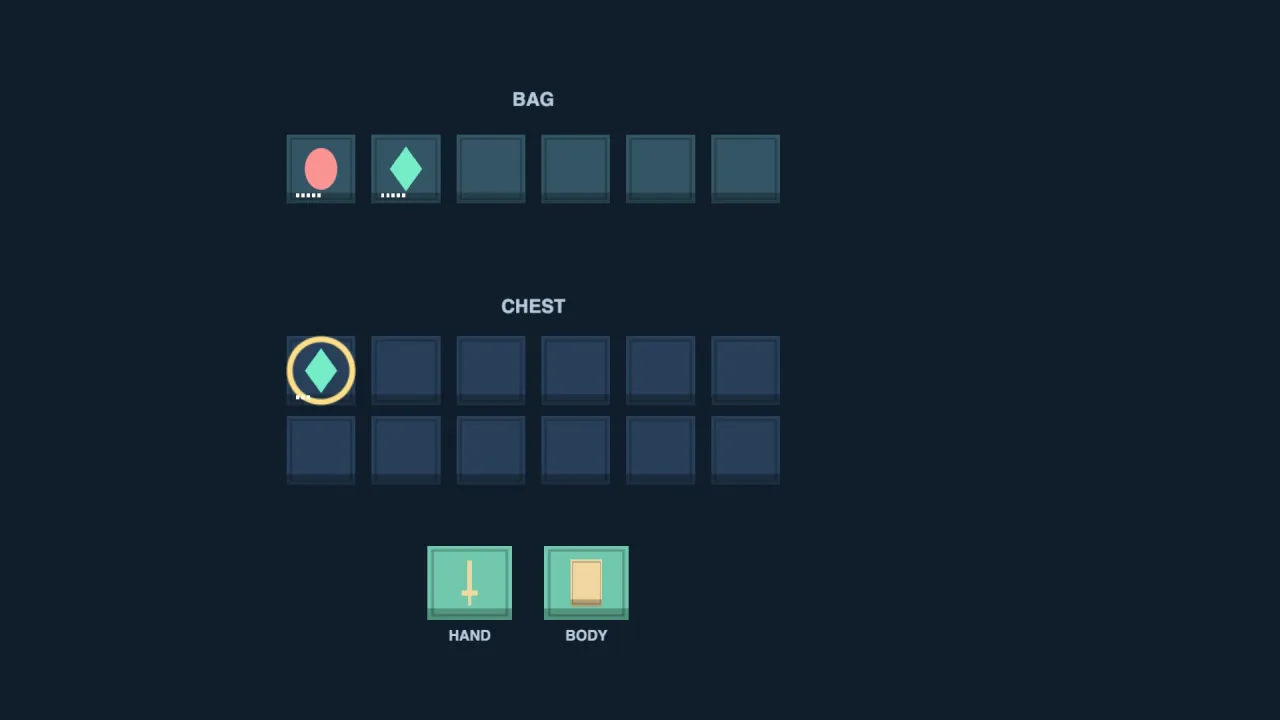
What it does
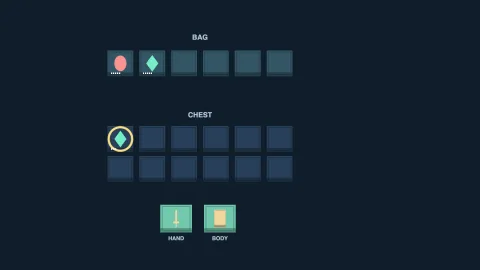
You describe your items and containers as data. An item has a stack limit, a weight, the equipment slots it can go
into, a price and free tags for your own filters. A container, a bag, a chest or a shop shelf, has a number of slots
and a weight limit. createInventory takes those definitions, the equipment slots and the opening credits.
Every change goes through transact, a list of operations: add, remove, transfer between containers, equip, unequip
and credits. They are applied in order to a copy, then the result is checked for slots, weight and equipment, and only
then committed. If anything fails, nothing changes and you get the reason, such as "Not enough items" or "too heavy",
to show the player. Pass preview to see the proposed state without committing it, for a shop that greys out what
the player cannot afford or carry.
The common cases are built on that. buy deducts the price and adds the items in one transaction. Equipping a
replacement returns the old item to the same container in the same step, and unequipping fails cleanly if the item
will not fit. Stacks fill before a new slot is used, and equipped items sit outside a container's slots and weight.
Features
- Stacks and slots — items fill existing stacks up to their limit before taking another slot.
- Weight limits — each container has a maximum total weight, checked on every change.
- Equipment swaps — items equip only into the slots they list, and a swap returns the old item atomically.
- Atomic transactions — any mix of adds, removes, transfers, equips and credit changes commits together or not at all, with a reason on failure and a preview mode.
- Credits and buying — a whole-number balance that cannot go negative, and a one-call purchase.
- Validated snapshots —
snapshotandrestore, with restore checking capacities, weights, counts and equipment against the definitions.
Good for
- RPG bags and equipment with weight limits and hand, head or body slots.
- Shops that check price, room and weight before a sale, and show why a purchase is refused.
- Survival and base-building games that move resources between a backpack and a chest.
- Loot screens that transfer several items at once and must not lose any on a failure.
- Server-side or headless checks, since the rules need no renderer, browser or other pack.
Make it yours
The items, containers, equipment slots and starting credits are all your data, and the weight units are whatever your
game uses. Two very different inventories: a fantasy adventurer with a six-slot bag limited to 14 weight, a hand slot
and a shop that sells a sword for 25 credits; or a space trader whose hold is a container of a hundred slots of
stackable cargo with no equipment at all, moving goods between ship and station with transfer.
A quick look
An inventory with one item, a bag and a hand slot, a purchase, and an equip:
import { createInventory } from '@phaser-ae/inventory';
const bag = createInventory([
  { id: 'sword', name: 'Sword', maxStack: 1, weight: 3, slots: ['hand'], price: 25, tags: ['weapon'] },
], [{ id: 'bag', capacity: 6, maxWeight: 14 }], ['hand'], 100);
bag.buy('sword', 'bag');
bag.transact([{ kind: 'equip', container: 'bag', item: 'sword', slot: 'hand' }]);
Works with
save— persists the snapshots between sessions.
Good to know
- Items are interchangeable stacks identified by their definition id: unique rolled items with their own affixes are not modelled.
- There are no nested bags, crafting recipes or trading servers.
- There is a
buybut no matching sell; selling is a transaction you write from a remove and a credits operation. - Equipped items do not count toward a container's weight.
- Local saves are not a tamper-resistant economy.