
The pack
forest3d
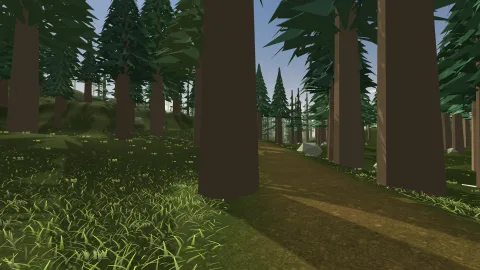
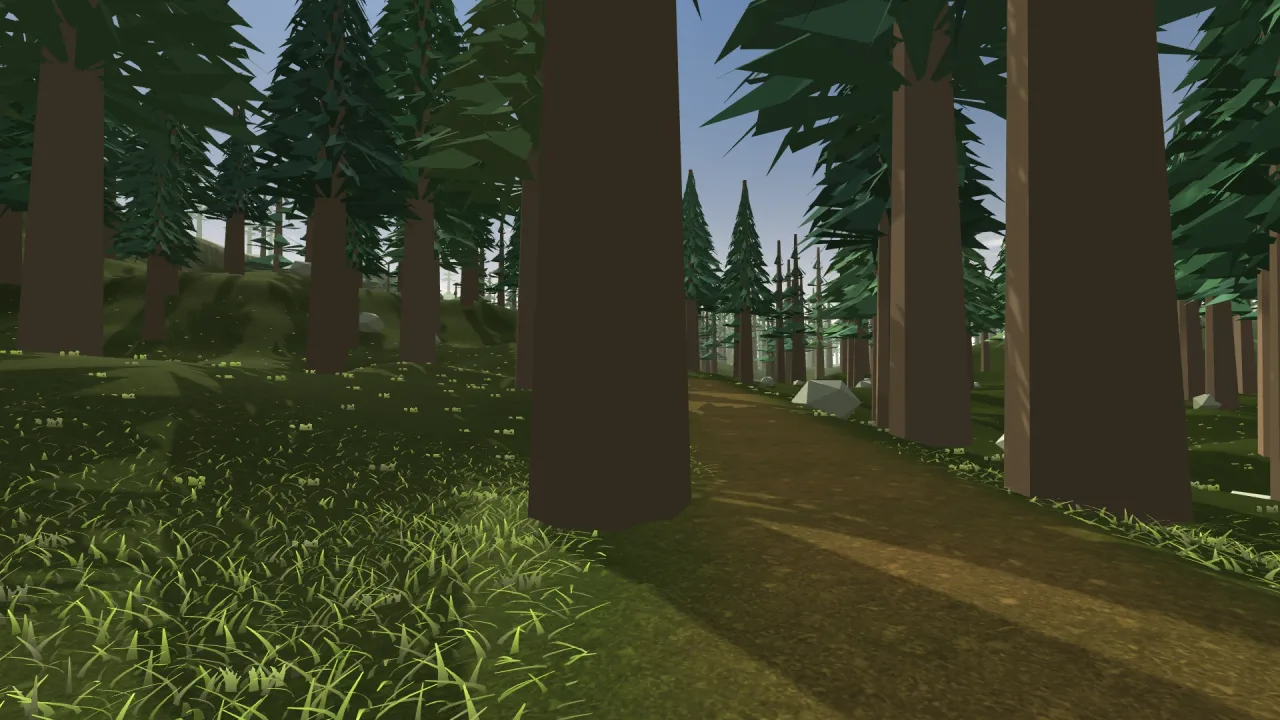
function forest3d(options: Forest3dOptions = {}): Pack<{ forest: Forest3dApi }>The forest pack: game.forest. Compose it after render-3d, whose static batches it plants into.
Helpers
forestMeshes
const forestMeshes: readonly ["trunk", "conifer", "broadleaf", "bush", "palm-trunk", "fronds"]The built-in meshes.
forestSpecies
const forestSpecies: Record<'pine' | 'fir' | 'oak' | 'birch' | 'palm' | 'bush', ForestSpecies>The built-in species.
plantForest
function plantForest(species: readonly ForestSpecies[], layout: ForestLayout = {}): ForestTree[]Plant species over a layout. Deterministic for a seed; a site a mask rejects never moves another tree.
treeMesh
function treeMesh(mesh: ForestMesh, detail: ForestDetail): Float32ArrayVertices of a built-in mesh: 8 floats each (position, normal, uv).
validateForest
function validateForest(options: Omit<ForestBuildOptions, 'groundAt'> & { groundAt?: unknown }, meshes: readonly string[] = []): string[]Check a planting's options. Empty when it can be planted. meshes are the mesh names known besides the built-ins.
Constants
FOREST_CANDIDATES
const FOREST_CANDIDATES: 200000The candidate sites a planting may consider at most.
Types
Forest3dApi
interface Forest3dApiWhat game.forest presents.
build(options: ForestBuildOptions): void— Plant a forest, replacing the one there was. Throws, with every fault, on options it refuses.clear(): void— Remove the forest.readonly trees: number— Trees planted.readonly visible: number— Trees inside the draw distance, before the GPU's frustum culling.readonly near: number— Of those, the trees drawn with the detailed meshes.readonly species: readonly string[]— The species of the forest, by id.countOf(species: string): number— Trees of one species.readonly planted: readonly ForestTree[]— The trees, read-only: where each is, its height and species.quality: 'low' | 'high'— The detail policy, live.
Forest3dOptions
interface Forest3dOptionsThe pack's defaults, which every build starts from.
detailDistance?: number— Detailed meshes inside this distance of the camera. Default 85.drawDistance?: number— Nothing is drawn past this distance; fog should hide the edge. Default 400.quality?: 'low' | 'high'—'low'uses the simple meshes everywhere, for a retro or overhead view. Default'high'.
ForestBuildOptions
interface ForestBuildOptions extends ForestLayout, Forest3dOptionsA planting: the layout, the species, and the ground.
groundAt: (x: number, z: number) => number— The ground's height at a point.species?: ForestSpecies[]— The species. Default pine and fir.size?: number— Shorthand for a square extent on the origin, whenextentis not given. Default 600.scale?: number— Scales every species' heights. Default 1.
ForestDetail
type ForestDetail = 'high' | 'low'A level of detail: 'high' near the camera, 'low' far from it.
ForestLayout
interface ForestLayoutWhere trees may go: the area, how far apart, and how loosely.
extent?: { x?: number; z?: number; width: number; depth: number }— The area: its centre and size. Default a 600-unit square on the origin.spacing?: number— The lattice cell size. Default 9.jitter?: number— How far a tree may stray within its cell, 0 (in rows, an orchard) to 1. Default 0.64.seed?: number— The seed. Default 7.densityAt?: (x: number, z: number) => number— A weight from 0 to 1 at a point: masks, paths, water, slope, clearings. Default 1 everywhere.
ForestMesh
type ForestMesh = typeof forestMeshes[number]A built-in mesh's name.
ForestPart
interface ForestPartOne part of a tree: a mesh, its colours, and where it sits.
mesh: string— A built-in mesh (forestMeshes), or the name of a mesh registered with world-3d (registerMesh3d).colors: string[]— Colours; each tree picks one.y?: number— The height of the part's centre, as a fraction of the tree's height. Default 0.5.x?: number— Its centre's offset across, as a fraction of the tree's height, turned with the tree. Default 0.size?: [number, number, number]— Its size[width, height, depth]as fractions of the tree's height. Default[1, 1, 1].
ForestSpecies
interface ForestSpeciesA species of tree (or bush, or palm).
id: string— Its name, unique in a forest.height: [number, number]— The range of heights, world units.parts: ForestPart[]— What each tree is made of.weight?: number— How common against the others. Default 1.where?: (x: number, z: number) => number— Where it grows: a weight from 0 to 1 at a point, on top ofweight. Default everywhere.
ForestTree
interface ForestTreeA planted tree: where, how big, which way it turns, which species, and a stable random for its colours.
x: number— World X of the trunk base, in world units.z: number— World Z of the trunk base, in world units.height: number— Tree height in world units, picked from the species' height range.yaw: number— Turn about the vertical axis, in radians from 0 to 2π.species: number— Index into the species array passed toplantForest.tone: number— A stable random from 0 to 1 that picks this tree's colour from its part's colour list.