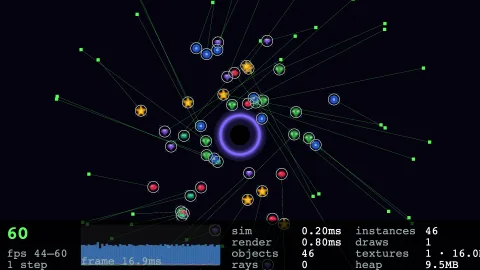

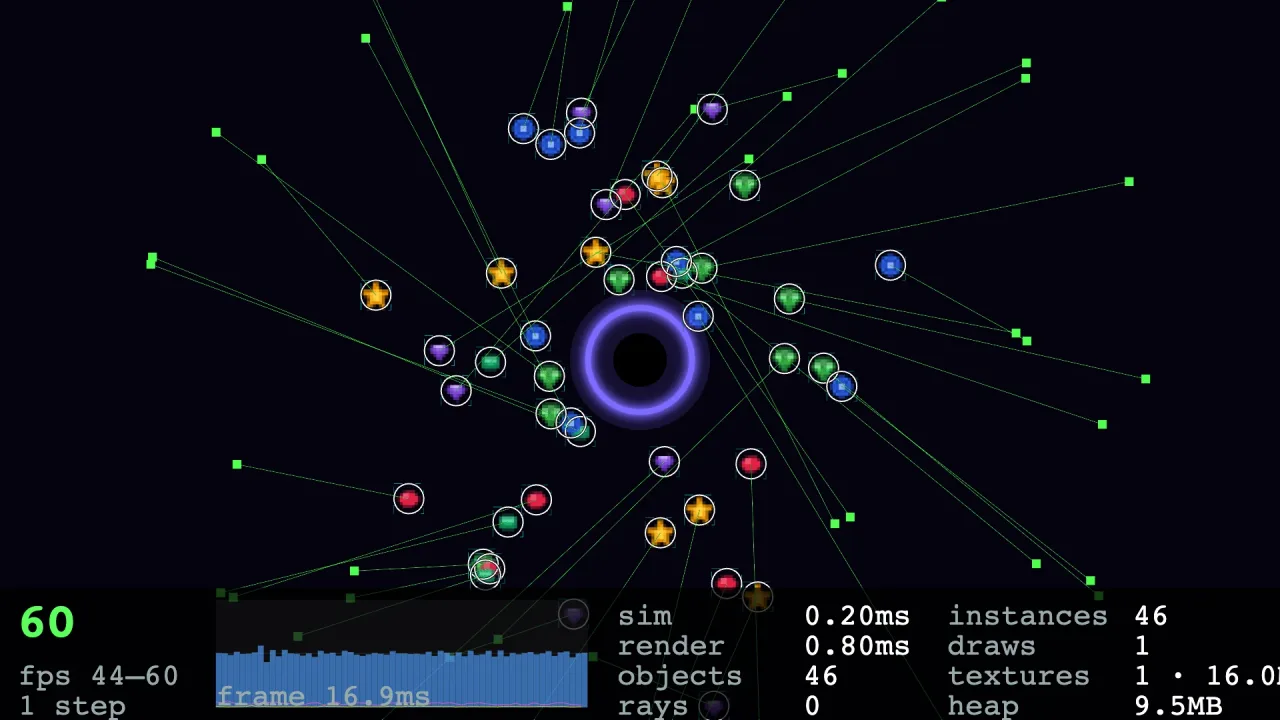
What it does
You call game.debug.show with what you want to see, and the overlay draws it for every object in the scene: the
rendered quad, interpolated, rotated and scaled; the physics outline of a body, or the collision box or circle of an
object without one; the sides a body is touching this step; a velocity arrow a quarter of a second long; and every
raycast made this frame, with a dot where it hit. A profiler bar runs along the bottom. Objects carry no debug state:
the overlay reads the scene and whatever collision or physics data each object has, and the config is undone when the
scene exits.
Everything is painted onto one canvas of its own and composited over the finished frame, after the screen-space sprites. Nothing enters the display list, because that is the thing being debugged, and an overlay drawn between the sprites would change the order it is meant to show. The profiler bar gives frames per second with its range, a graph of the last 120 frame times against the 60 Hz line, simulate and render time, steps, objects and rays, and the renderer's instances, draw calls, textures and texture memory, with the JavaScript heap where the browser reports it.
The same numbers are exposed as data, so a page can build its own debug panel: inspect for the frame in numbers,
objects for every live object, object for one in full, set to change a field while the game runs, and pause,
resume and step to walk through frames. snapshot returns the overlay as text, one line per object, so a headless
test can assert on what a person would see, and a person can paste it instead of a screenshot.
Features
- One scene-wide config —
show,hideandconfig; no flags on sprites, and the previous state returns when the scene exits. - Bounds and hitboxes — rendered quads, physics outlines (circles and convex polygons) or collision boxes and circles, with static bodies in their own colour.
- Touching sides and velocity — thick edges on the sides a body is blocked on, and an arrow for its travel.
- Every raycast — the casts from
collisionandphysics-2dthis frame, drawn to their reach with the hit point marked. - A profiler bar — fps with min and max, a 120-frame timing graph, simulate and render time, draw calls, instances, textures and heap.
- Filters —
onlyandexcludeby tag or id prefix; objects a pack spawned, such as text glyphs, are skipped unlessownedis on, but physics bodies always show. - Keys — a
toggleKeyto flip the overlay and apauseKeyto pause and resume the clock. - A data surface —
inspect,objects,object,set,pause,resumeandstepfor a panel of your own. - The overlay as text —
snapshotfor headless tests and bug reports. - Nothing shipped — a pack, not a renderer feature, so leaving it out of the manifest leaves it out of the build.
Good for
- Platformers — which side the player is touching, where a tilemap's collision really is, and why a jump catches on a corner.
- Physics games — circle and polygon outlines, static bodies, and velocity arrows on everything that moves.
- Shooters and stealth games — every line-of-sight and bullet ray, and where it stopped.
- Performance work — frame, simulate and render time, draw calls, texture memory and heap, with history from the moment the overlay is shown.
- Headless tests — assert on the
snapshottext rather than on pixels. - In-house tools — a debug panel or live editor built on
inspect,objectandset, with pause and frame step.
Make it yours
The pack has no manifest options; everything is the show config. By default bounds, hitboxes, touching sides,
velocity, rays and the profiler are on, and ids, the stats panel and pack-owned objects are off. Turn any of them on or
off, narrow the overlay with only or exclude, and add keys to toggle it and to pause the clock. A backend or a test
bed can add its own lines to the stats panel with report.
Three quite different uses: the full overlay on a maze game with the walls and dots excluded and F1 to flip it; a
focused view of a fight with bounds off, ids on and only the player and enemies drawn; and no overlay at all, just a
panel on the page that polls inspect, lists objects, pauses and steps ten frames, and edits a body's velocity with
set.
A quick look
Switching it on, narrowing it, and stepping through frames:
game.debug.show({ exclude: ['wall', 'dot'], toggleKey: 'F1' });   // everything on, walls and dots left out
game.debug.show({ bounds: false, ids: true, only: ['player', 'enemy'] });
game.debug.snapshot();   // the overlay as text: one line per object, then the stats
game.debug.pause(); game.debug.step(10); game.debug.resume();
game.debug.set('pac-1', 'body.vx', 0);   // throws on an unknown object or path
Works with
collisionandphysics-2d— their shapes, bodies and rays are what it draws, read without importing either.render-auto— the overlay is composited over the WebGPU or WebGL2 frame; headless it still gathers, so the text snapshot and the numbers stay current.core-2d— the 2D world it needs.
Good to know
- It is 2D only.
- It is painted on a CPU canvas every frame, so with thousands of objects the overlay itself costs frame time; use
onlyorexclude. setwrites whatever you give it, unchecked, and an object's pack data is listed only forbody,collide,grid,fsm,lightandanim.- Rays are drawn in world coordinates, so a ray cast in screen space is shown as if it were in the world.
- The profiler's timings are wall-clock and never feed the simulation.