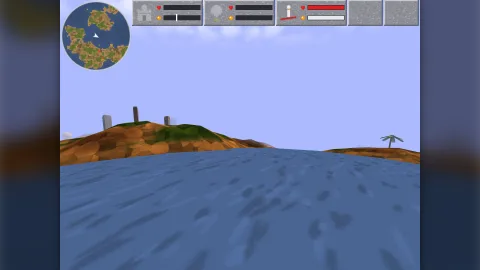

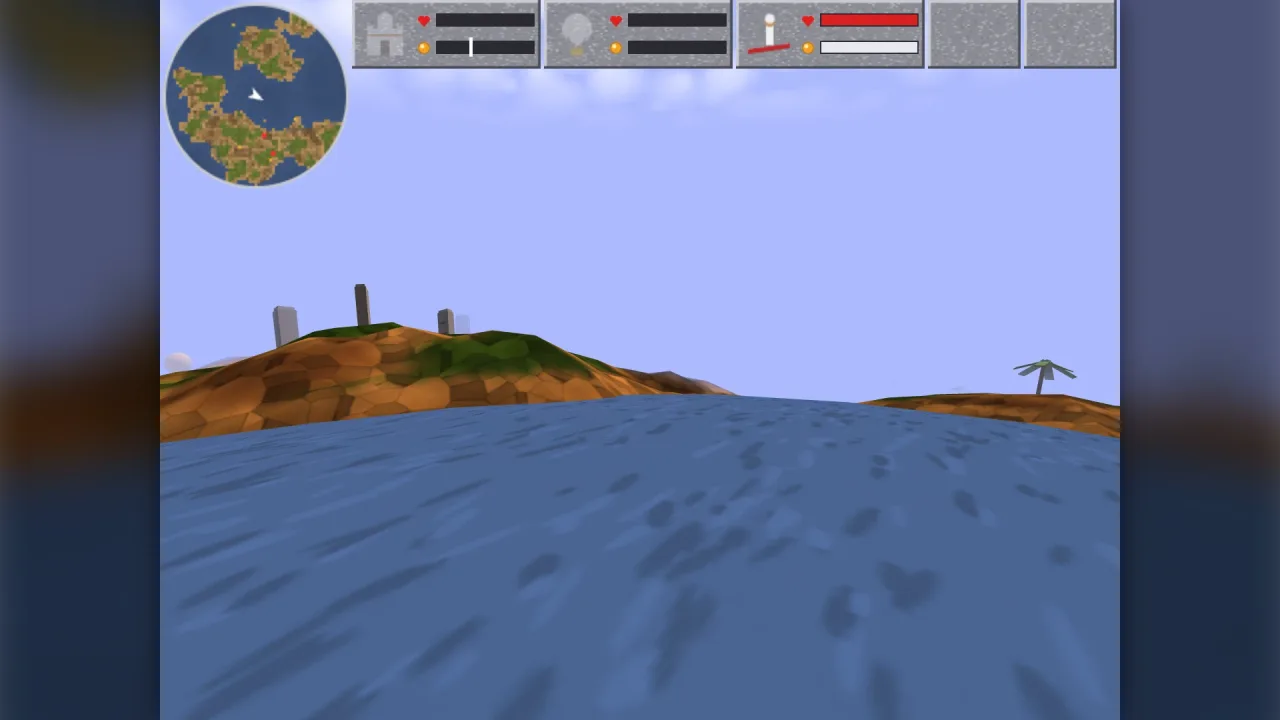
The pack
cruiseFlight
function cruiseFlight(): Pack<{ cruiseFlight: typeof api }>Install the cruise-flight API (game.cruiseFlight).
Helpers
fly
function fly(f: Flyer, c: FlightCommand, ctl: FlightControl, def: FlightDef, land: CruiseGround, dt: number, speedScale = 1): voidAdvance a carpet one step. speedScale multiplies the top speed (the Accelerate spell); dt is seconds.
groundSpeed
function groundSpeed(f: Flyer): numberHorizontal speed (world units/s).
lookVector
function lookVector(yaw: number, pitch: number): { x: number; y: number; z: number }The unit vector a heading and pitch look along: the kernel's forward, so the carpet flies where the camera looks.
Types
CruiseGround
interface CruiseGroundWhat flight asks of the ground: its height under a point (land or sea, whichever is higher) and the wrap. A
torus-land Land answers both; so does any heightfield with a wrap function.
groundAt(x: number, z: number): number— The height to stay above at (x, z): the land, or the sea over it.wrap(v: number): number— Fold a coordinate onto the world (identity on a world that does not wrap).
FlightCommand
interface FlightCommandThe carpet's commanded motion (part of a wizard's state).
cruise: number— Cruise, -1..1 of top speed.slide: number— Sideways velocity (world units/s).turnRate: number— The turn rate this step (radians/s), for banking.
FlightControl
interface FlightControlWhat the rider does this step.
thrust: number— Held forward (+1) or back (-1): moves the cruise.strafe: number— Held slide right (+1) or left (-1).turn: number— Requested turn this step (radians).pitch: number— Requested absolute aim pitch (radians).stop?: boolean— Zero the cruise.tap?: number— A press of forward (+1) or back (-1): steps the cruise bytap.
FlightDef
interface FlightDefCruise flight (all distances world units, times seconds). Magic Carpet's numbers are mana-conquest's magicCarpetFlight.
speed: number— Top cruising speed.speedStep: number— How fast held forward/back moves the cruise speed (per second); the cruise holds when the key is released.tap: number— One press of forward/back moves the cruise this fraction of top speed (the original's one tick held).reverse: number— Backward top speed as a fraction ofspeed.strafe: number— Sideways slide speed while a strafe key is held.strafeDecay: number— How fast a released slide decays (units/s per second).turnRate: number— Fastest turn (radians/s).pitchMax: number— Furthest the rider can look up or down (radians).climbFull: number— Climbing by looking up is fully effective below this height over the ground...ceiling: number— ...and fades to nothing at this height over the ground (the soft ceiling).sink: number— Above the ceiling the carpet sinks at this rate.clearance: number— Lowest the carpet flies over land or sea.eye: number— The rider's eye above the carpet.boost: number— Accelerate spell: speed multiplier while held...boostAfter: number— ...and after release, until the cruise is changed.viewPitch: number— The view pitch as a fraction of the aim pitch (the original drew half).bank: number— Bank into turns: radians of camera roll per radian/s of turn.
Flyer
interface FlyerA carpet's motion state (plain data, snapshotted with the game).
x: number— World x; wraps on the torus, within -size/2 to size/2.y: number— World y, up, in world units; never below the ground plus the flightclearance.z: number— World z; wraps on the torus, within -size/2 to size/2.vx: number— Velocity along x in world units per second, from the last step.vy: number— Velocity along y (up) in world units per second, from the last step.vz: number— Velocity along z in world units per second, from the last step.yaw: number— Heading, radians, the engine's 3D camera convention: 0 looks along +z and increasing it turns right.pitch: number— Aim pitch, radians, the camera convention: positive looks down.